
Video conferencing for remote and hybrid work
Cisco • HP Poly • Neat • Logitech • Jabra • Yealink
Individual workstations – whether in the office or at home – require reliable and easy-to-use video conferencing solutions. In a hybrid work environment, the quality of meetings conducted from a laptop or personal workspace has a direct impact on communication and collaboration across the entire team.
A video conferencing setup for an individual workstation should provide:
✅ clear video in different lighting conditions
✅ natural audio with effective noise and echo reduction
✅ quick plug-and-play setup
✅ compatibility with Microsoft Teams, Zoom, and Webex
At Nomacom AV, we select video conferencing solutions for remote and hybrid work that enable users to conduct professional online meetings without requiring the advanced AV infrastructure of a dedicated meeting room.
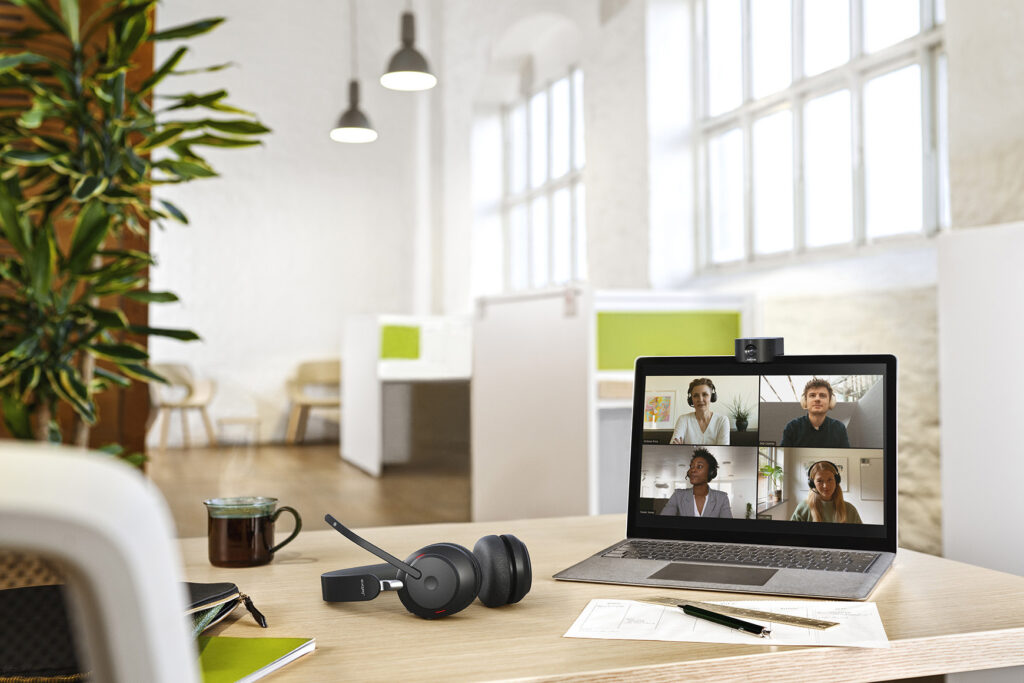
Which video conferencing solution is best for individual work?
For remote work or an individual office workstation, the quality of video and audio captured at close range is particularly important.
🔵 Personal camera + directional microphone
A recommended setup may include:
✔️ Full HD or 4K USB camera
✔️ directional microphone
✔️ headset or compact speakerphone
✔️ device management software
This setup provides:
✅ clear and professional video
✅ effective reduction of background noise
✅ comfortable, distraction-free communication
✅ a professional presence during online meetings
🔵 Personal video collaboration devices
or users who regularly work in a hybrid model, dedicated personal collaboration solutions may be a better choice, including:
✔️ personal collaboration devices
✔️ compact desktop video bars
✔️ integrated video conferencing displays
These solutions can provide:
✅ automatic user framing
✅ AI-powered noise reduction
✅ quick and intuitive meeting access
✅ integration with Microsoft Teams and Zoom
⚠️ Relying solely on a laptop’s built-in camera and microphone may result in lower video and audio quality, which can affect both communication comfort and the professional experience of clients and business partners during online meetings.
Examples
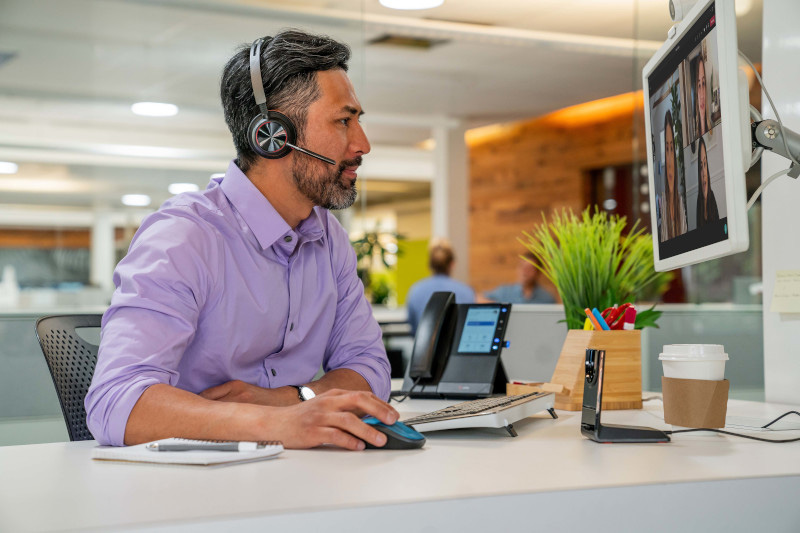
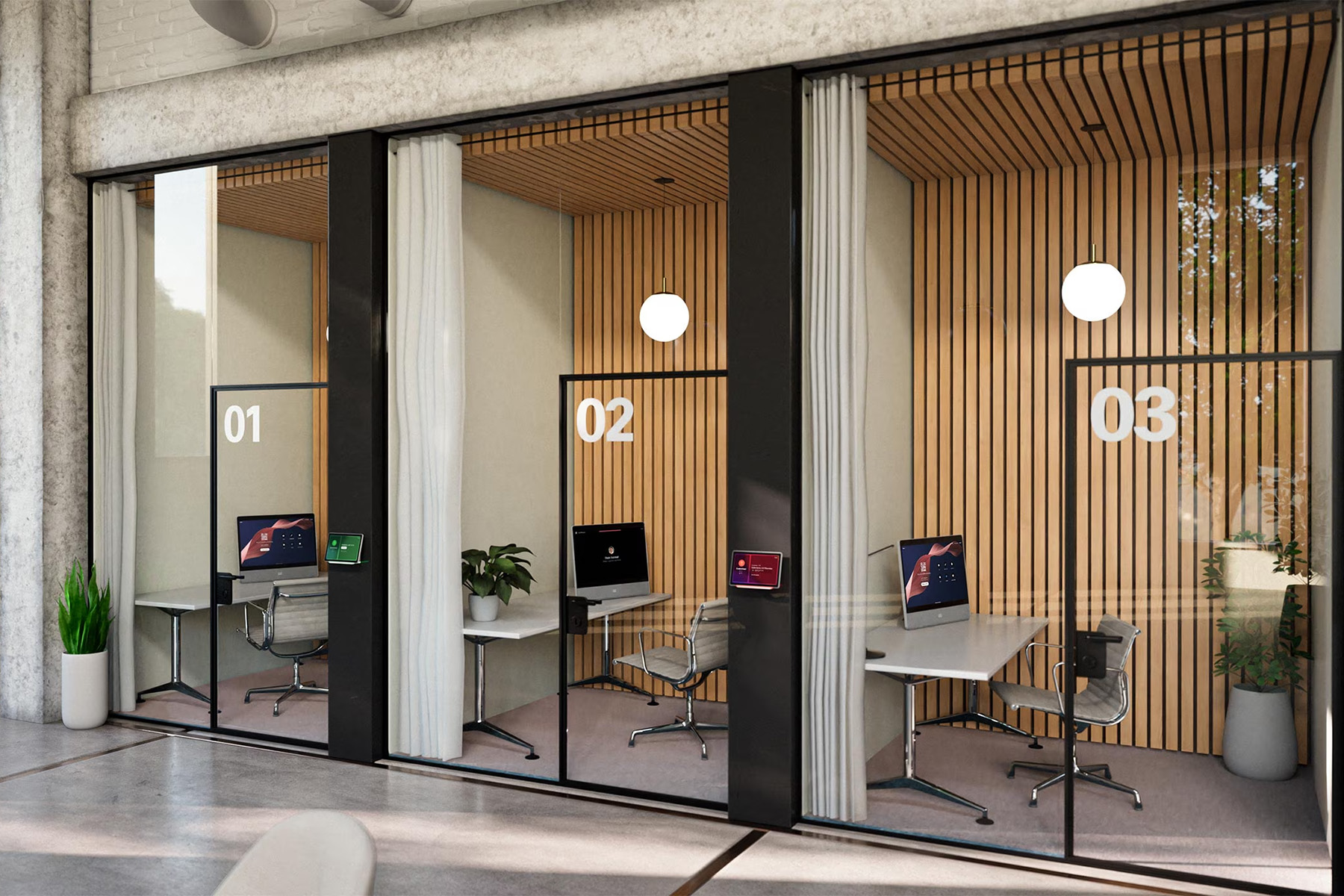

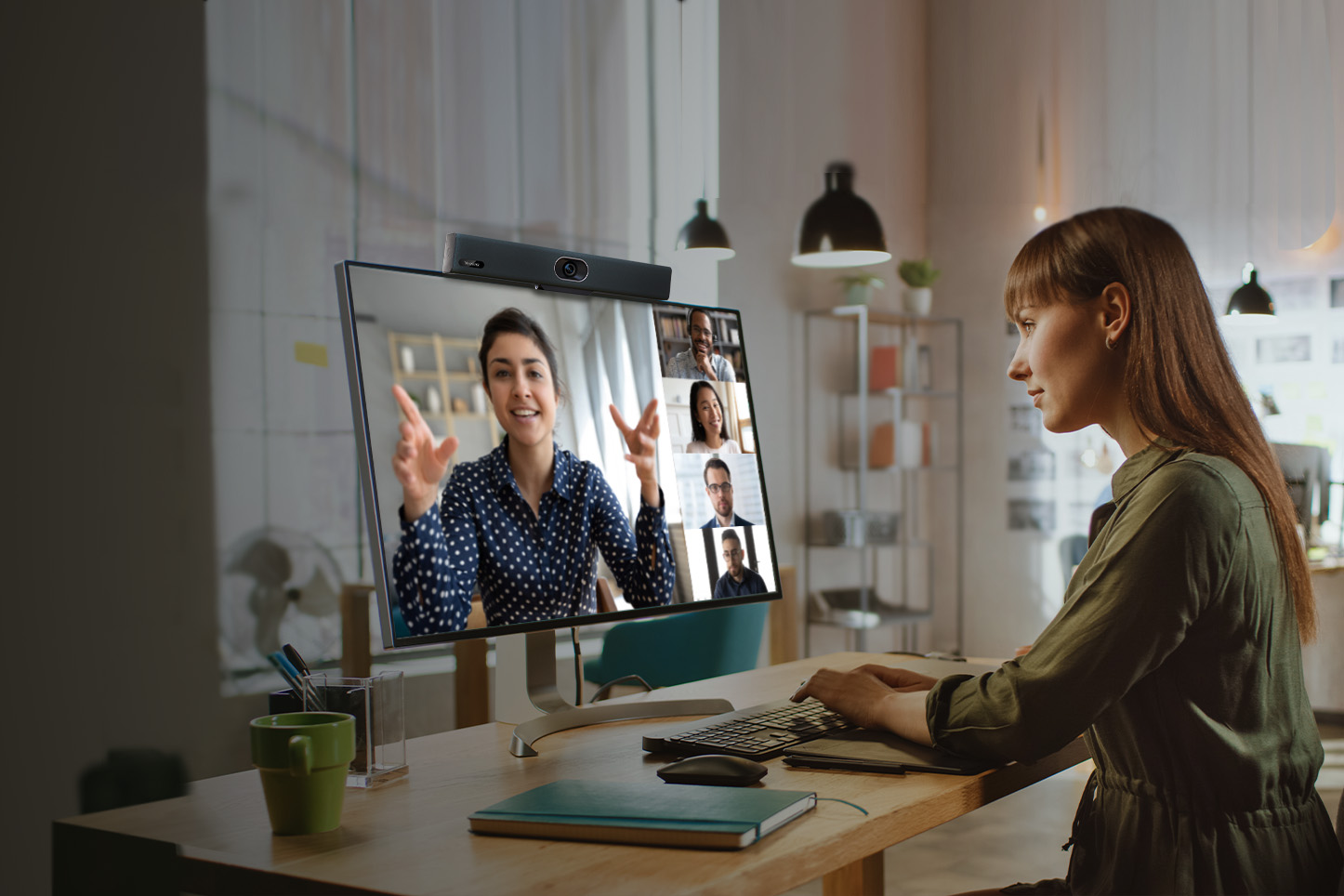
Why do home office workstations need a dedicated video conferencing setup?
Unlike dedicated meeting rooms, individual workspaces are often located in environments that were not specifically designed for video conferencing.
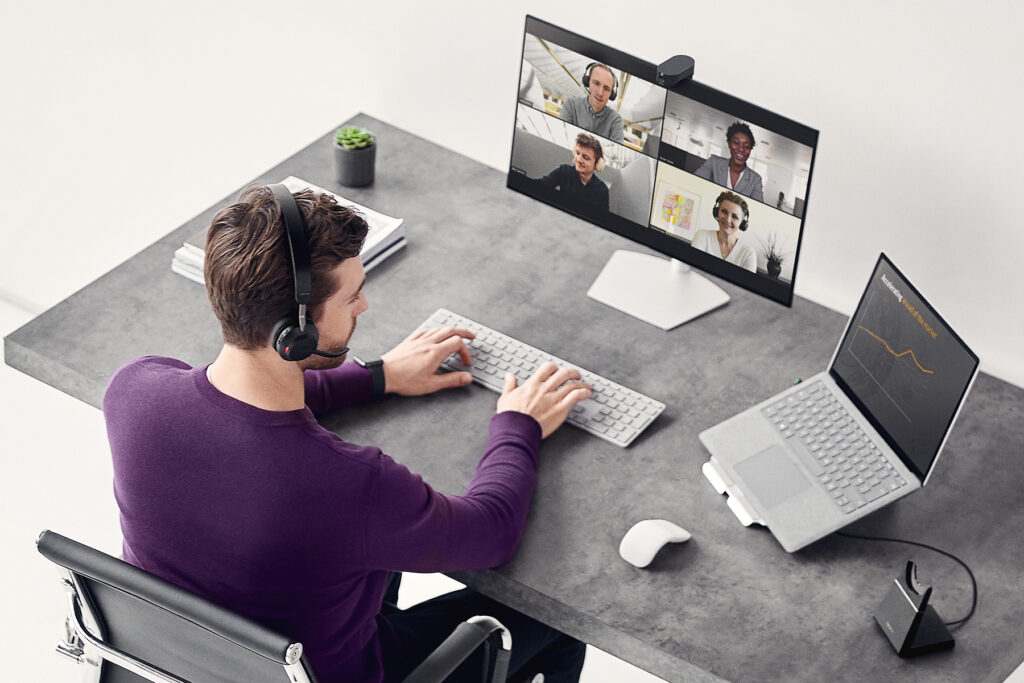
A home office or open-plan workspace may present challenges such as:
⚠️ echo caused by hard surfaces
⚠️ background noise from conversations, ventilation, or keyboards
⚠️ uneven lighting on the user’s face
⚠️ poor camera positioning
A dedicated video conferencing setup for remote and hybrid work can provide:
✅ clear voice capture even in noisy environments
✅ natural-looking video in different lighting conditions
✅ consistent video quality during client meetings
✅ a more comfortable hybrid work experience
As a result, online meetings can run more smoothly while users maintain a professional presence regardless of where they are working from.
Video conferencing setup selection with Nomacom AV
For home office workstations and hot-desking environments, selecting the right video conferencing solution should take into account:
✅ how online meetings are conducted
✅ background noise levels
✅ workspace lighting conditions
✅ the communication platform being used
Based on these factors, we recommend a setup that provides clear video and audio, intuitive operation, and a consistent meeting experience – whether the user is working from home or from an individual workstation in the office.
👉 Contact us – we’ll help you select the right video conferencing solution for your workspace.