
Focus Rooms (1–2 People)
Jabra • Logitech • Yealink • Cisco • Neat • HP Poly
Focus Rooms are compact spaces designed for individual work or meetings for one or two people. They are commonly used for client calls, online meetings, focused work, and presentations without the distractions of an open-plan office.
Because space is limited, choosing compact video conferencing solutions is essential. The right setup provides high-quality video and audio without taking up valuable desk or wall space.
At Nomacom AV, we select and deploy video conferencing solutions for Focus Rooms with user comfort and simplicity in mind. We make sure the system is easy to operate and ready for everyday meetings without requiring users to configure equipment before every call.
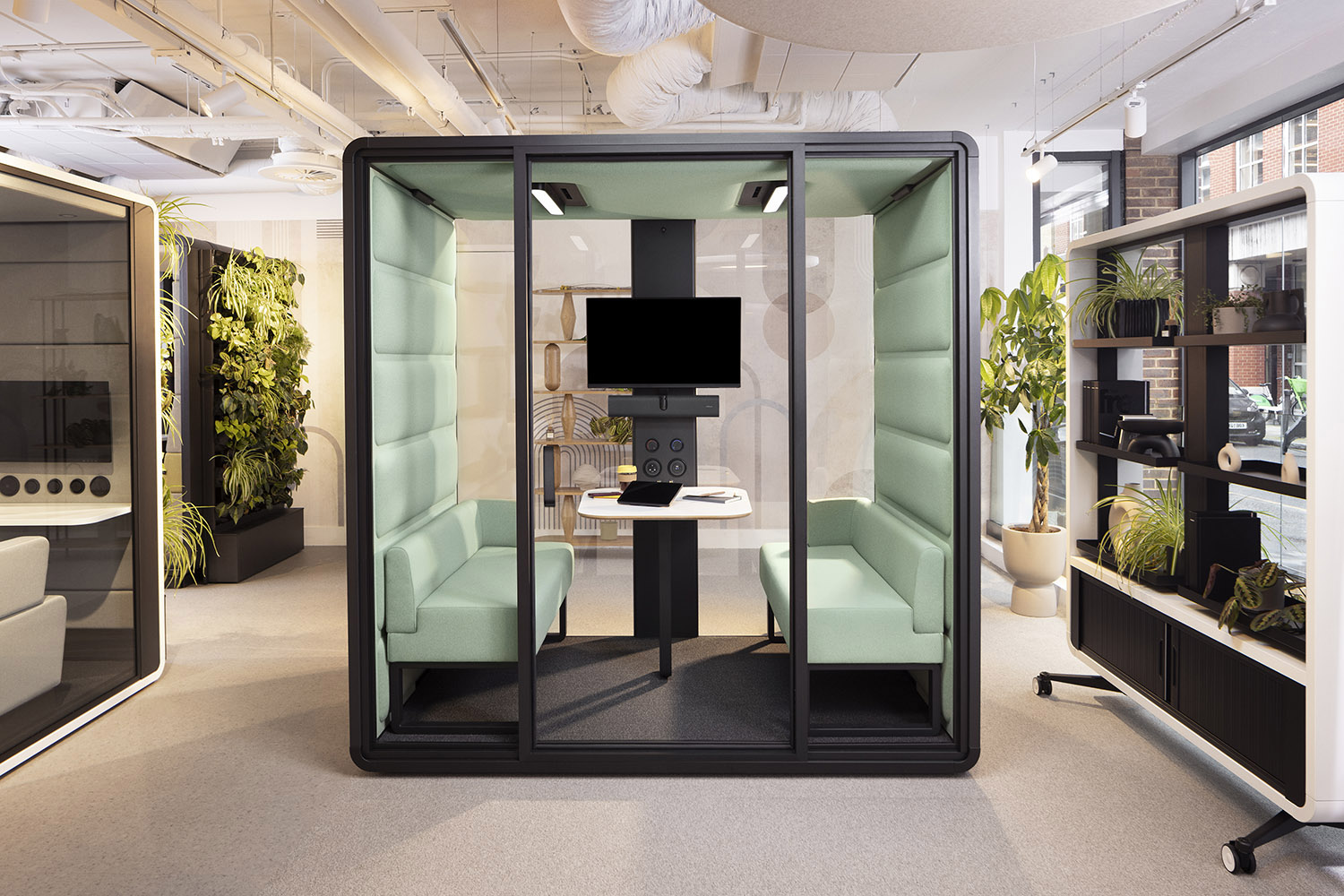
We work with leading manufacturers:
Logitech • Jabra • Yealink • Cisco • Neat • HP Poly
Compact Video Bars • 180° Cameras • Plug & Play • BYOD
Which video conferencing solution is best for a Focus Room?
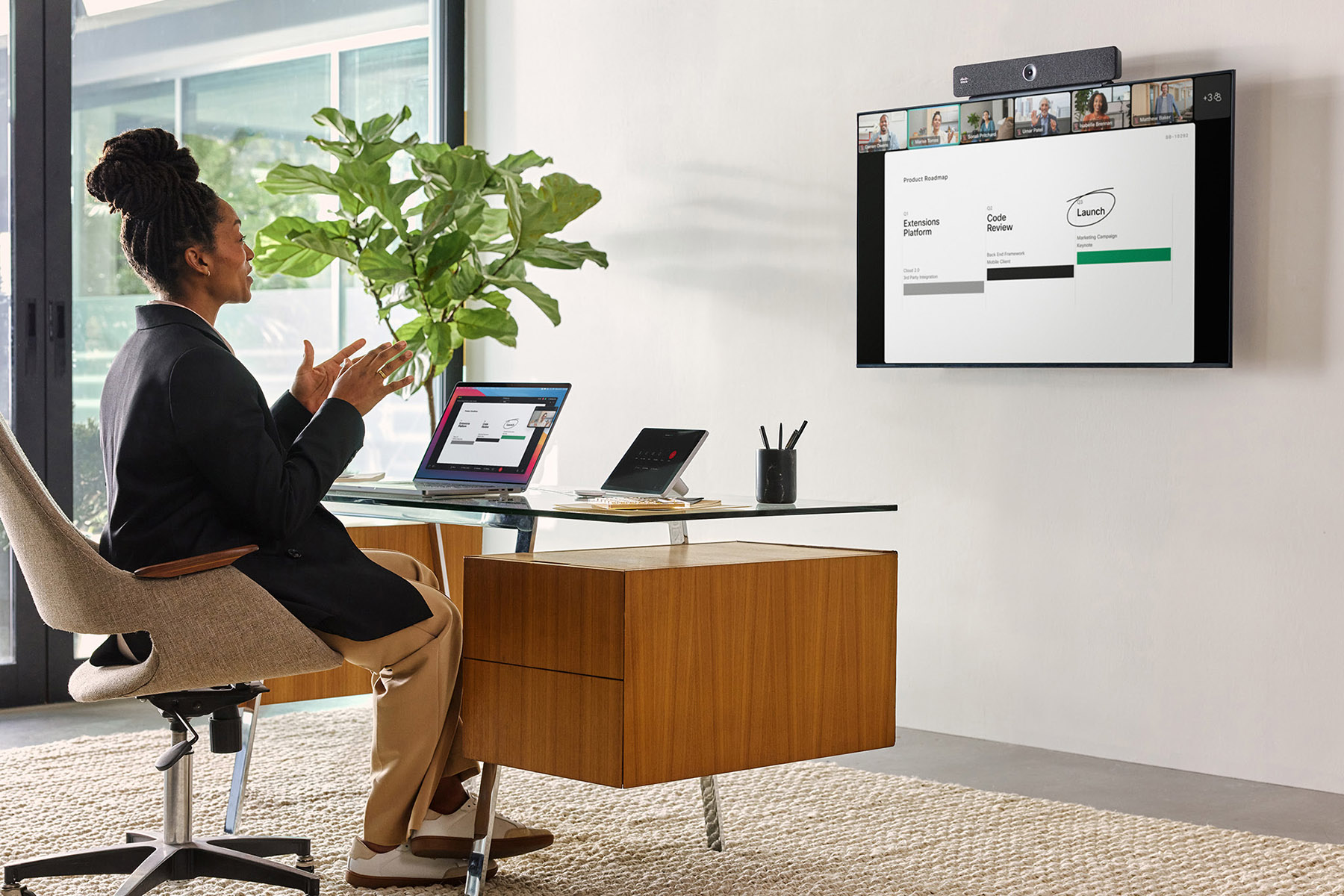
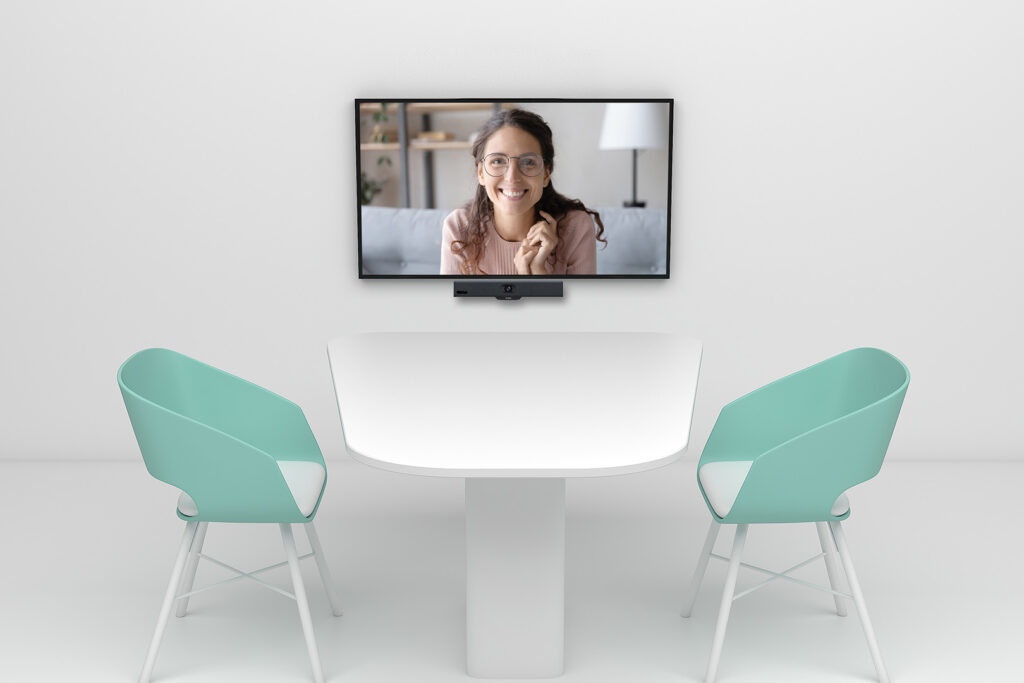
In small spaces, all-in-one video conferencing systems are often the most practical choice, combining a camera, microphones, and speakers in one compact device.
These solutions allow users to start meetings quickly without connecting or configuring additional equipment.
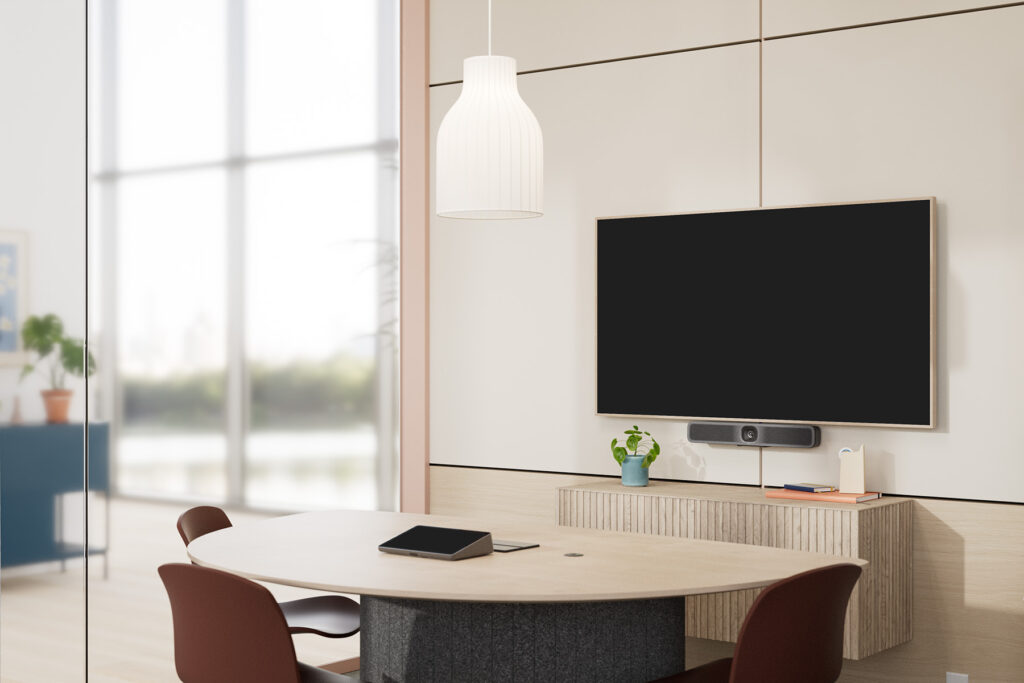
Typical configurations for Focus Rooms include:
✅ compact video bars mounted above or below the display
✅ USB cameras for BYOD environments
✅ compact Microsoft Teams Rooms systems
✅ plug-and-play solutions for quick and spontaneous meetings
In Focus Rooms, intelligent framing and effective background noise reduction are also particularly important. Modern devices can use AI-powered technologies such as automatic framing, speaker tracking, and noise suppression to keep users clearly visible and audible throughout the meeting.
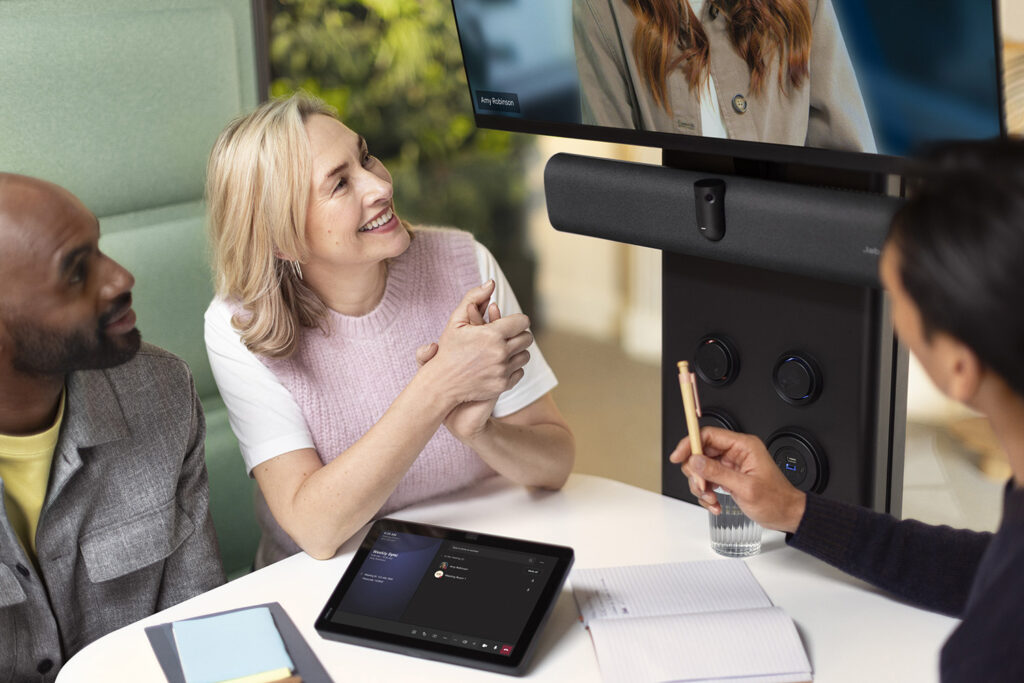
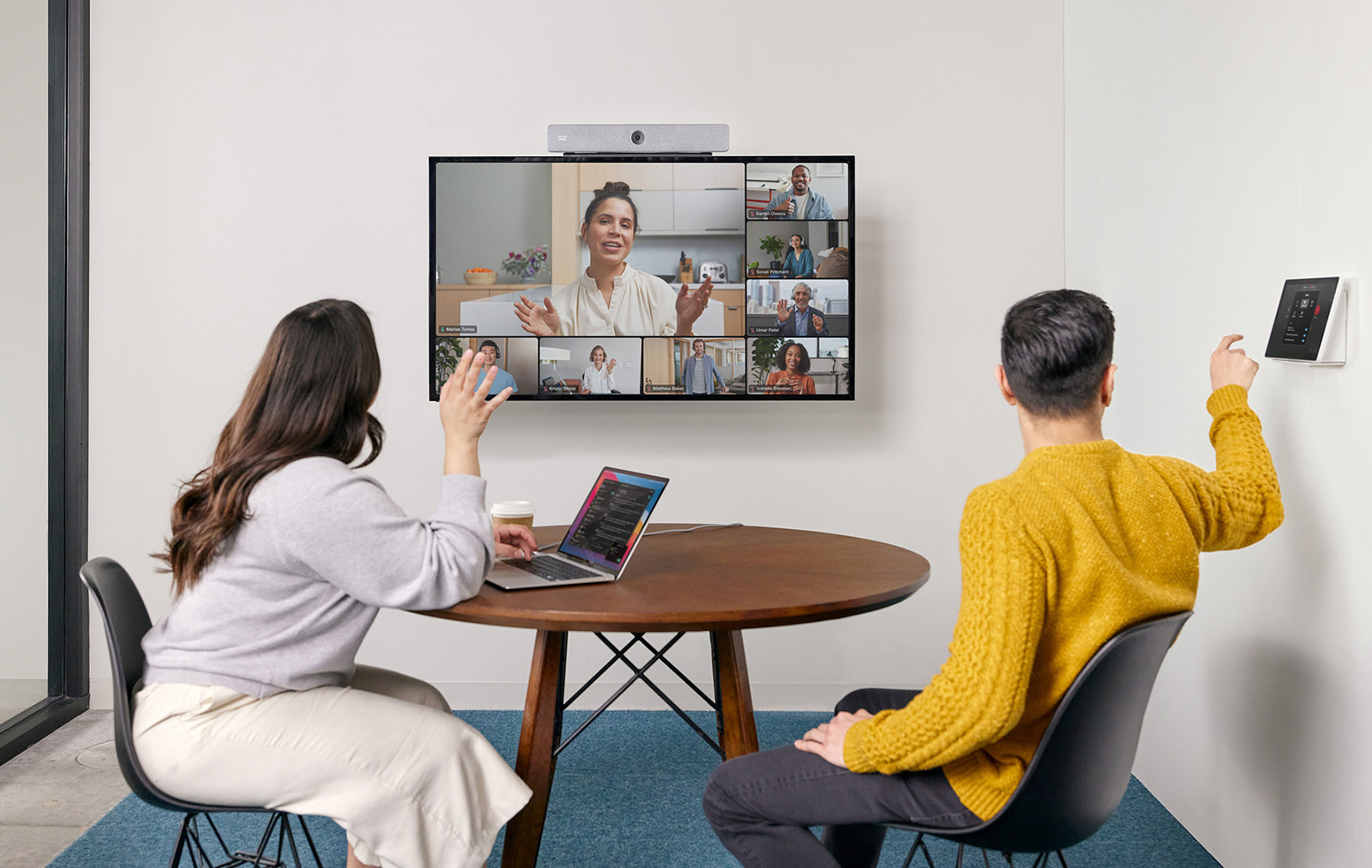
Example solutions

Why does a Focus Room need a dedicated video conferencing setup?
Limited space means that solutions designed for larger meeting rooms may not provide the best video and audio experience. Compact video conferencing systems for Focus Rooms:
✅ provide an optimal field of view for small spaces
✅ help reduce echo and background noise
✅ allow users to start meetings quickly and intuitively
✅ integrate with Microsoft Teams, Zoom, and Webex
✅ require minimal desk and wall space
Recommended configurations for Focus Rooms
In compact spaces designed for individual work or 1:1 meetings, plug-and-play video conferencing solutions are often the most practical choice.
In most cases, they require minimal installation and can be deployed without major changes to the existing IT infrastructure.
🔵 All-in-One Video Bars
Example solutions:
- Logitech Rally Bar Huddle
- Yealink MeetingBar A25
- Poly Studio R30
- Cisco Room Bar
- Neat Bar
These compact devices combine a camera, microphones, and speakers in a single unit. Mounted above or below the display, they provide high-quality video and audio without requiring multiple separate AV components.
Ideal for:
- individual online meetings
- client calls
- hybrid work
- quick team consultations
🔵 USB Solutions (BYOD)
Example solutions:
- Logitech MeetUp 2
- Jabra PanaCast
- Poly Studio USB
USB-based systems allow users to start meetings quickly by connecting their laptop to the meeting room equipment. Compatibility with platforms such as Microsoft Teams, Zoom, and Google Meet provides greater flexibility in BYOD (Bring Your Own Device) environments.
Ideal for:
- spontaneous meetings
- users working with different devices
- hot-desking areas and office pods
🔵 Wireless Presentation (Optional)
Example solutions:
- Barco ClickShare
- Logitech Swytch
Wireless presentation solutions make it easier to share content from laptops and mobile devices without relying on traditional HDMI connections.
Benefits:
- cleaner, cable-free meeting spaces
- faster content sharing
- greater user convenience
Focus Room video conferencing system selection with Nomacom AV
When selecting a video conferencing solution for a Focus Room, we analyze:
✅ room size and layout
✅ how the space will be used
✅ video conferencing platform
✅ display mounting and placement
✅ integration with existing IT infrastructure
Based on these factors, we recommend a solution that provides comfortable everyday use, reliable performance, and high-quality video communication.
👉 Contact us – we’ll help you select the right video conferencing solution for your Focus Room.