
Shure conference room audio systems
Professional audio for meeting rooms
Shure conference room audio systems are professional solutions designed for modern meeting rooms, boardrooms, and hybrid work environments.
In video conferencing, high-quality video is only part of the experience – clear and intelligible speech is essential for effective communication. Even the best camera cannot compensate for poor audio when participants struggle to hear and understand each other. That’s why Shure audio solutions are an important part of professional AV systems in business environments.
Shure solutions make it possible to create a complete meeting room audio environment that integrates with conference cameras and platforms such as Microsoft Teams, Zoom, and Cisco Webex.
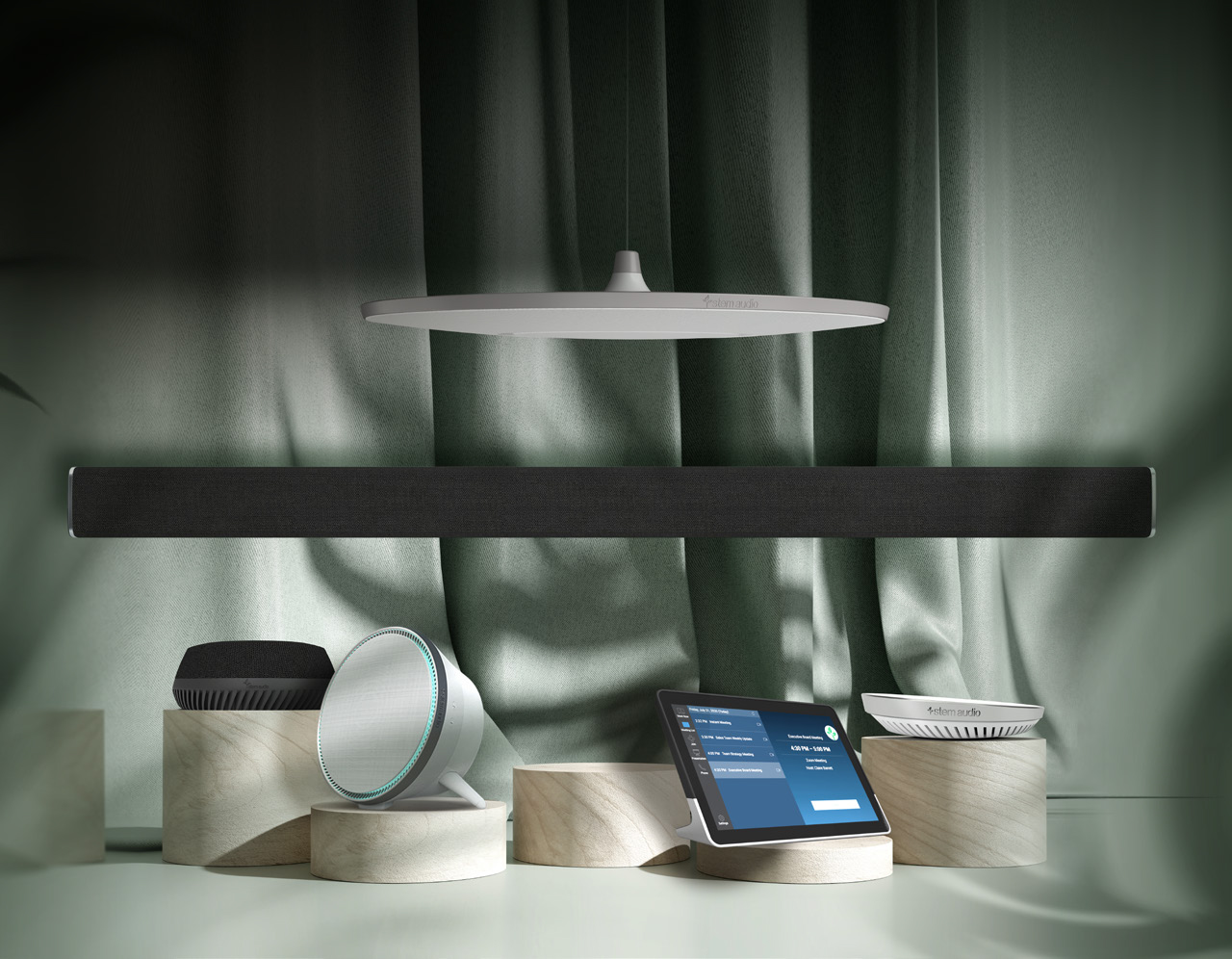
What does a professional Shure audio system provide?
🔵 Precise voice capture
Shure conference room microphones use advanced beamforming technology and intelligent audio processing to:
✔️ focus on the person speaking
✔️ reduce unwanted background noise
✔️ provide clear and natural communication
Participants can speak naturally without having to raise their voices – even in large meeting rooms.
🔵 Echo and noise reduction
Meeting rooms often feature glass walls, hard surfaces, and large conference tables that can create challenging acoustic conditions.
Shure audio solutions help provide:
✔️ effective echo cancellation
✔️ background noise reduction
✔️ consistent audio levels
As a result, speech remains clear and intelligible for both in-room and remote participants.
🔵 Integration with video conferencing systems
Shure audio solutions can be integrated with:
✅ ceiling microphones
✅ tabletop microphones
✅ PTZ cameras
✅ video bars
✅ DSP processors
✅ Microsoft Teams, Zoom, and Webex
This makes it possible to design a complete AV system tailored to the room layout, acoustics, and video conferencing requirements.
🔵 Discreet AV integration
For boardrooms and premium meeting spaces, the audio system can be designed around:
✔️ ceiling microphones
✔️ ceiling speakers
✔️ DSP processing
This type of configuration provides:
✅ a clean conference table with no visible microphones
✅ consistent audio coverage throughout the room
✅ a comfortable and natural meeting experience
It also helps maintain the clean, professional appearance expected in executive meeting spaces without compromising audio performance.
⚠️ In larger meeting rooms, relying solely on an all-in-one video conferencing device may not provide sufficient audio coverage. A dedicated professional audio system helps ensure that participants can hear and be heard clearly, regardless of where they are seated.

Shure audio system design with Nomacom AV
When designing a professional meeting room audio system, we consider:
✅ room size and layout
✅ room acoustics
✅ table configuration
✅ number of participants
✅ video conferencing platform
Based on these factors, we design and recommend a Shure audio solution that provides clear and consistent communication, reliable performance, and discreet integration with the meeting room environment.
👉 Contact us – we’ll help you design the right Shure audio system for your meeting room.
Find out more:
Yamaha conference room audio systems
Professional Audio for Meeting Rooms
Yamaha conference room audio systems provide professional audio solutions for modern meeting rooms, training spaces, and hybrid work environments.
In video conferencing, speech intelligibility is essential – regardless of room size or the number of meeting participants. A professionally designed audio system should provide consistent coverage throughout the space and reliable sound quality for both in-room and remote participants.
Yamaha solutions make it possible to create a complete conference room audio system that integrates with video conferencing cameras and platforms such as Microsoft Teams, Zoom, and Cisco Webex.
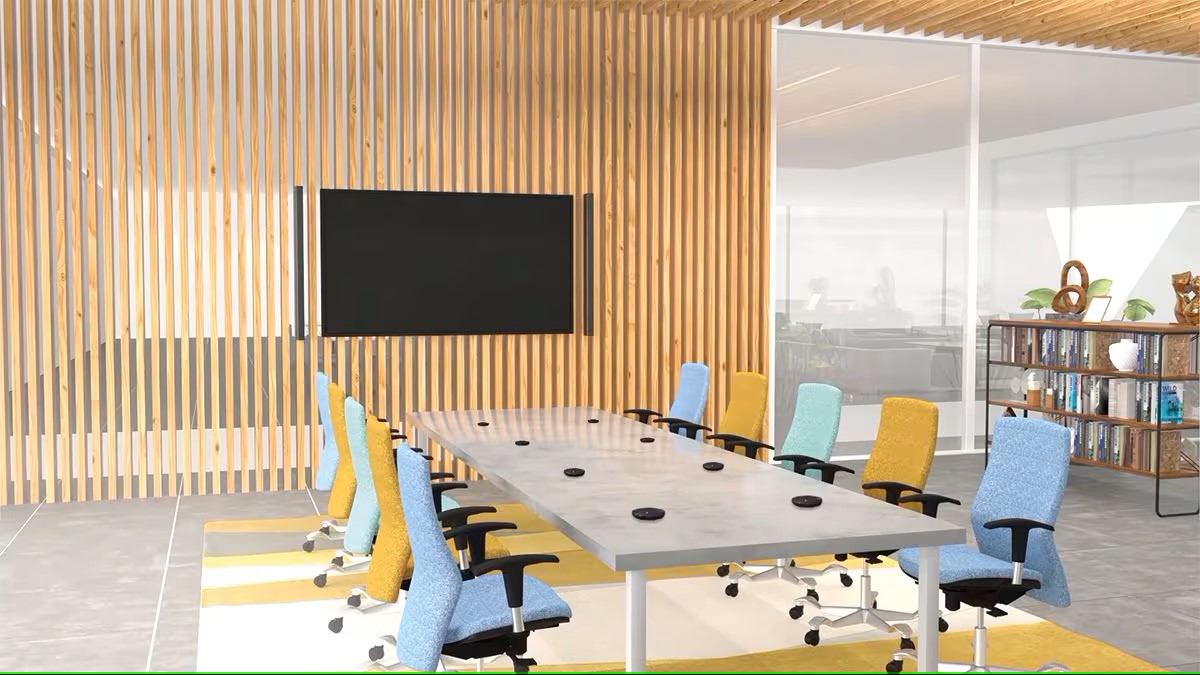
What does a professional Yamaha audio system provide?
🔵 Natural, clear speech
Yamaha audio systems use advanced DSP (Digital Signal Processing) to provide:
✔️ background noise reduction
✔️ echo cancellation
✔️ automatic audio level management
This helps conversations sound clear and natural, allowing both in-room and remote participants to communicate comfortably without distracting noise or unwanted acoustic effects.
🔵 Consistent audio coverage throughout the room
For medium and large meeting rooms, a professional Yamaha audio setup can include:
✔️ ceiling speakers
✔️ DSP processing
✔️ conference room microphones
This type of configuration provides:
✅ consistent audio coverage with no dead zones
✅ clear and comfortable communication
✅ reliable audio quality during hybrid meetings
🔵 Integration with video conferencing systems
Yamaha audio solutions can be integrated with:
• ceiling and tabletop microphones
• PTZ cameras
• video bars
• Microsoft Teams, Zoom, and Webex
This makes it possible to design a complete AV environment tailored to the room layout, acoustics, and meeting requirements.
🔵 Flexible and scalable configuration
Yamaha solutions can be used in:
• medium meeting rooms
• large meeting rooms
• boardrooms
• auditoriums
The system can be designed to support future expansion, allowing the audio infrastructure to evolve as the organization’s requirements change.
⚠️ In larger meeting rooms, relying solely on an all-in-one video conferencing device may not provide sufficient audio coverage. A dedicated professional audio system helps ensure that participants can hear and be heard clearly, regardless of where they are seated.
Yamaha audio system design with Nomacom AV
When designing a professional meeting room audio system, we consider:
✅ room size and layout
✅ room acoustics
✅ table configuration
✅ number of participants
✅ video conferencing platform
Based on these factors, we design and recommend a Yamaha audio solution that provides clear and consistent communication, reliable performance, and discreet integration with the meeting room environment.
👉 Contact us – we’ll help you design the right Yamaha audio system for your meeting room.
Find out more:
Biamp conference room audio systems
Professional audio for meeting rooms
Biamp conference room audio systems are designed for professional meeting environments – from medium-sized meeting rooms to large boardrooms and auditoriums.
In a video conferencing environment, audio quality plays a critical role in effective communication. A professionally designed audio system should provide consistent coverage throughout the entire space and clear speech intelligibility – regardless of where participants are seated.
Biamp solutions make it possible to create an integrated conference room audio system that works seamlessly with video conferencing cameras and platforms such as Microsoft Teams, Zoom, and Cisco Webex.
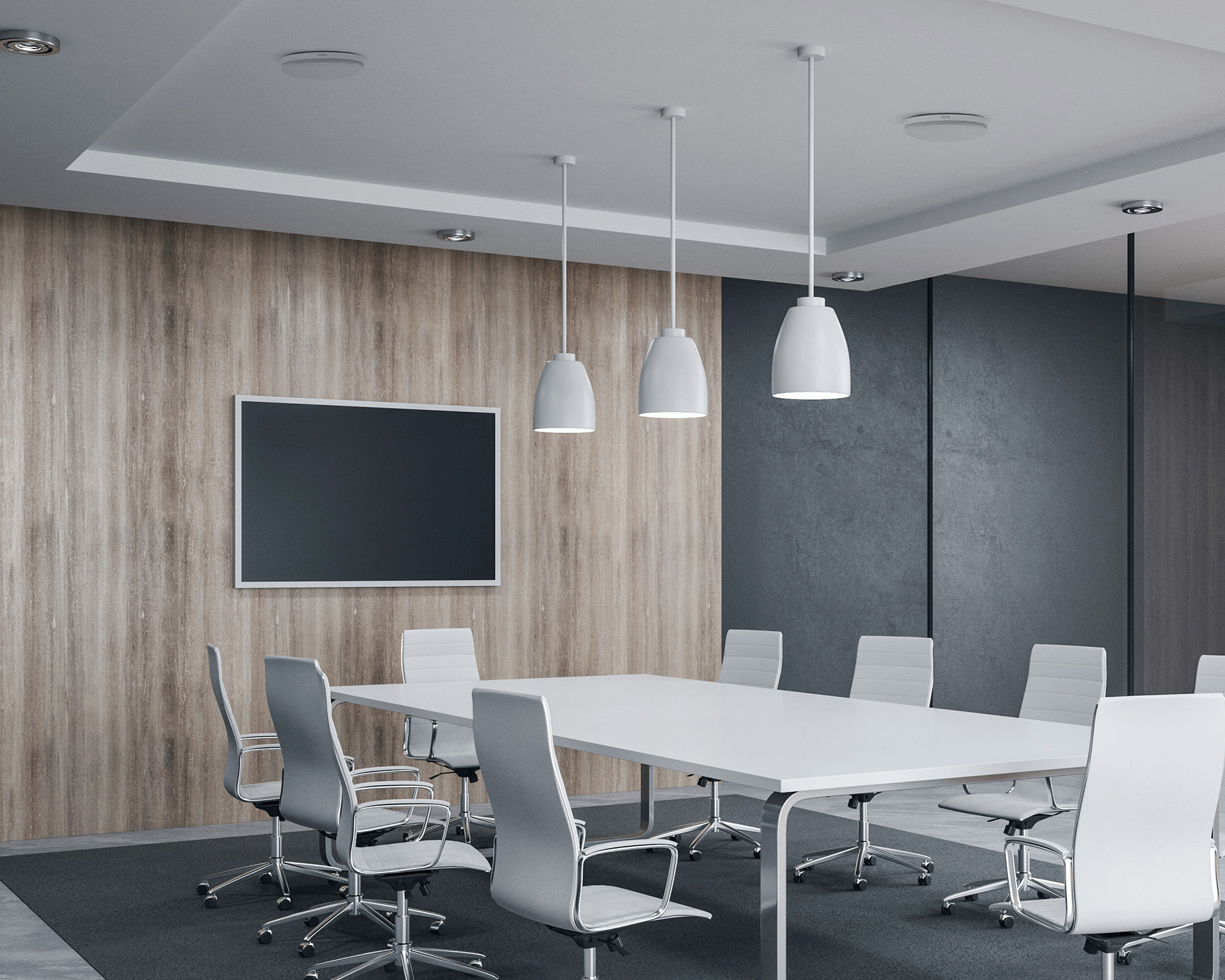
What does a professional Biamp audio system provide?
🔵 Clear speech throughout the room
Biamp systems use advanced DSP (Digital Signal Processing) to provide:
✔️ echo cancellation
✔️ background noise reduction
✔️ automatic audio level management
As a result, both in-room and remote participants can hear each other clearly and communicate naturally without having to raise their voices.
🔵 Integration with ceiling and tabletop microphones
Biamp systems can be integrated with:
• ceiling microphones
• tabletop microphones
• PTZ cameras
• video bars
• video conferencing platforms
This makes it possible to design a complete AV system tailored to the layout, acoustics, and requirements of the meeting room.
🔵 Consistent audio coverage
For large meeting rooms and boardrooms, a professional audio setup can include:
✔️ ceiling speakers
✔️ DSP processing
✔️ ceiling microphones
This type of configuration provides:
✅ natural communication
✅ consistent audio coverage with no dead zones
✅ a comfortable hybrid meeting experience for everyone in the room.
🔵 Flexible and scalable configuration
Biamp systems can be deployed in:
• medium meeting rooms
• large meeting rooms
• boardrooms
• auditoriums
Their scalable architecture allows the system to be expanded and adapted as the organization’s AV requirements evolve.
⚠️ In larger meeting rooms, relying solely on an all-in-one video conferencing device may not provide sufficient audio coverage. A dedicated professional audio system helps ensure that participants can hear and be heard clearly, regardless of where they are seated.
Biamp audio system design with Nomacom AV
When designing a professional meeting room audio system, we consider:
✅ room size and layout
✅ room acoustics
✅ table configuration
✅ number of participants
✅ video conferencing platform
Based on these factors, we design and recommend a Biamp audio solution that provides clear and consistent communication, reliable performance, and discreet integration with the meeting room environment.
👉 Contact us – we’ll help you design the right Biamp audio system for your meeting room.
Find out more:
Boardroom Video Conferencing System
Premium Video Conferencing Solutions
Boardrooms are designed for strategic meetings, executive discussions, consultations with business partners, and conversations requiring a high level of privacy and confidentiality.
In these environments, standard video conferencing solutions – even those designed for large meeting rooms – may not provide the level of performance, integration, and user experience expected from an executive space.
A professional boardroom requires:
✅ exceptional video quality
✅ consistent audio coverage throughout the room
✅ discreet integration of audio equipment
✅ natural, interruption-free communication
✅ integration with room control and scheduling systems
That’s why a boardroom video conferencing system should be individually designed around the table layout, room acoustics, AV infrastructure, and the way executive and hybrid meetings are conducted.
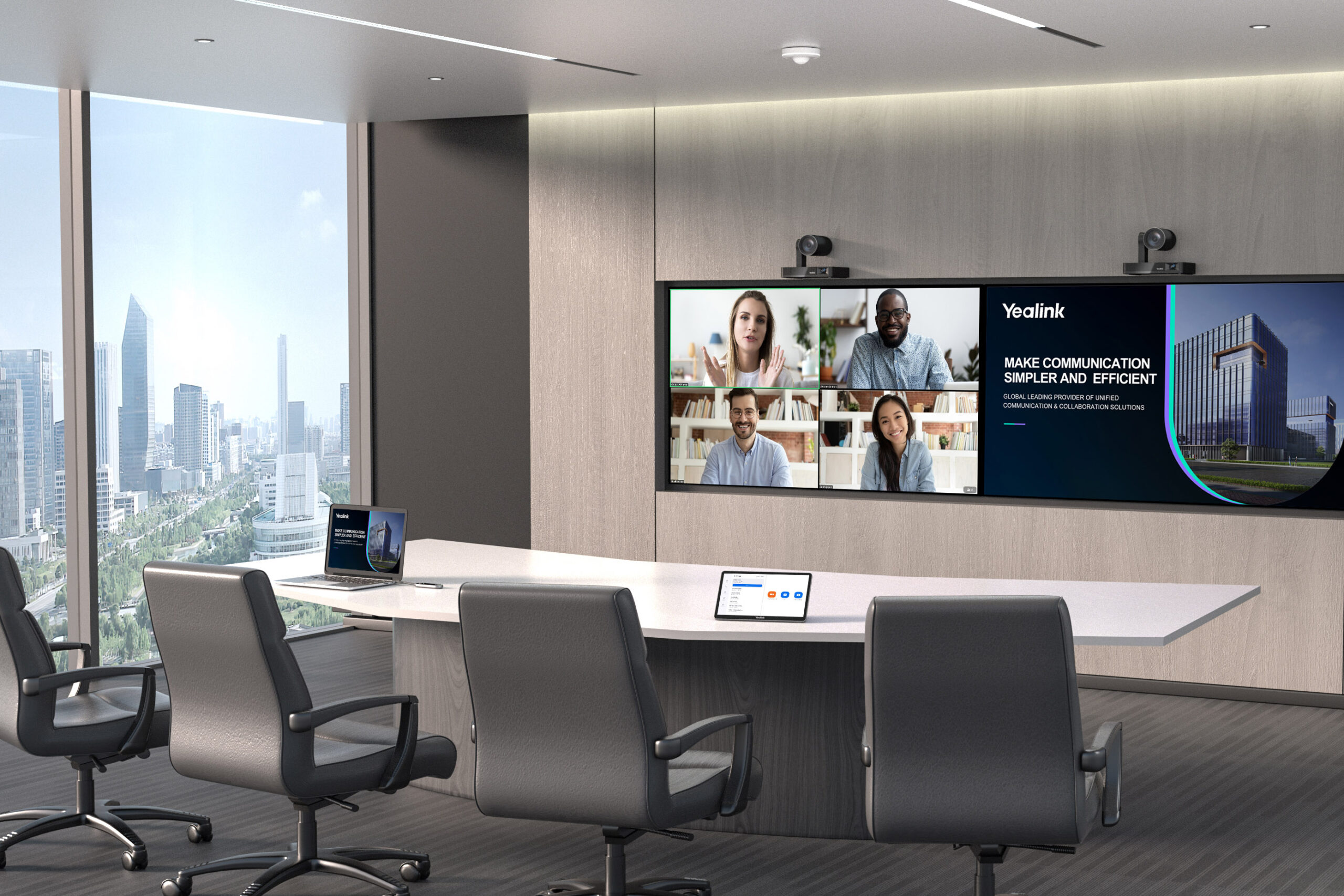
Ceiling Microphones • DSP • Full AV Integration • Room Control
Cisco • Crestron • HP Poly • Yealink • Logitech • Neat • Shure • Biamp • Yamaha • Samsung • IIyama • Hikvision • Kramer AV
Which video conferencing solution is best for a boardroom?
In boardrooms, the key priorities are natural communication without the need to raise your voice, discreet and elegant AV integration, no visible tabletop microphones, and consistent audio coverage throughout the room.
🔵 Premium PTZ camera
A recommended configuration may include:
✔️ high-resolution PTZ camera
✔️ automatic participant framing
✔️ intelligent active speaker tracking
This provides:
✅ professional video quality
✅ a more natural meeting experience
✅ clear visibility of all participants
🔵 Ceiling microphones + DSP + ceiling speakers
In professional boardrooms, the audio system can be based on:
✔️ ceiling microphones
✔️ DSP (Digital Signal Processor)
✔️ ceiling speakers
Professional audio solutions from manufacturers such as Shure, Biamp, and Yamaha provide:
✅ effective echo reduction
✅ consistent audio levels throughout the room
✅ clear and natural communication without raising your voice
✅ a clean conference table with no visible microphones
This allows the boardroom to maintain its elegant and executive character without compromising audio quality.
🔵 Room control and AV integration
A boardroom system can be integrated with:
✔️ room control panels such as Cisco Room Navigator, Yealink RoomPanel, or Crestron solutions
✔️ room scheduling systems
✔️ wireless presentation systems
✔️ room automation, including lighting and blinds
The result is a fully integrated environment where users can start and control meetings with a single touch.
Why does a boardroom require a custom AV design?
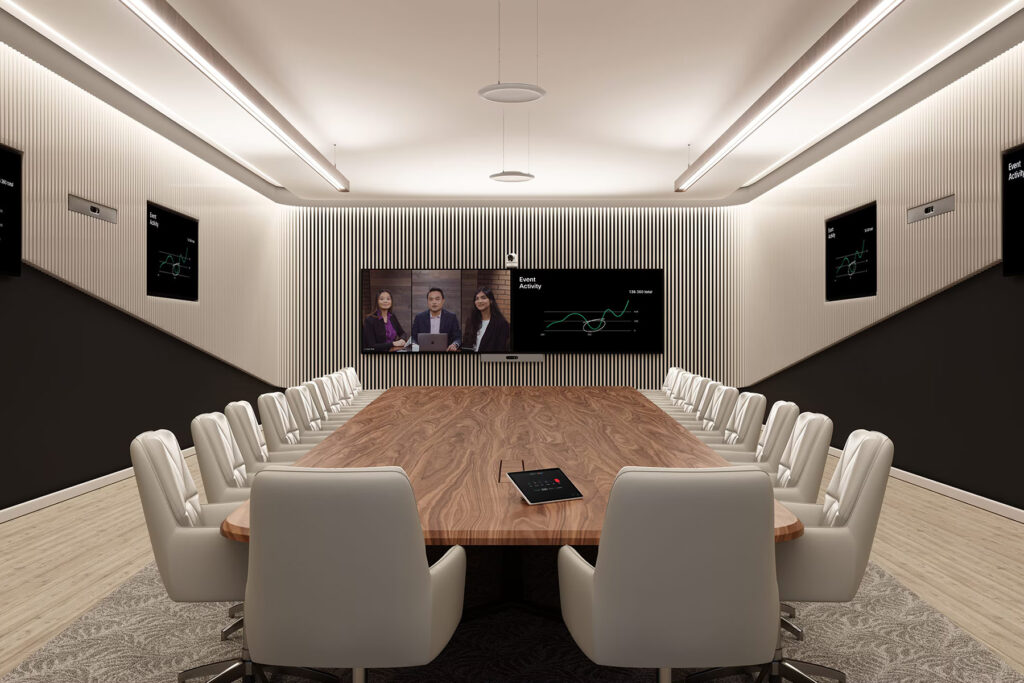
In boardrooms, relying on standard all-in-one video conferencing systems may result in:
⚠️ a less refined and professional room appearance
⚠️ uneven audio coverage
⚠️ poor voice pickup for some participants
⚠️ visible tabletop microphones and additional equipment
A custom-designed boardroom AV and video conferencing system provides:
✅ consistent communication quality throughout the room
✅ discreet audio integration
✅ a clean, professional, executive environment
✅ a comfortable meeting experience for executives and their guests.
Boardroom AV design and deployment with Nomacom AV
When designing a video conferencing system for a boardroom, we consider:
✅ conference table layout
✅ room size and configuration
✅ room acoustics
✅ how executive and hybrid meetings are conducted
Based on these factors, we design and deploy an integrated AV system that delivers premium communication quality, intuitive operation, and the flexibility to expand the AV infrastructure in the future.
👉 Contact us – we’ll help you design the right video conferencing and AV solution for your boardroom.
Find out more:
Video conferencing for remote and hybrid work
Cisco • HP Poly • Neat • Logitech • Jabra • Yealink
Individual workstations – whether in the office or at home – require reliable and easy-to-use video conferencing solutions. In a hybrid work environment, the quality of meetings conducted from a laptop or personal workspace has a direct impact on communication and collaboration across the entire team.
A video conferencing setup for an individual workstation should provide:
✅ clear video in different lighting conditions
✅ natural audio with effective noise and echo reduction
✅ quick plug-and-play setup
✅ compatibility with Microsoft Teams, Zoom, and Webex
At Nomacom AV, we select video conferencing solutions for remote and hybrid work that enable users to conduct professional online meetings without requiring the advanced AV infrastructure of a dedicated meeting room.
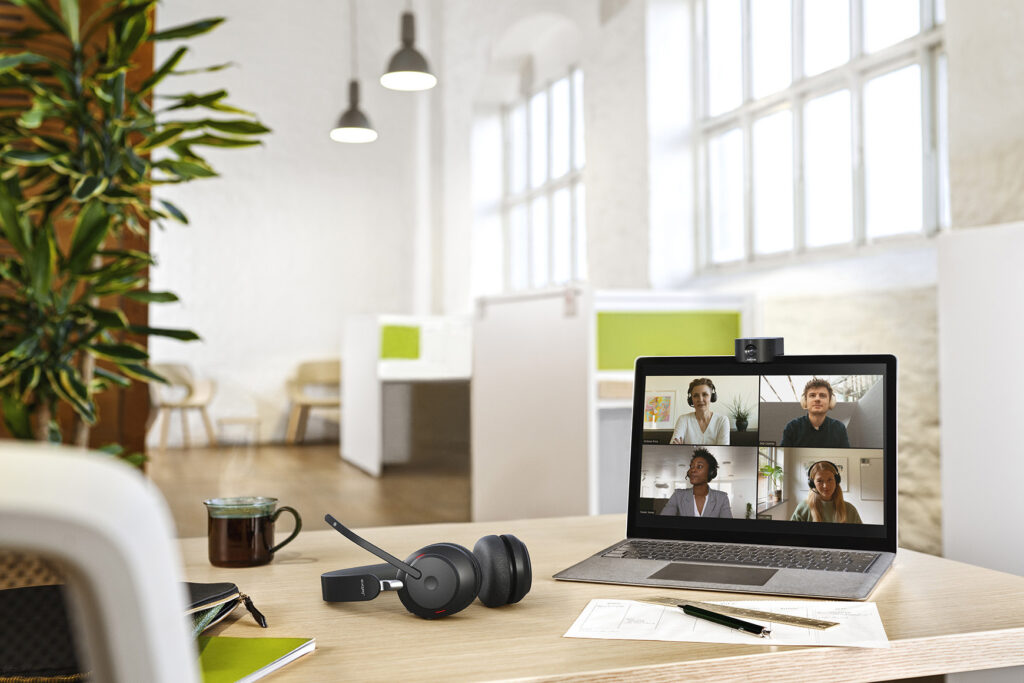
Which video conferencing solution is best for individual work?
For remote work or an individual office workstation, the quality of video and audio captured at close range is particularly important.
🔵 Personal camera + directional microphone
A recommended setup may include:
✔️ Full HD or 4K USB camera
✔️ directional microphone
✔️ headset or compact speakerphone
✔️ device management software
This setup provides:
✅ clear and professional video
✅ effective reduction of background noise
✅ comfortable, distraction-free communication
✅ a professional presence during online meetings
🔵 Personal video collaboration devices
or users who regularly work in a hybrid model, dedicated personal collaboration solutions may be a better choice, including:
✔️ personal collaboration devices
✔️ compact desktop video bars
✔️ integrated video conferencing displays
These solutions can provide:
✅ automatic user framing
✅ AI-powered noise reduction
✅ quick and intuitive meeting access
✅ integration with Microsoft Teams and Zoom
⚠️ Relying solely on a laptop’s built-in camera and microphone may result in lower video and audio quality, which can affect both communication comfort and the professional experience of clients and business partners during online meetings.
Examples
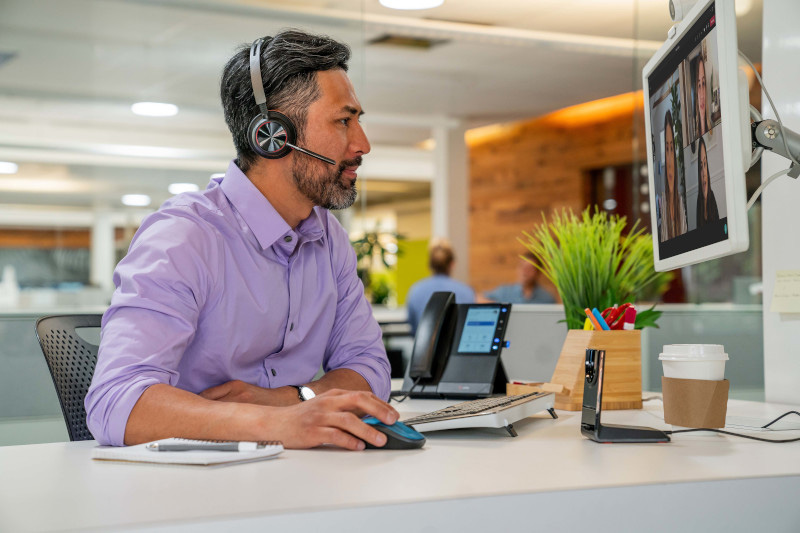

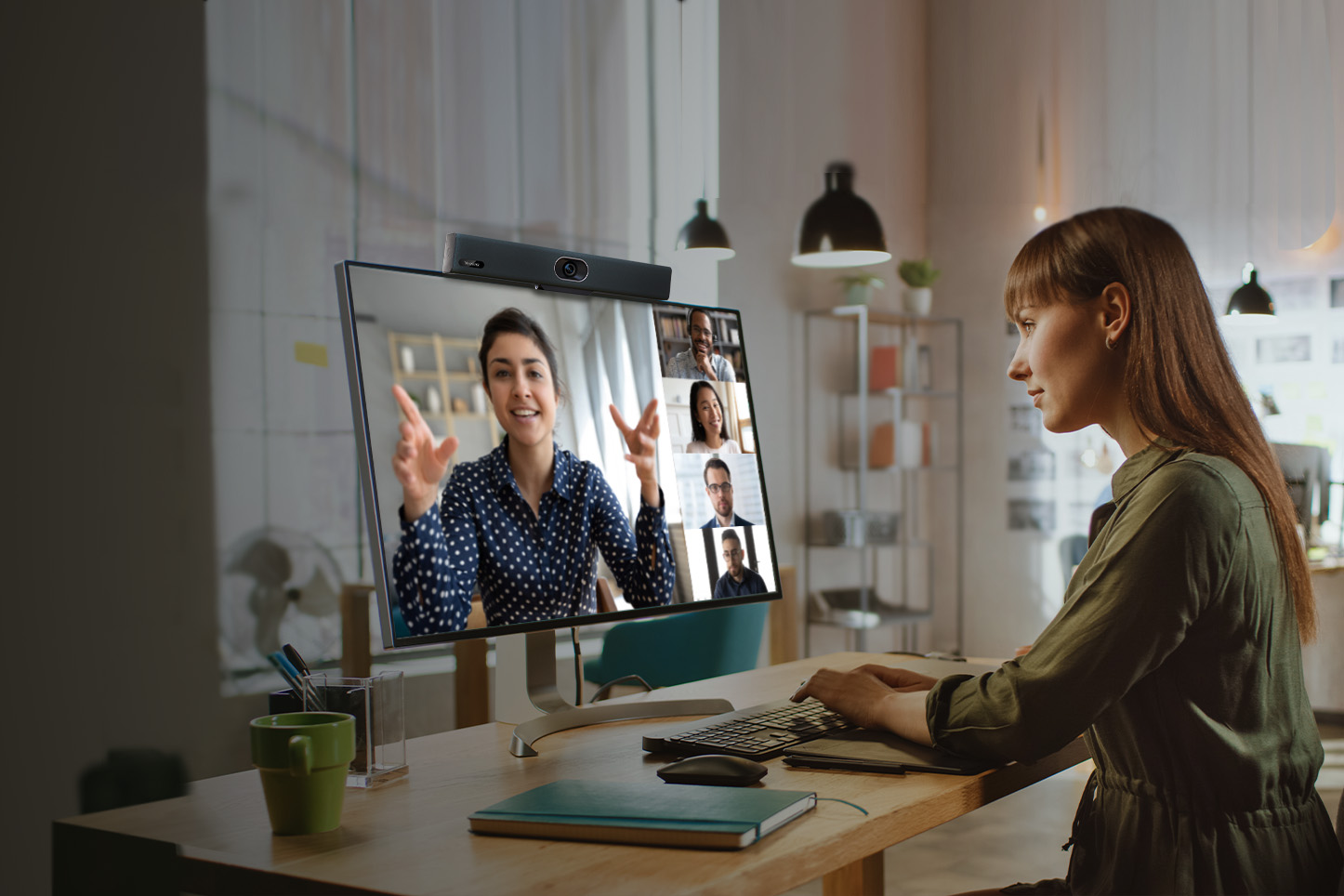
Why do home office workstations need a dedicated video conferencing setup?
Unlike dedicated meeting rooms, individual workspaces are often located in environments that were not specifically designed for video conferencing.
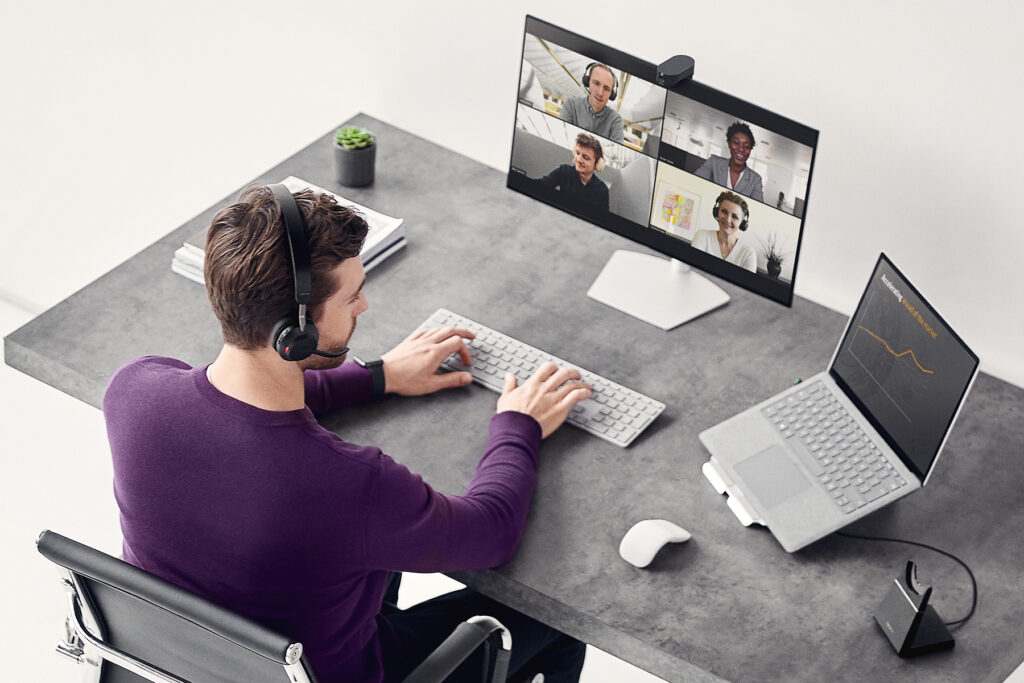
A home office or open-plan workspace may present challenges such as:
⚠️ echo caused by hard surfaces
⚠️ background noise from conversations, ventilation, or keyboards
⚠️ uneven lighting on the user’s face
⚠️ poor camera positioning
A dedicated video conferencing setup for remote and hybrid work can provide:
✅ clear voice capture even in noisy environments
✅ natural-looking video in different lighting conditions
✅ consistent video quality during client meetings
✅ a more comfortable hybrid work experience
As a result, online meetings can run more smoothly while users maintain a professional presence regardless of where they are working from.
Video conferencing setup selection with Nomacom AV
For home office workstations and hot-desking environments, selecting the right video conferencing solution should take into account:
✅ how online meetings are conducted
✅ background noise levels
✅ workspace lighting conditions
✅ the communication platform being used
Based on these factors, we recommend a setup that provides clear video and audio, intuitive operation, and a consistent meeting experience – whether the user is working from home or from an individual workstation in the office.
👉 Contact us – we’ll help you select the right video conferencing solution for your workspace.
Find out more:
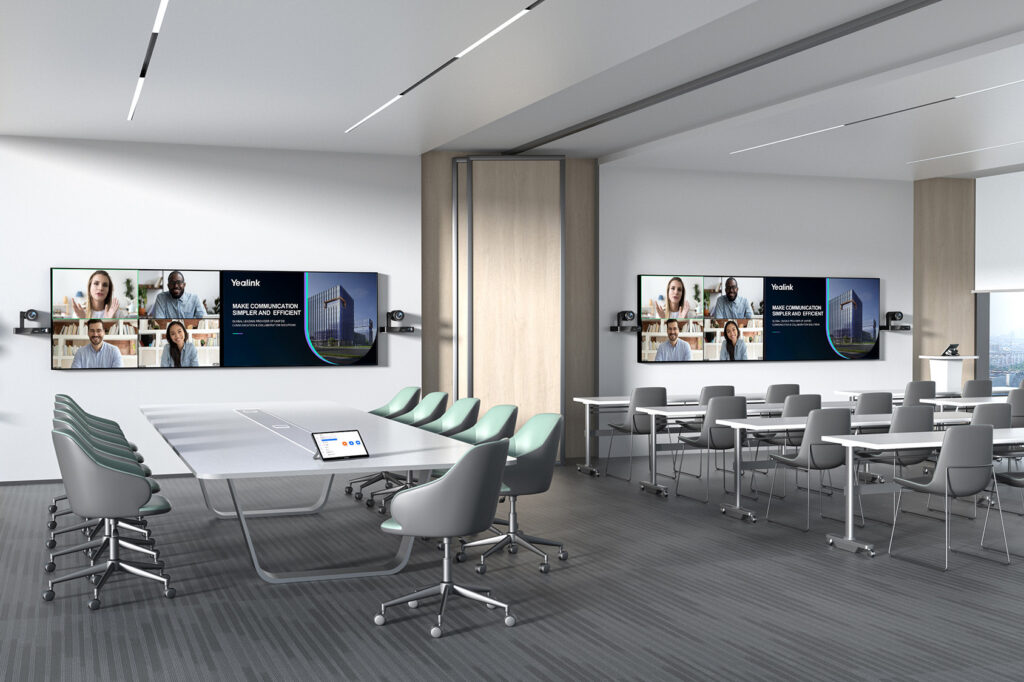
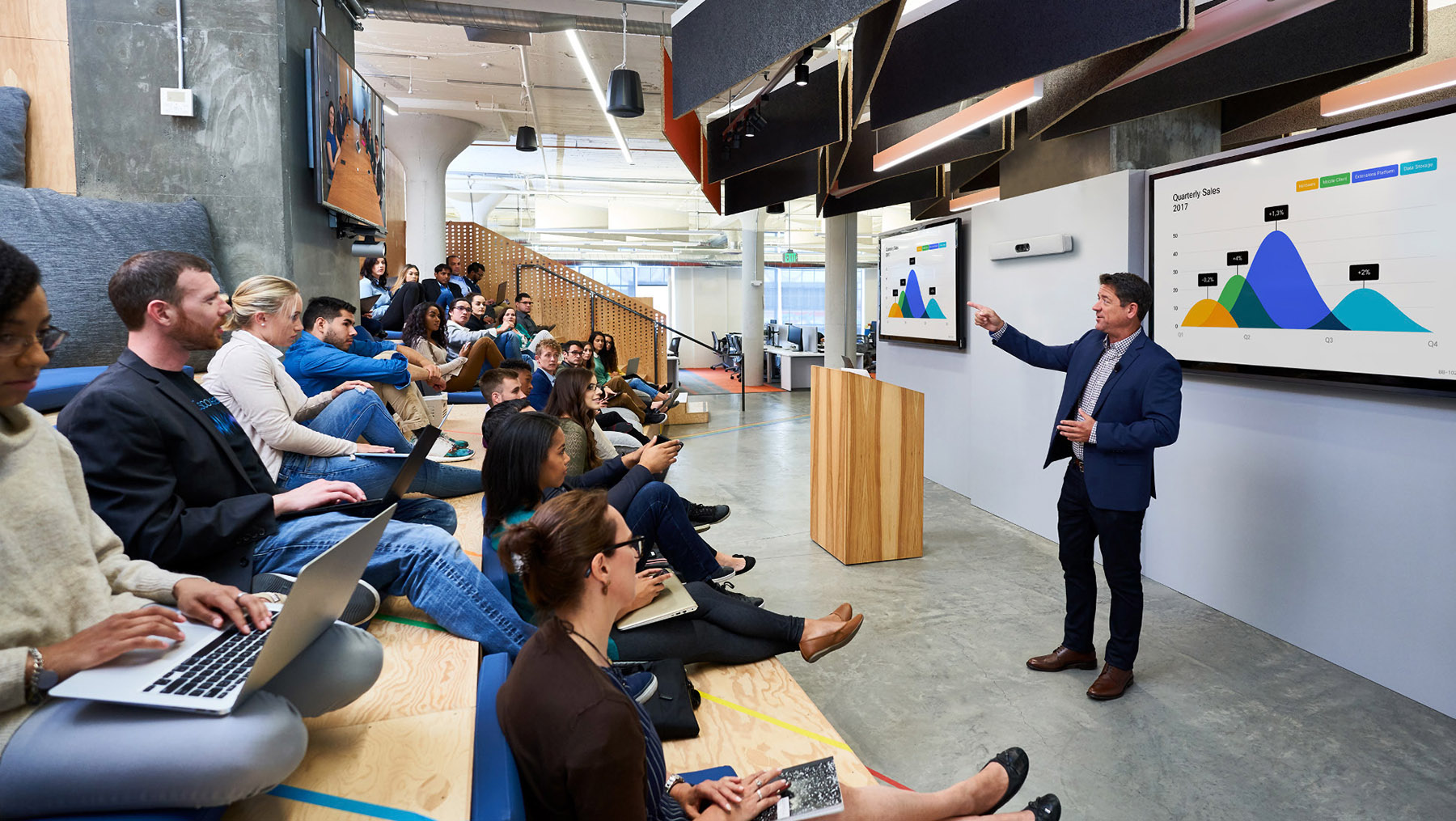
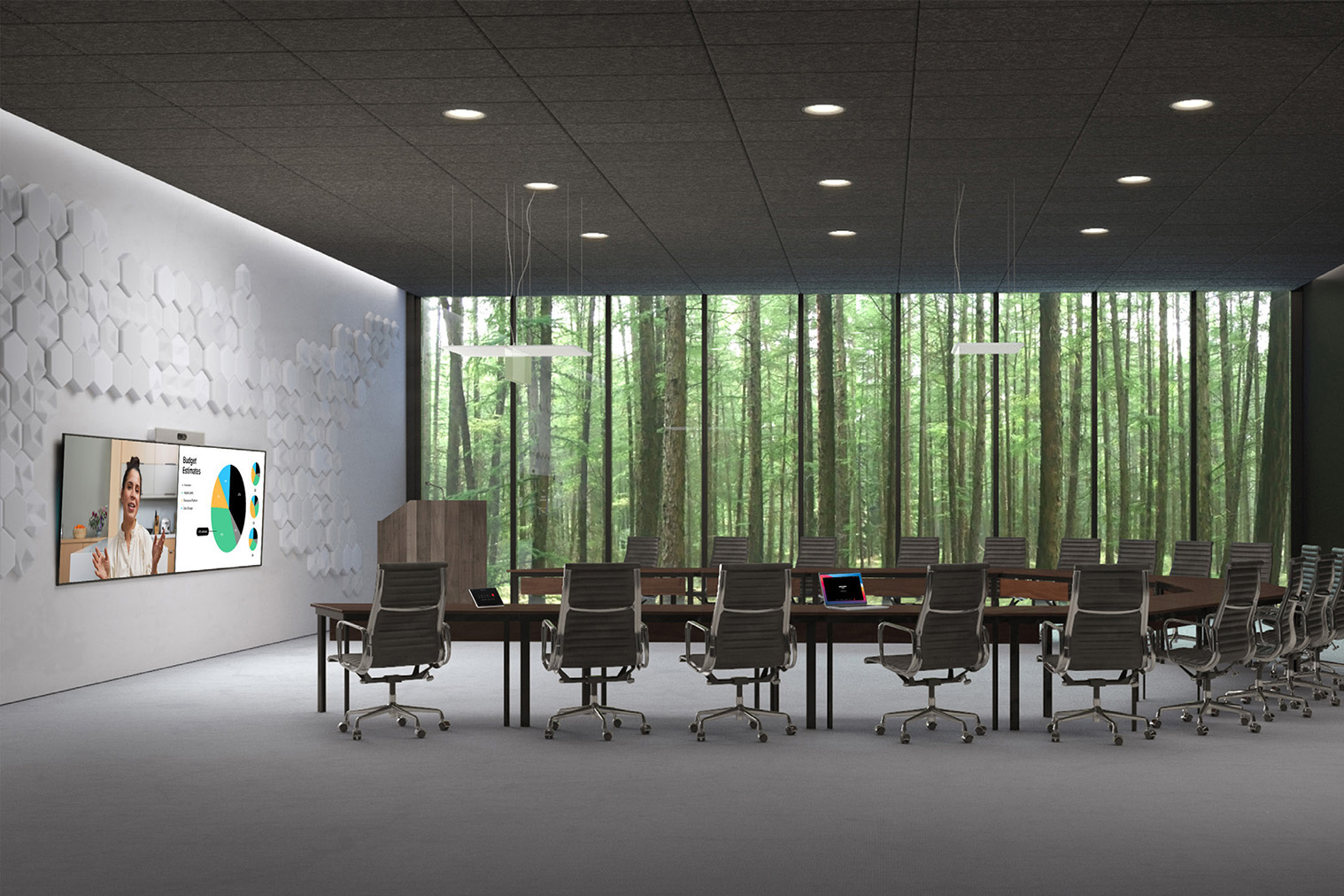
Extra Large Meeting Rooms (20+ People)
Cisco • HP Poly • Yealink • Logitech • Neat • Shure • Biamp • Yamaha
Extra large meeting rooms designed for more than 20 participants are commonly used for executive meetings, training sessions, presentations, and meetings with clients and business partners.
In spaces of this scale, standard video conferencing solutions may not provide sufficient communication quality and coverage – both in terms of video and audio.
Due to the size of the room, greater distances between participants and displays, and more complex acoustic conditions, a video conferencing and AV system should be individually designed around the room layout and the way the space will be used.
At Nomacom AV, we design integrated solutions that combine professional video, audio, and room technologies to provide a consistent meeting experience for both in-room and remote participants.
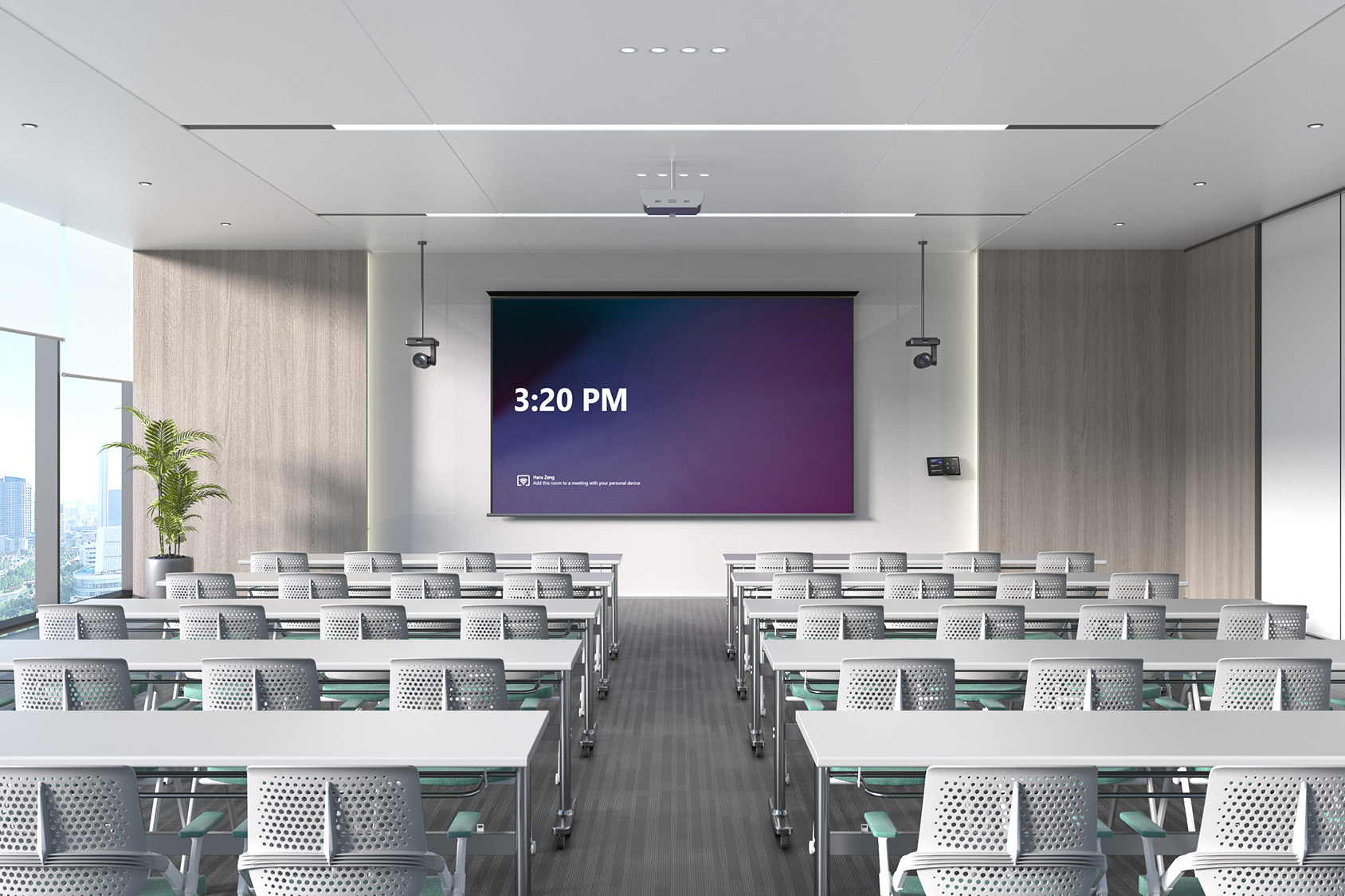
Multi-Camera Systems • Ceiling Microphones • DSP • Audio Zones
Cisco • HP Poly • Yealink • Logitech • Neat • Shure • Biamp • Yamaha
Which video conferencing solution is best for an extra large meeting room?
In meeting rooms designed for larger groups, the AV system must provide consistent video and audio coverage throughout the entire space.
🔵 Multi-camera system + ceiling microphones
A recommended configuration may include:
✔️ multiple PTZ cameras
✔️ ceiling microphones
✔️ DSP (Digital Signal Processor)
✔️ ceiling speakers
✔️ wireless presentation system
These configurations are typically based on professional AV platforms that allow multiple audio and video components to be integrated and managed within a single environment.
🔵 Zoned audio system
In extra large meeting rooms, professional audio systems can divide the space into multiple audio zones, providing more consistent sound coverage throughout the room.
DSP-based audio solutions from manufacturers such as Shure, Biamp, and Yamaha can:
✔️ reduce echo and unwanted acoustic effects
✔️ maintain consistent audio levels
✔️ improve speech intelligibility.
This allows participants to hear and be heard clearly, regardless of where they are seated in the room.
⚠️ In extra large meeting rooms, a single camera or all-in-one device will typically not provide sufficient video and audio coverage for professional hybrid meetings. A properly designed, integrated AV system is therefore essential.
Examples
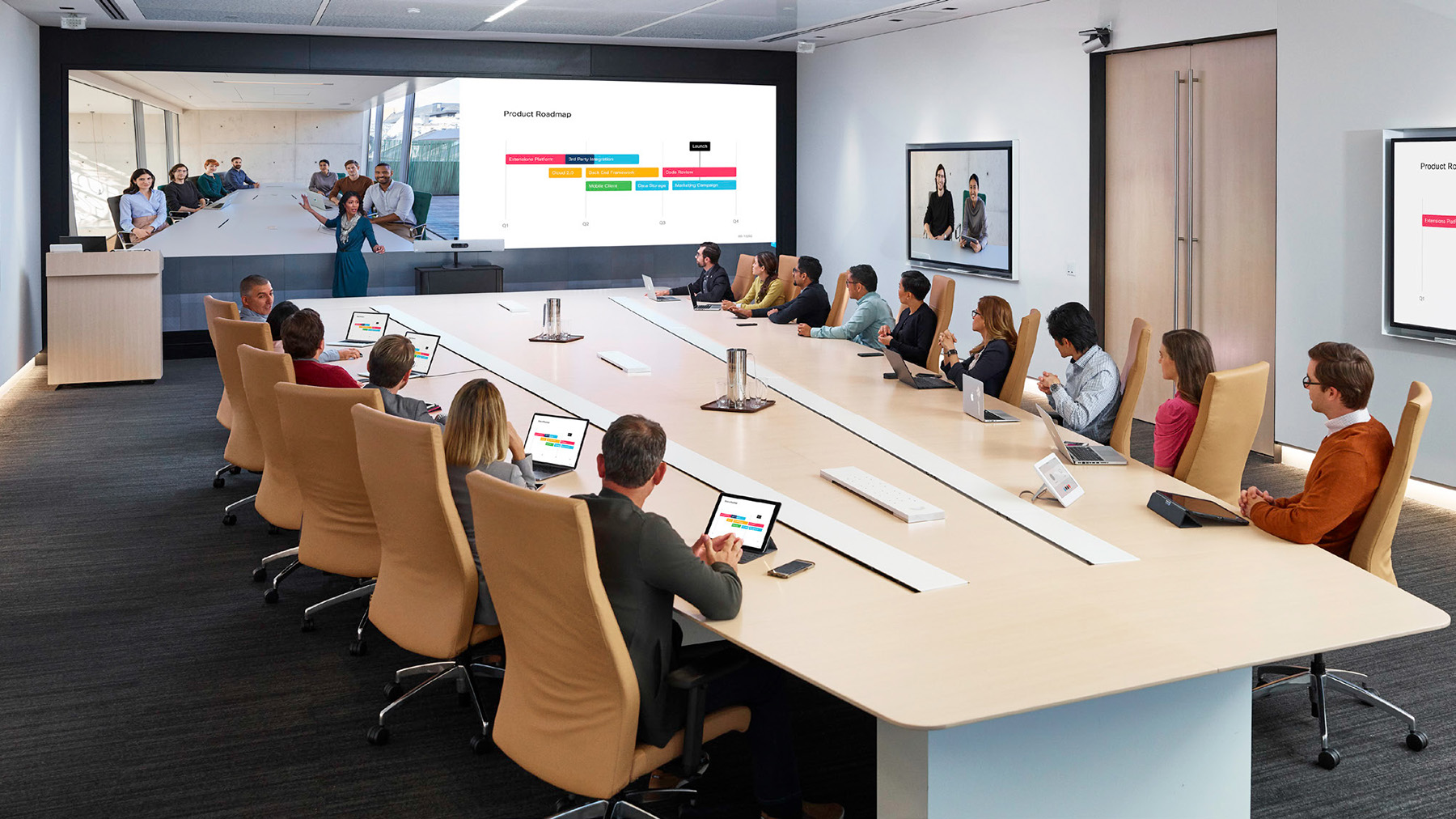
Why do extra large meeting rooms require a custom AV design?
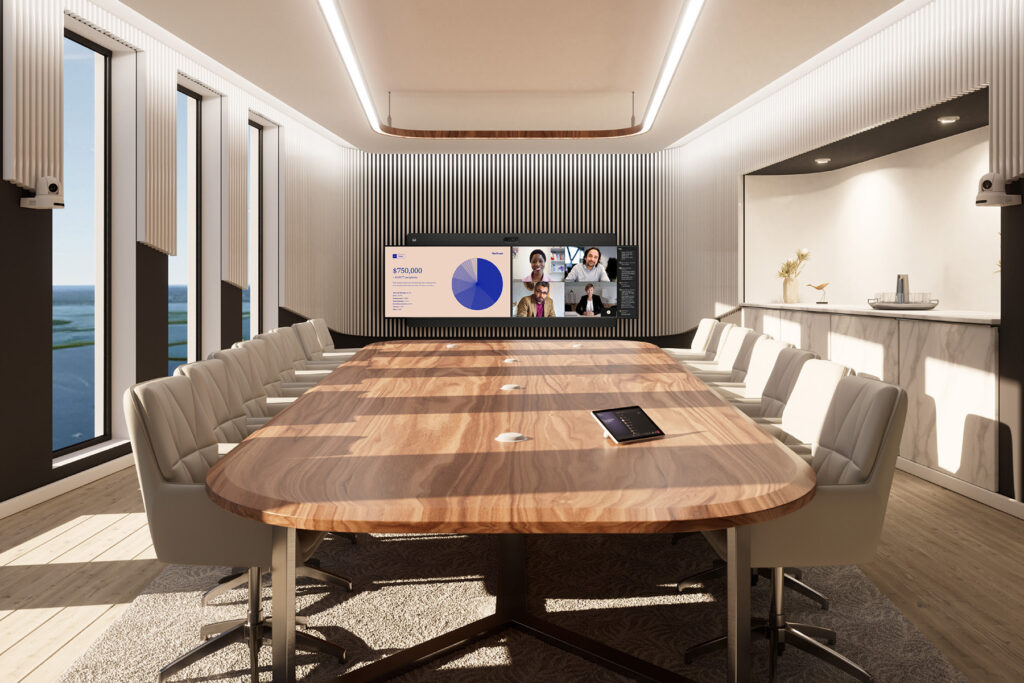
In larger spaces, room acoustics, seating arrangements, and the distance between participants and AV equipment have a direct impact on communication quality.
Without a properly designed system:
- some participants may remain outside the camera frame
- voices may be unclear or unevenly captured
- conversations may feel less natural for both in-room and remote participants
A custom-designed AV system provides:
✅ consistent audio coverage throughout the room
✅ intelligent and dynamic participant framing
✅ a comfortable meeting experience for everyone
For extra large meeting rooms, designing the system around the specific space is essential to achieving consistent video and audio quality throughout the entire room.
AV system design with Nomacom AV
When designing solutions for extra large meeting rooms, we consider:
✅ room and table layout
✅ participant seating and distribution
✅ room acoustics
✅ how meetings are conducted
Based on these factors, we design and recommend an integrated video conferencing and AV configuration that provides reliable communication and consistent audio and video coverage throughout the room.
👉 Contact us – we’ll help you design the right AV and video conferencing system for your extra large meeting room.
Find out more:
Large Meeting Rooms (10–20 People)
Cisco • HP Poly • Yealink • Logitech • Shure • Biamp • Yamaha • Neat
Large meeting rooms designed for 10–20 people are commonly used for team meetings, project presentations, training sessions, and video conferences with clients and business partners.
In spaces of this size, standard all-in-one solutions may not provide sufficient coverage throughout the entire room – both in terms of video and audio.
The larger number of participants and greater distance from the display mean that a video conferencing system should provide:
✅ intelligent and dynamic participant framing
✅ consistent voice pickup throughout the room
✅ properly designed audio coverage
At Nomacom AV, we design and deploy video conferencing solutions for large meeting rooms based on the size, layout, and intended use of the space, ensuring a comfortable and consistent meeting experience for both in-room and remote participants.
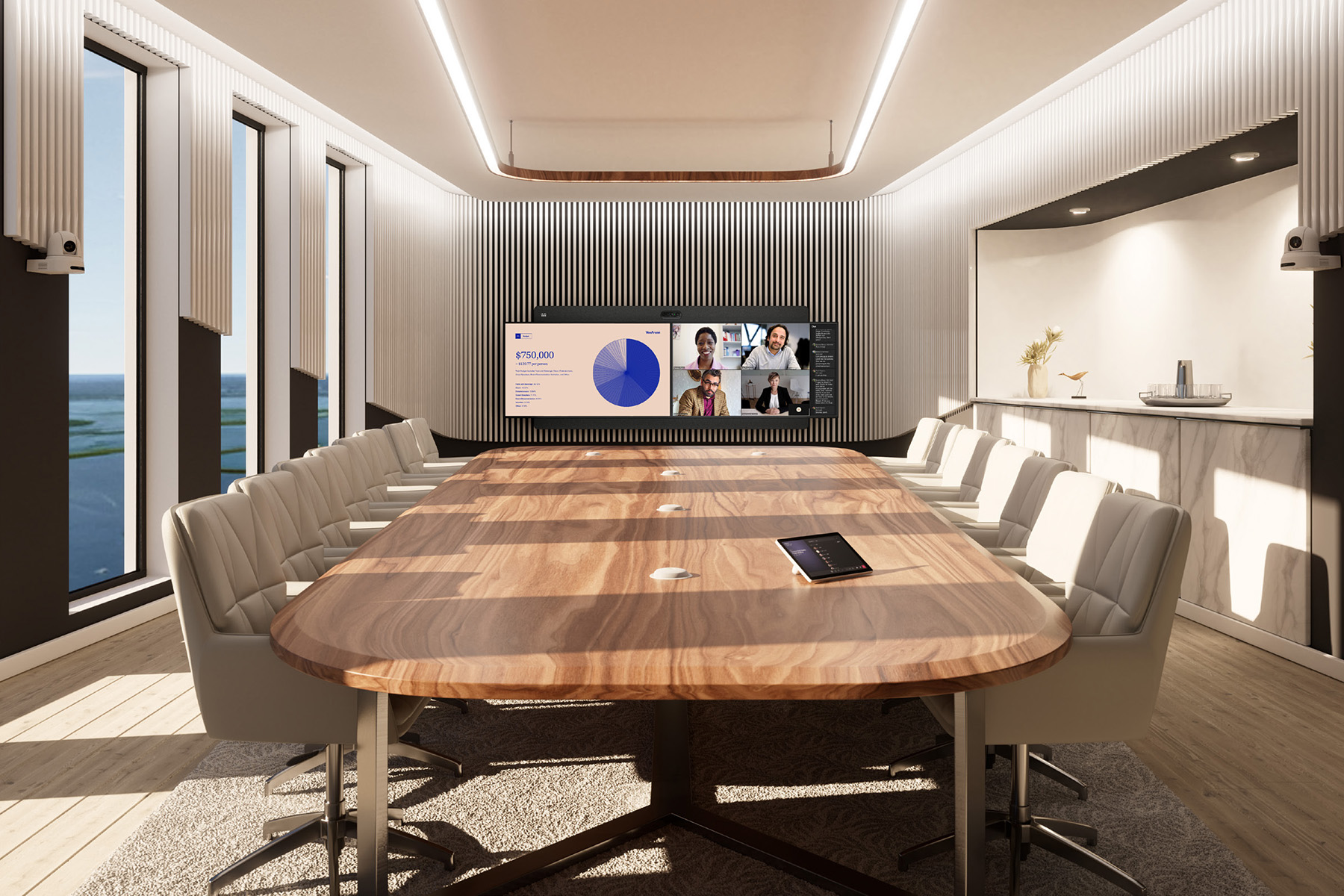
AV Systems • Ceiling Microphones • DSP • PTZ Cameras
Cisco • HP Poly • Yealink • Logitech • Shure • Biamp • Yamaha • Neat
Which video conferencing solution is best for a large meeting room?
In large meeting rooms, effective video and audio coverage throughout the entire space is essential.
Depending on the table layout, room acoustics, and the way meetings are conducted, different video conferencing system configurations can be used.
🔵 PTZ camera + tabletop microphones
This configuration is recommended for rooms with a traditional conference table layout, where participants are seated along the main axis of the room.
A typical setup includes:
✔️ PTZ camera
✔️ tabletop microphones
✔️ external speakers
✔️ wireless presentation system
This configuration provides:
✅ dynamic participant framing
✅ consistent voice pickup across the table
✅ reliable video and audio communication
It is particularly well suited to rooms used for regular team meetings, project discussions, and video conferences with clients.
🔵 Ceiling microphones + DSP
For larger spaces or meeting rooms with non-standard layouts, we recommend systems based on:
✔️ ceiling microphones
✔️ DSP (Digital Signal Processor)
✔️ ceiling speakers
Professional audio systems from manufacturers such as Shure, Biamp, and Yamaha can:
✅ reduce echo and unwanted acoustic effects
✅ maintain consistent audio levels
✅ improve speech intelligibility
This type of configuration provides consistent voice pickup throughout the room, regardless of where participants are seated – an important factor in professional hybrid meetings.
⚠️ In large meeting rooms, relying solely on an all-in-one device may result in insufficient audio coverage for participants seated further away. The final configuration should therefore be designed around the room layout, acoustics, and meeting requirements.
Examples
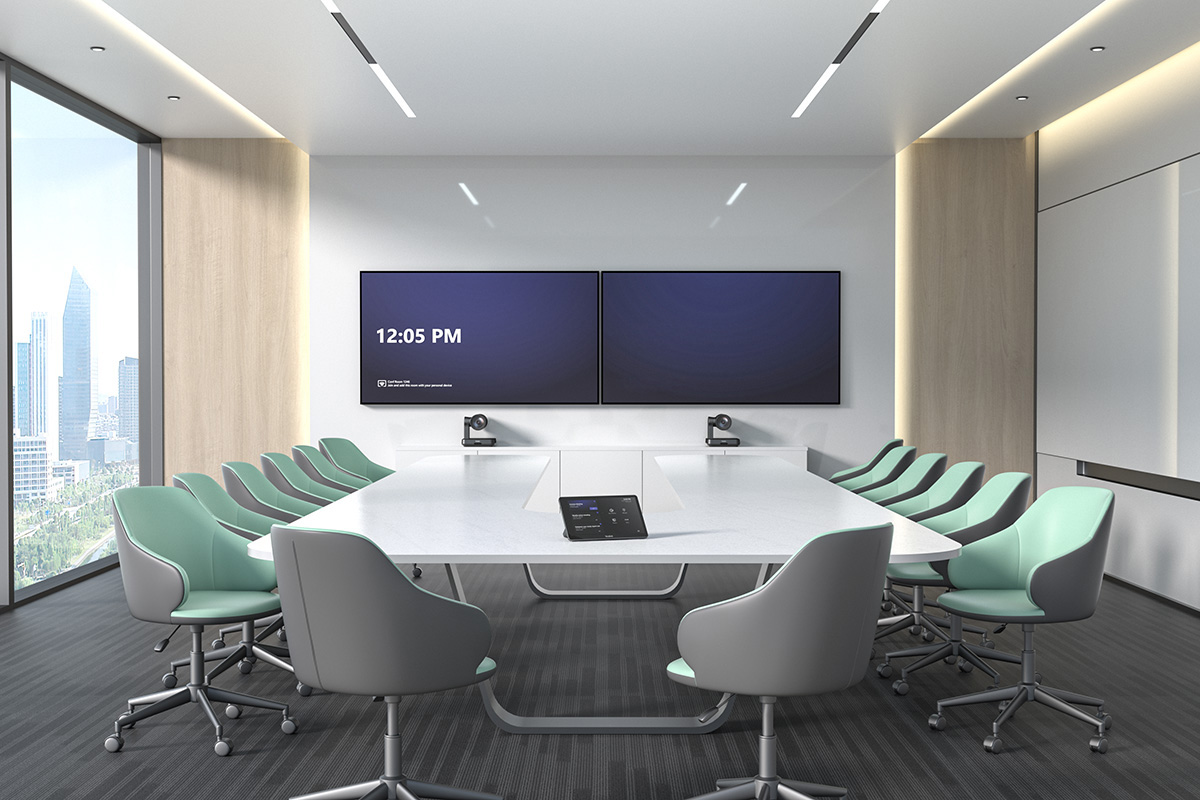
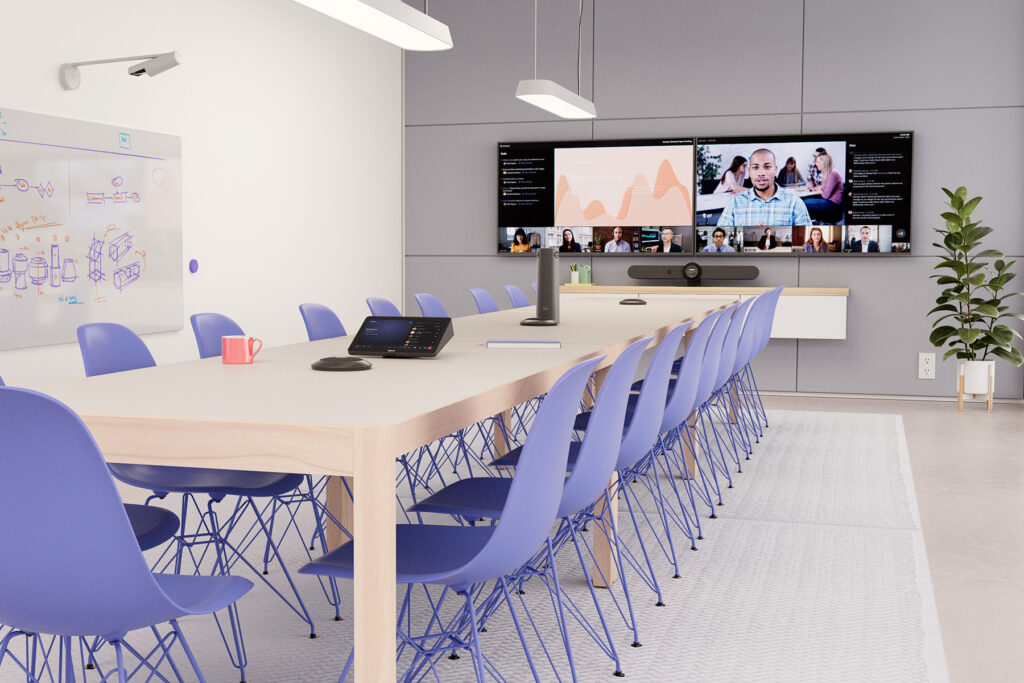
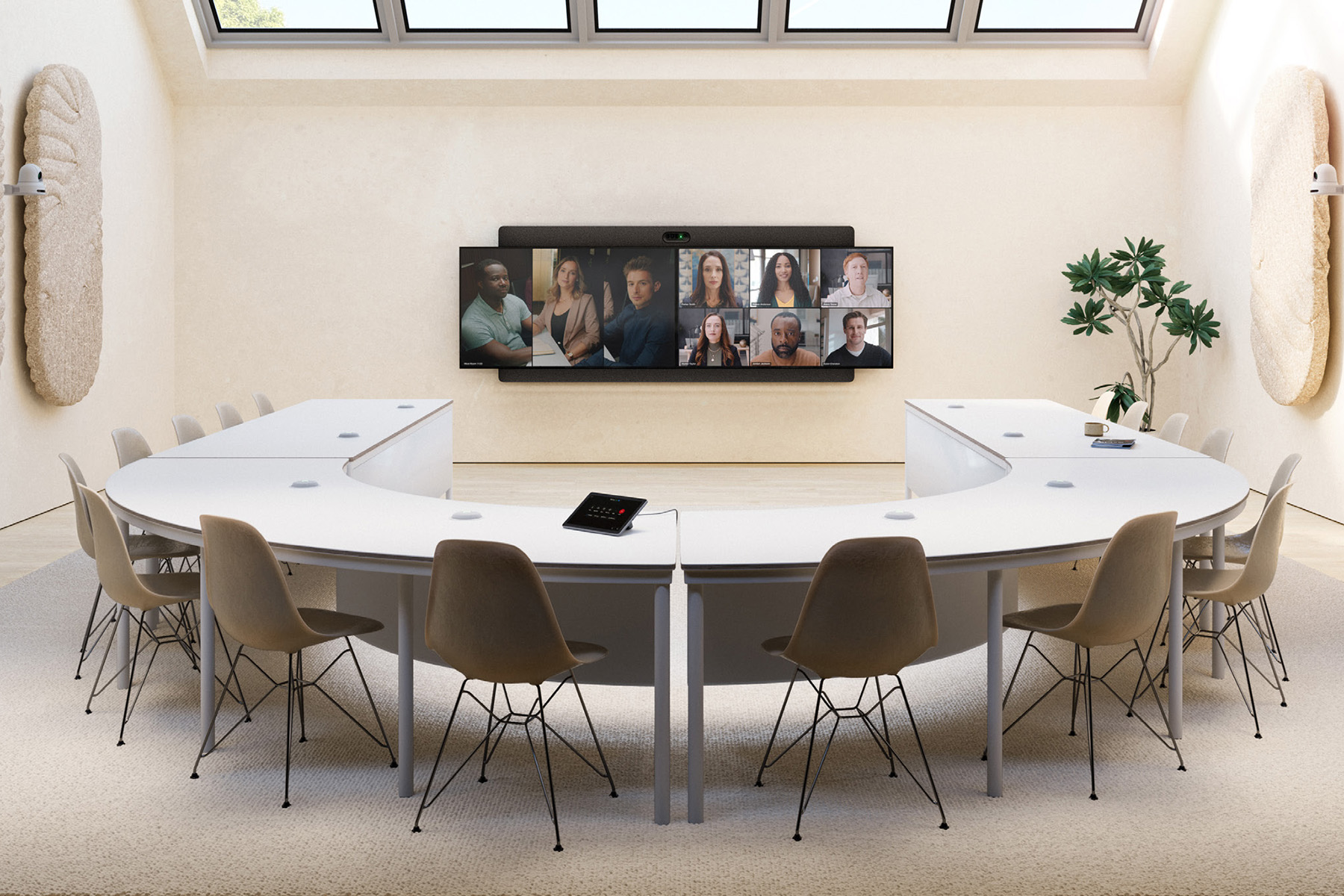
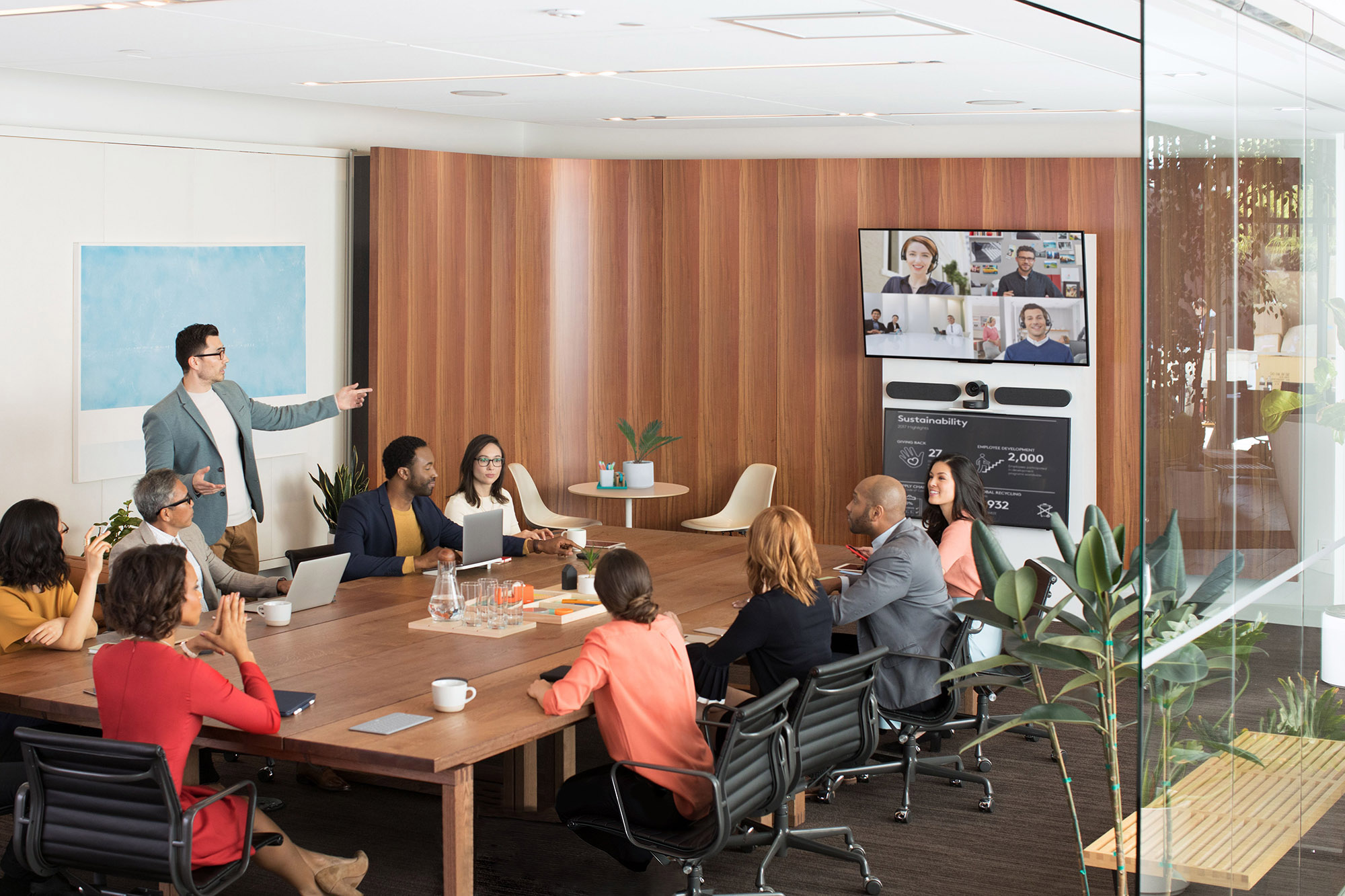
Is a video bar enough for a large meeting room?
In larger meeting rooms designed for 10–20 people, an all-in-one device – even an enterprise-grade video bar – may not provide sufficient coverage throughout the entire space.
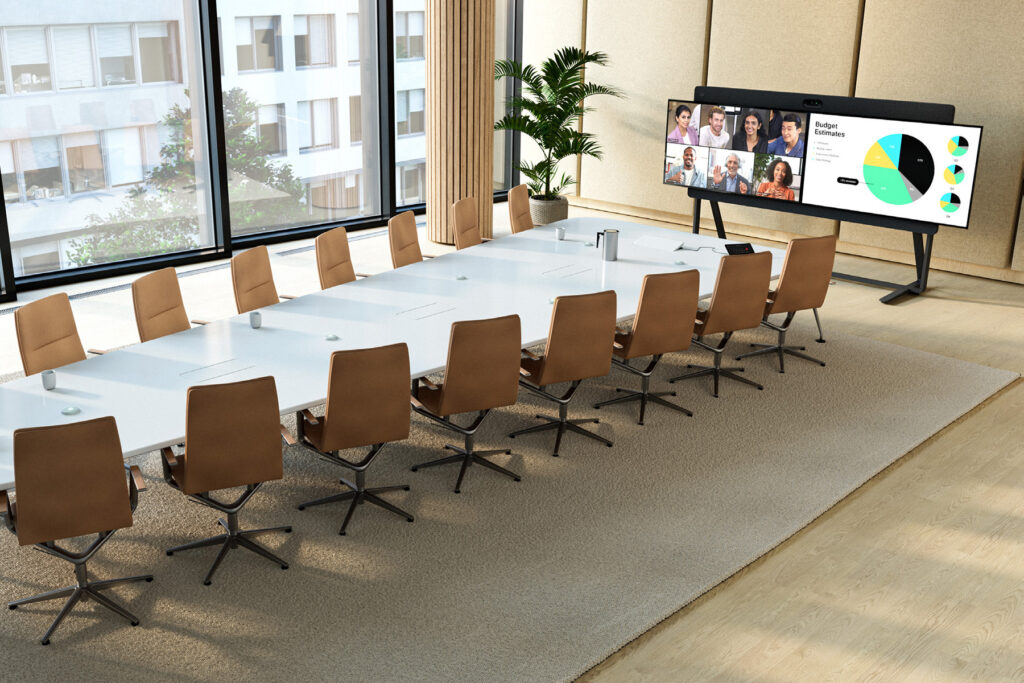
Although advanced video bars offer excellent video and audio quality, their capabilities may be limited by:
- the fixed position of the camera
- the coverage range of integrated microphones
- the capabilities of the built-in speaker system.
In large meeting rooms, greater distances between participants and the AV equipment, combined with more demanding room acoustics, often make modular video conferencing systems a better choice. These systems allow you to:
✅ connect one or more PTZ cameras
✅ use tabletop or ceiling microphones
✅ integrate external professional audio systems
✅ tailor the configuration to the room layout and acoustics.
Solutions such as Cisco Room Kit Pro, for example, support advanced configurations with external cameras, microphones, and professional audio components.
In practice, this provides much greater flexibility when designing a video conferencing environment for a large meeting room and helps ensure consistent communication quality regardless of where participants are seated.
Video conferencing system design with Nomacom AV
When designing a video conferencing system for a large meeting room, we consider:
✅ table and room layout
✅ participant seating and distribution
✅ room acoustics
✅ how meetings are conducted
Based on these factors, we recommend a video conferencing and AV configuration tailored to the organization’s actual requirements and the specific characteristics of the room.
👉 Contact us – we’ll help you design the right video conferencing solution for your large meeting room.
Find out more:
Medium Meeting Rooms (6–10 People)
Cisco • HP Poly • Yealink • Logitech • Neat
Medium-sized meeting rooms are commonly used for regular team meetings, project discussions, and video conferences with clients or business partners.
In these spaces, standard all-in-one video conferencing solutions may not always provide sufficient coverage – particularly in rooms with longer conference tables or a greater distance between participants and the display.
A video conferencing system for a medium meeting room should therefore provide:
✅ effective framing of all participants
✅ consistent audio pickup across the entire table
✅ reliable communication quality regardless of where participants are seated
At Nomacom AV, we select and deploy video conferencing solutions for medium meeting rooms based on the room layout and the way meetings are conducted, ensuring that every participant can be clearly seen and heard – both in the room and remotely.
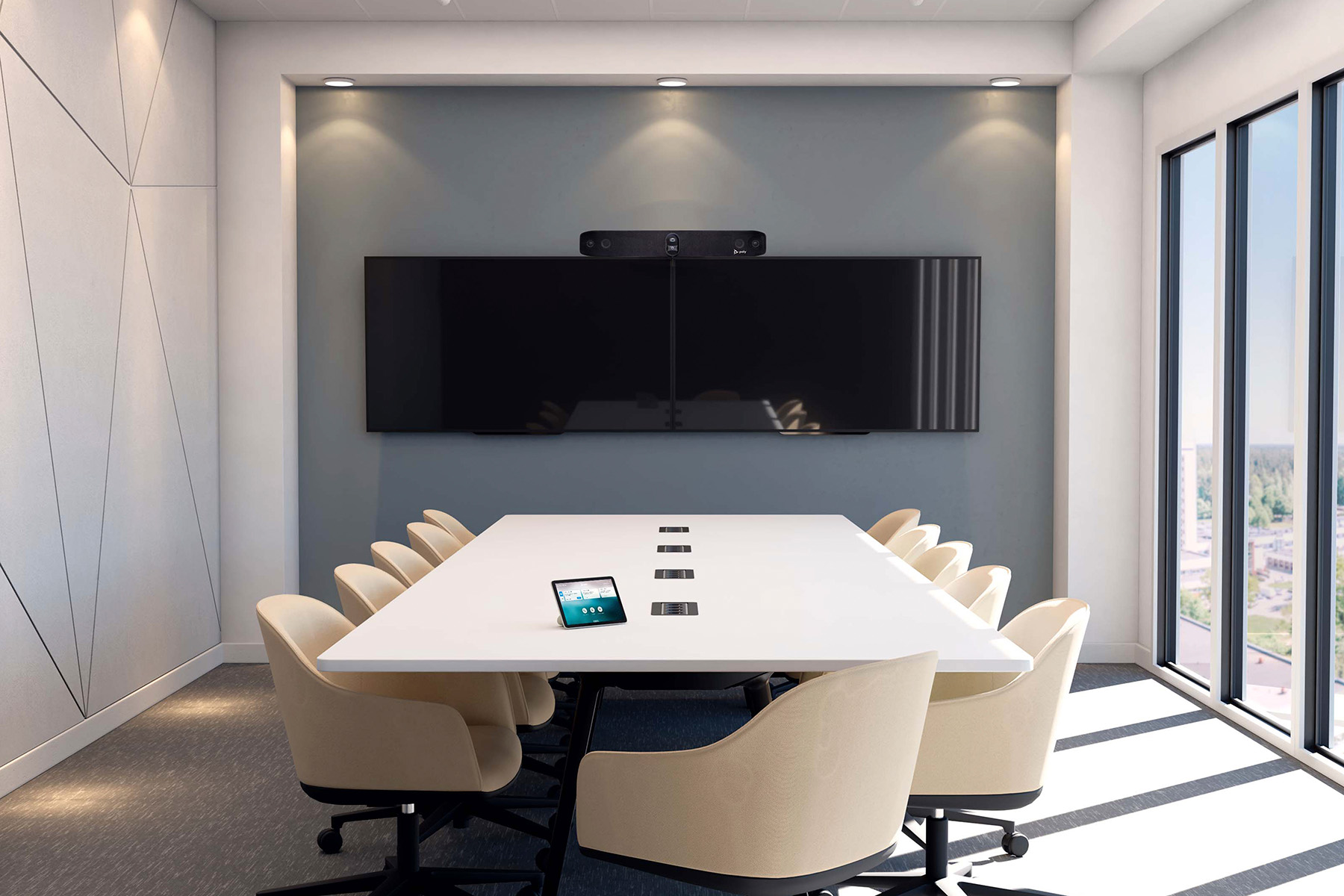
We work with leading manufacturers:
Cisco • HP Poly • Yealink • Logitech • Neat
Modular Systems • PTZ Cameras • Tabletop Microphones
Which video conferencing solution is best for a medium meeting room?
In meeting rooms designed for 6–10 people, it is essential to provide effective video and audio coverage throughout the entire space.
Depending on the room layout, table length, and number of participants, different video conferencing configurations can be used.
🔵 Video bar with expansion microphones
In some medium-sized meeting rooms, an effective configuration may include:
✔️ video bar
✔️ additional tabletop or expansion microphones
This setup can provide:
✅ extended microphone coverage
✅ clearer conversations for remote participants
✅ more consistent audio coverage throughout the room
🔵 Modular system with a PTZ camera
For rooms with longer conference tables, we recommend a more flexible configuration including:
✔️ PTZ camera
✔️ tabletop microphones
✔️ external speakers
✔️ wireless presentation system
This type of setup enables:
✅ intelligent framing and tracking of the active speaker
✅ consistent voice pickup across the table
✅ natural conversations without participants having to raise their voices
⚠️ In some medium-sized meeting rooms, relying solely on a basic USB camera or compact all-in-one device may result in insufficient audio or video coverage for participants seated further away. The final configuration should therefore be selected based on the room layout and the capabilities of the specific equipment.
Examples
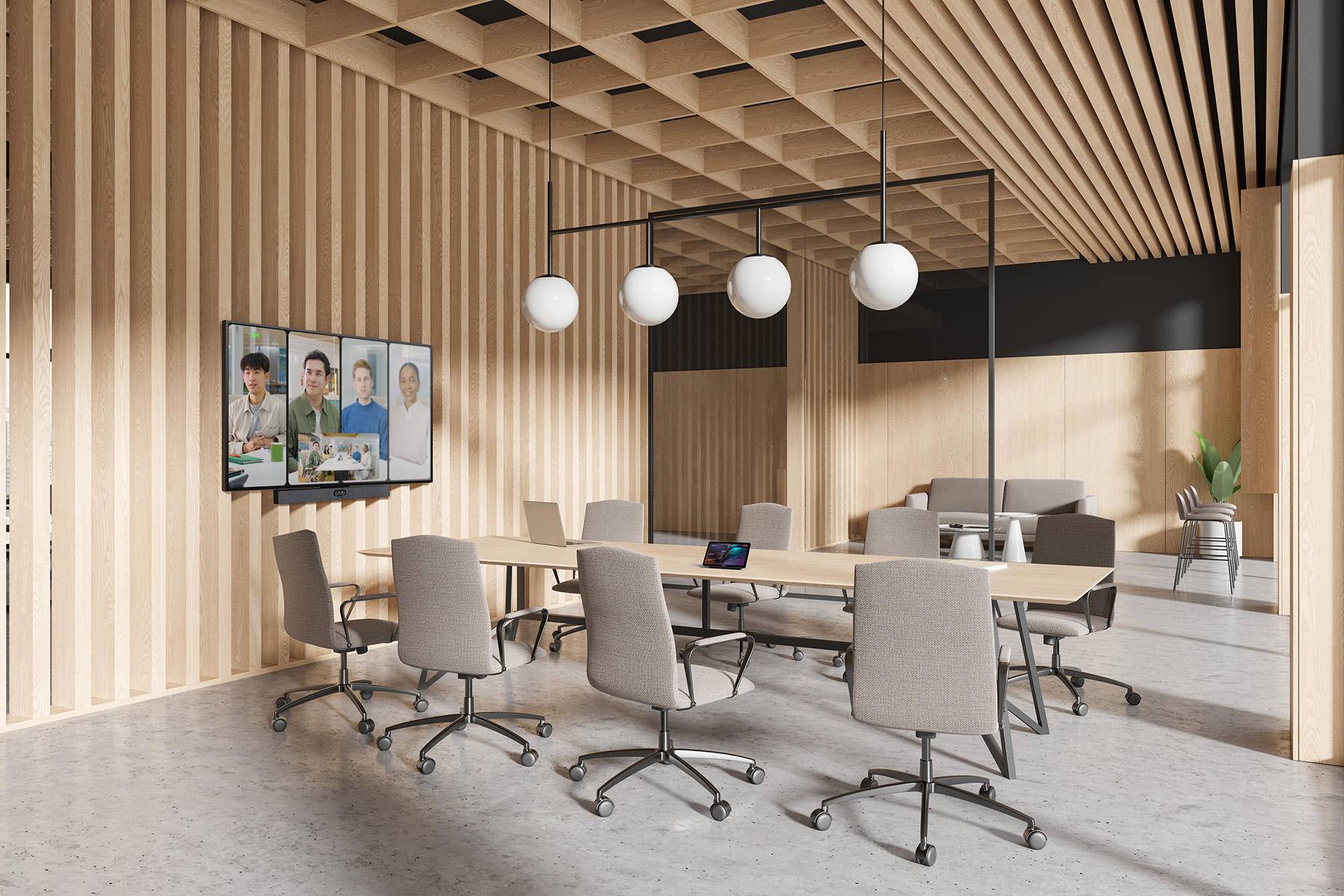
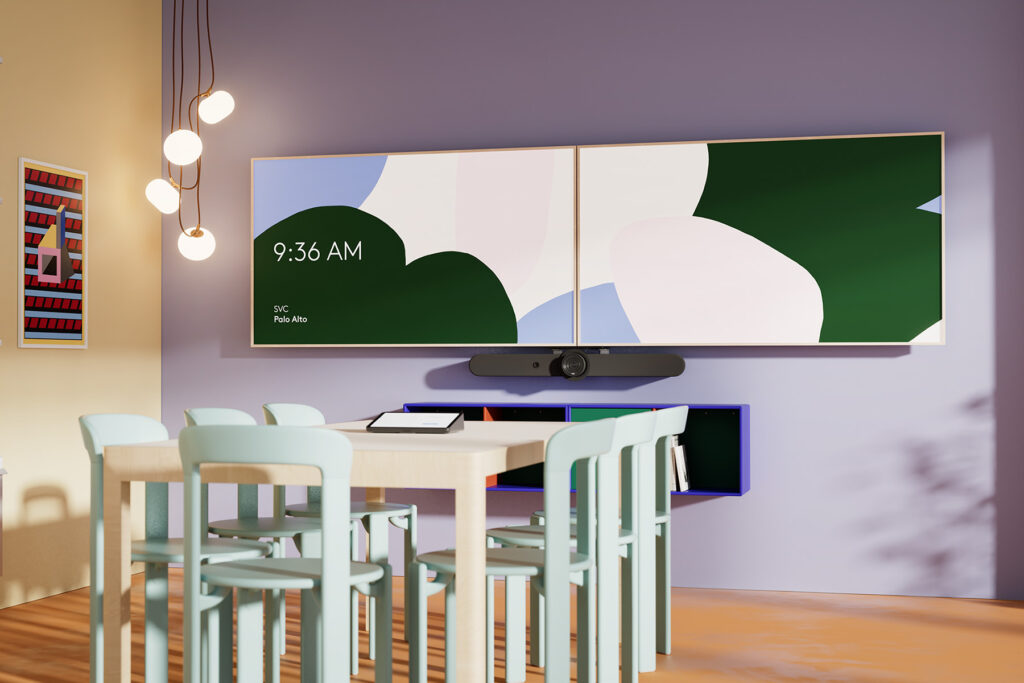
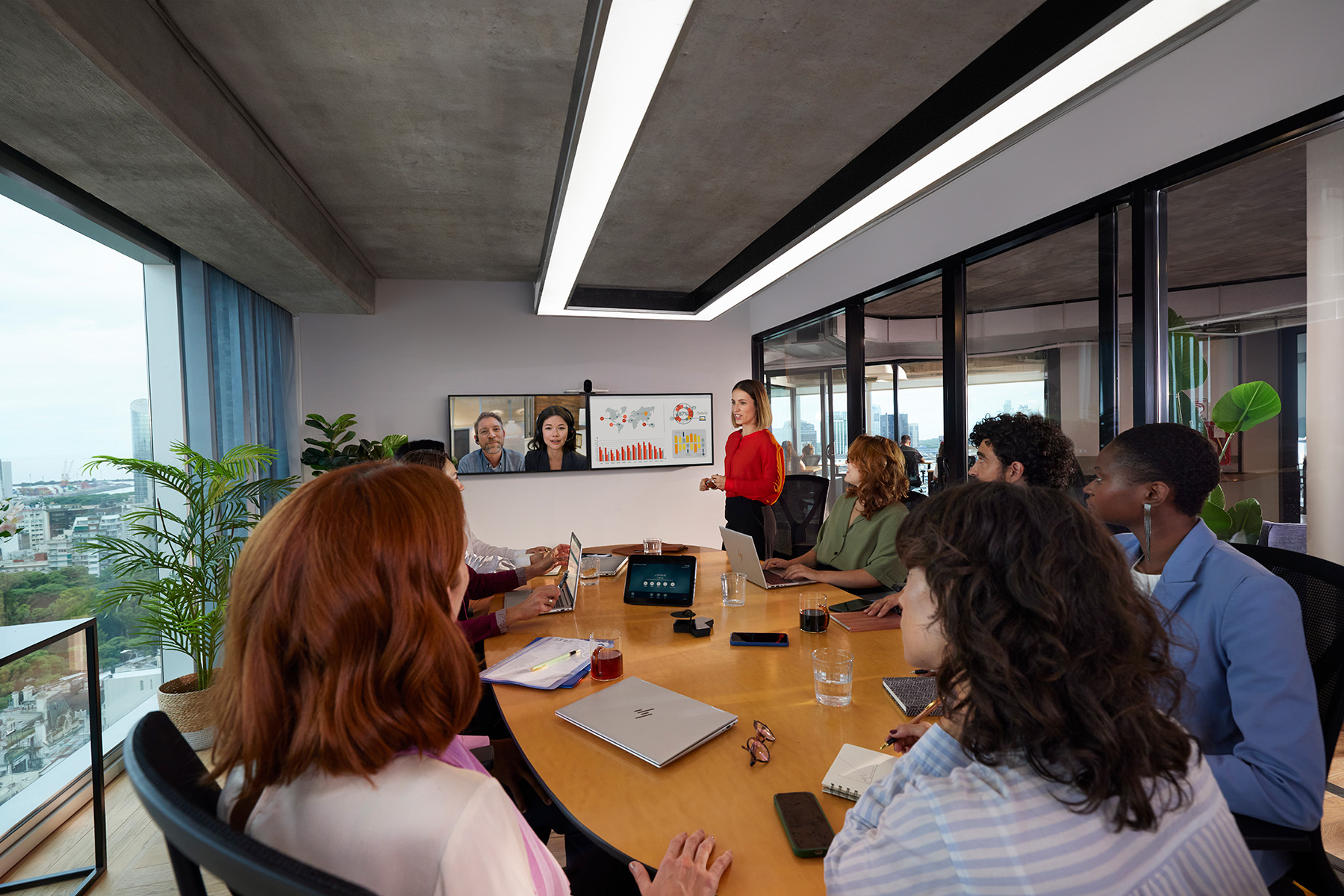
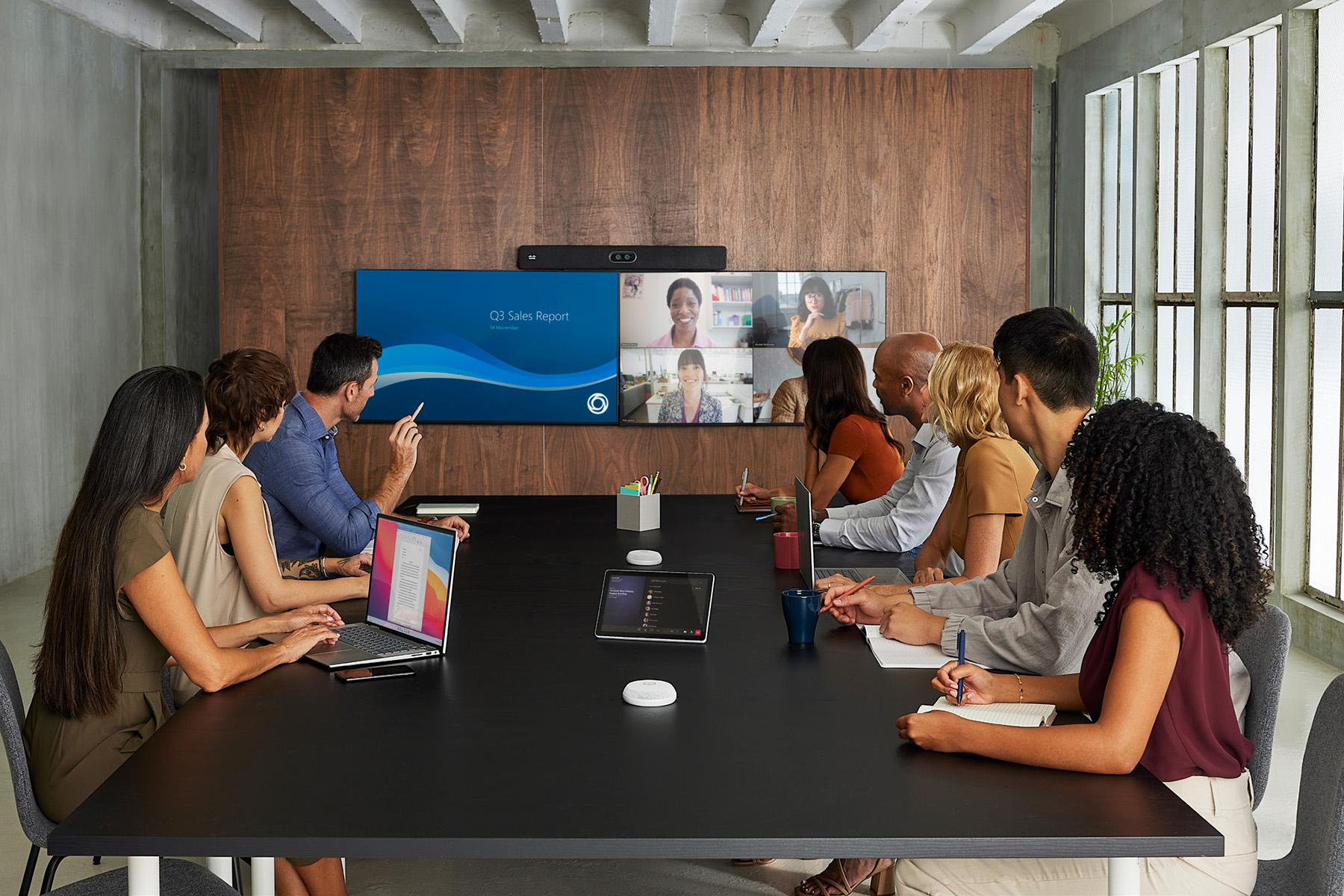
Why do medium meeting rooms need a dedicated video conferencing setup?
In medium meeting rooms designed for 6–10 people, standard solutions such as a USB camera or a single compact all-in-one device may not provide sufficient coverage for the entire space.
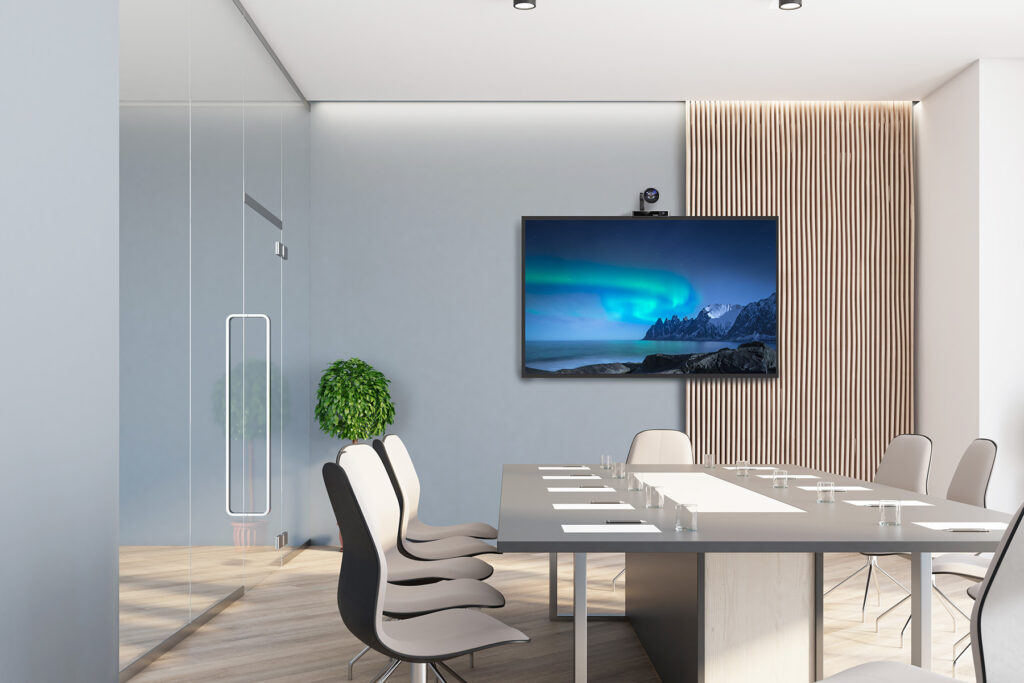
Greater distances between participants and the display, combined with longer conference tables, can mean that:
- some participants may remain outside the camera frame
- people seated further from the microphones may be more difficult to hear
- conversations may feel less natural for remote participants
⚠️ In these environments, relying solely on a compact video bar may affect the quality of the meeting experience – particularly during hybrid meetings.
A dedicated video conferencing solution for a medium meeting room can provide:
✅ consistent voice pickup across the table
✅ intelligent framing and active speaker tracking
✅ reliable video and audio quality
✅ natural communication without participants having to raise their voices
This helps meetings run smoothly and ensures that everyone can participate actively in the conversation, regardless of where they are seated.
Video conferencing system selection with Nomacom AV
When selecting a video conferencing system for a medium meeting room, we consider:
✅ table length
✅ participant seating and room layout
✅ room acoustics
✅ how meetings are conducted
Based on these factors, we recommend a configuration that provides comfortable and reliable team collaboration, while allowing the system to be expanded as your requirements evolve.
👉 Contact us – we’ll help you select the right video conferencing solution for your medium meeting room.
Find out more:
Small Meeting Rooms (2–5 People)
Logitech • Jabra • Yealink • Cisco • Neat • HP Poly
Small meeting rooms are among the most frequently used collaboration spaces in modern businesses. They are ideal for everyday team discussions, client calls, project meetings, and short video conferences.
Unlike Focus Rooms, meeting spaces designed for several participants require consistent audio pickup and intelligent camera framing to ensure everyone can be seen and heard clearly. A professional video conferencing system for a small meeting room should therefore provide not only high-quality video but also clear and reliable audio – regardless of where participants are seated around the table.
At Nomacom AV, we select and deploy video conferencing solutions for small meeting rooms based on room size, acoustic conditions, and the way meetings are conducted, ensuring a comfortable and consistent experience for both in-room and remote participants.
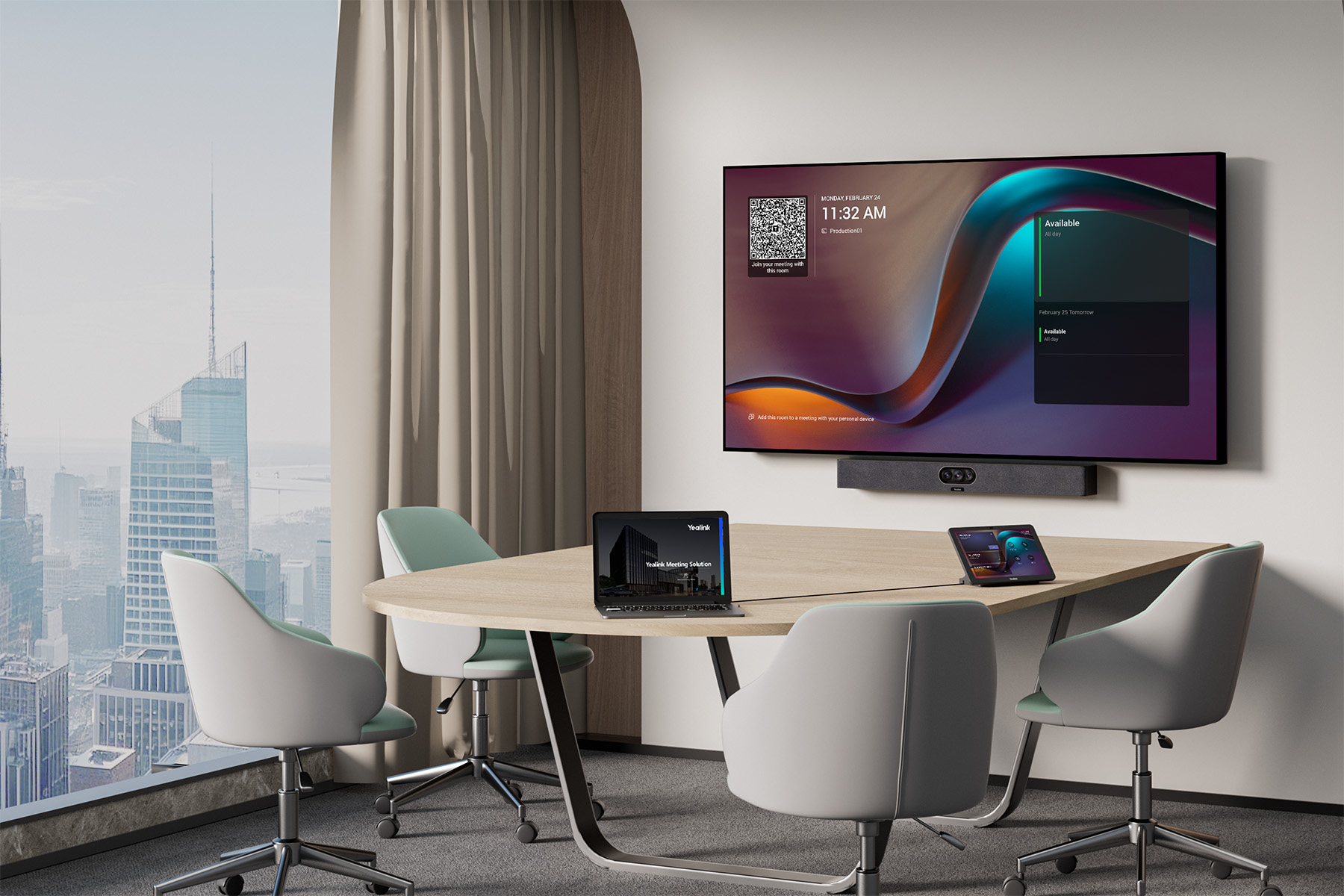
We work with leading manufacturers:
Logitech • Jabra • Yealink • Cisco • Neat • HP Poly
Video Bars with Expansion Microphones • 4K • Auto-Framing
Which video conferencing solution is best for a small meeting room?
Choosing the right video conferencing system for a small meeting room (2–5 people) depends primarily on the table layout, room dimensions, and the way meetings are conducted.
A properly selected setup allows meetings to run naturally – with clear audio and video, minimal technical interruptions, and intuitive operation.
🔵 Standard small meeting room (up to 3–4 people)
If participants are seated relatively close to the display, a practical setup includes:
✔️ video bar with an integrated camera and microphones
✔️ meeting room display
✔️ optional wireless presentation system
This configuration provides:
✅ fast deployment
✅ simple and intuitive operation
✅ high-quality video and audio
without the need for additional audio equipment.
🔵 Small meeting room with a longer table (4–5 people)
For rooms with a longer table layout, we recommend:
✔️ video bar
✔️ additional tabletop or expansion microphone
✔️ wireless presentation system
This helps ensure that:
✅ voices are captured evenly across the table
✅ participants seated further from the display remain clearly audible
✅ conversations feel natural without participants having to raise their voices
🔵 Hybrid meetings and frequent presentations
If the room is regularly used for:
✔️ client meetings
✔️ project collaboration
✔️ presentations
it is also worth considering:
✅ a wireless presentation system, such as Barco ClickShare
✅ the option to add expansion microphones
✅ integration with Microsoft Teams, Zoom, or Webex
This type of configuration improves the overall meeting experience and reduces the time required to prepare the room for each meeting.
Examples
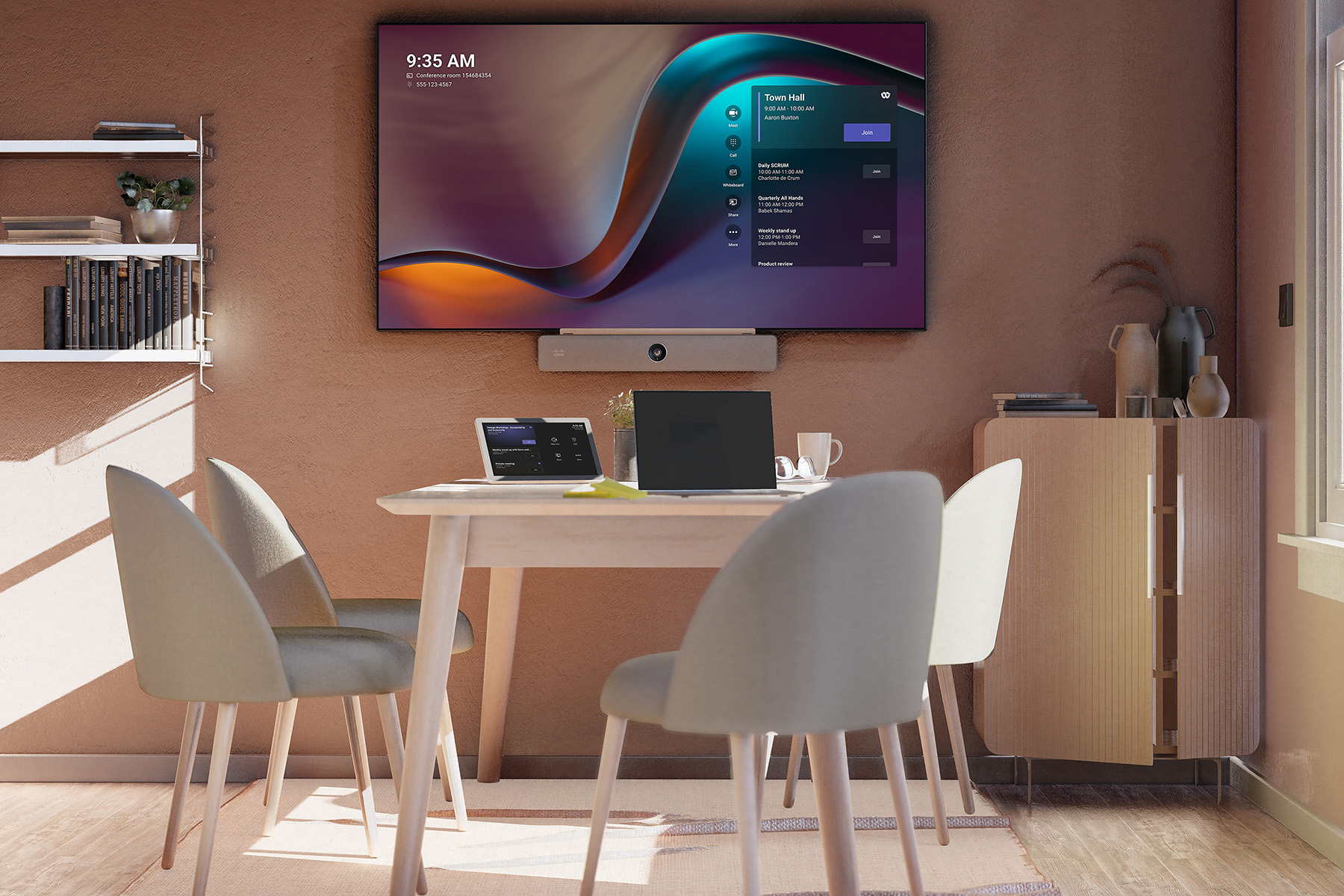
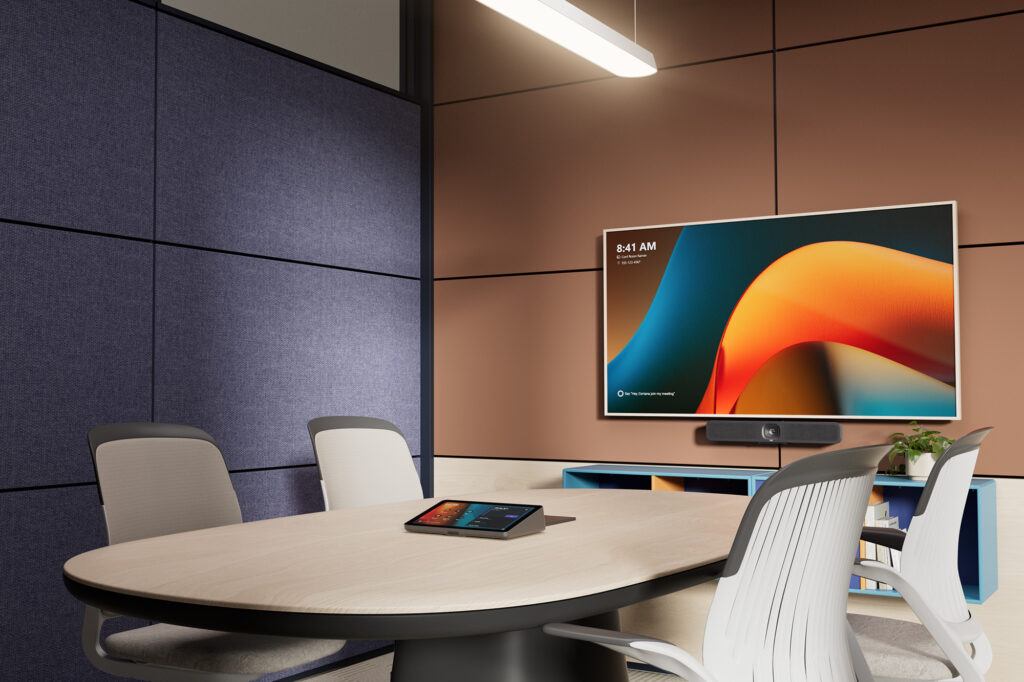
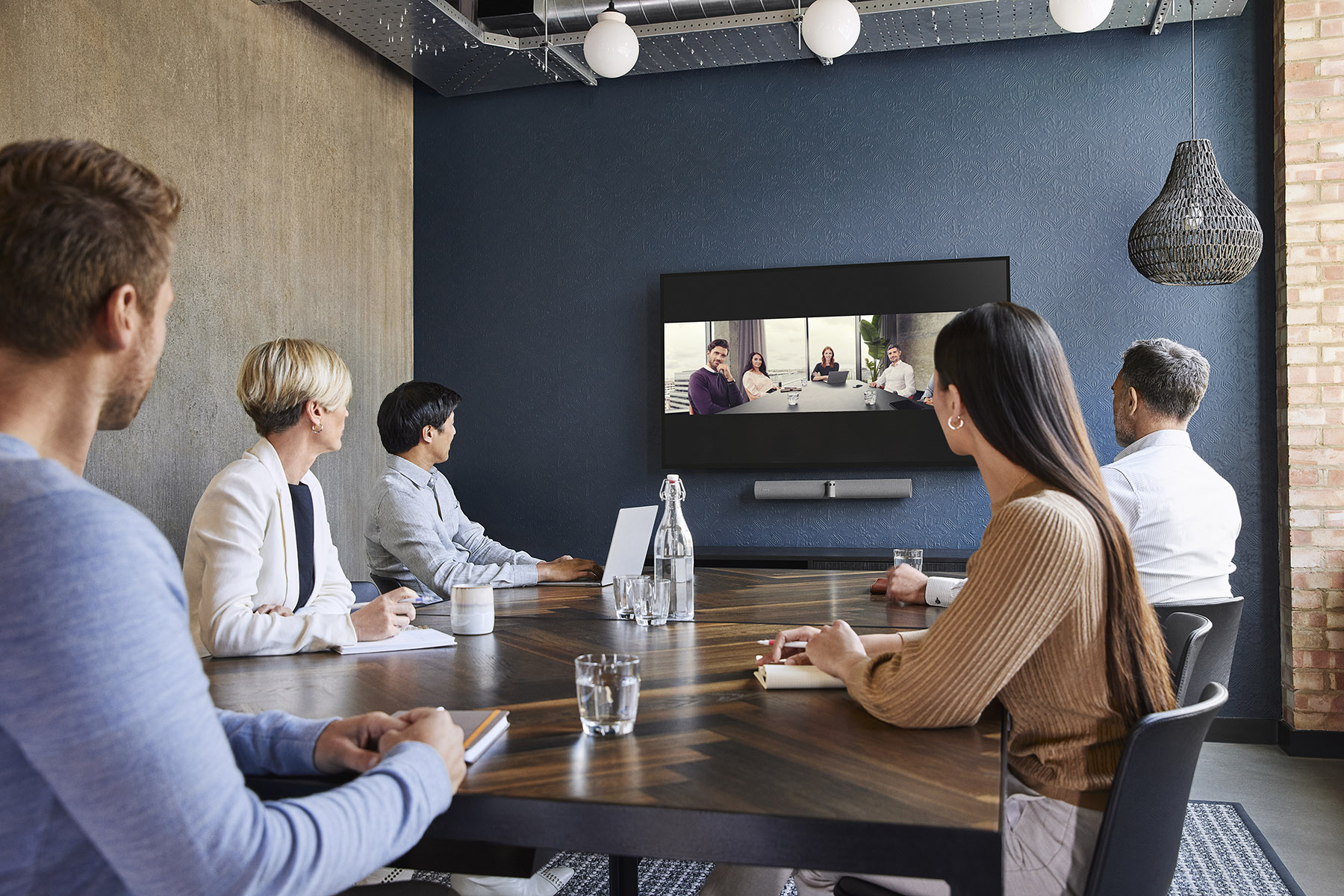
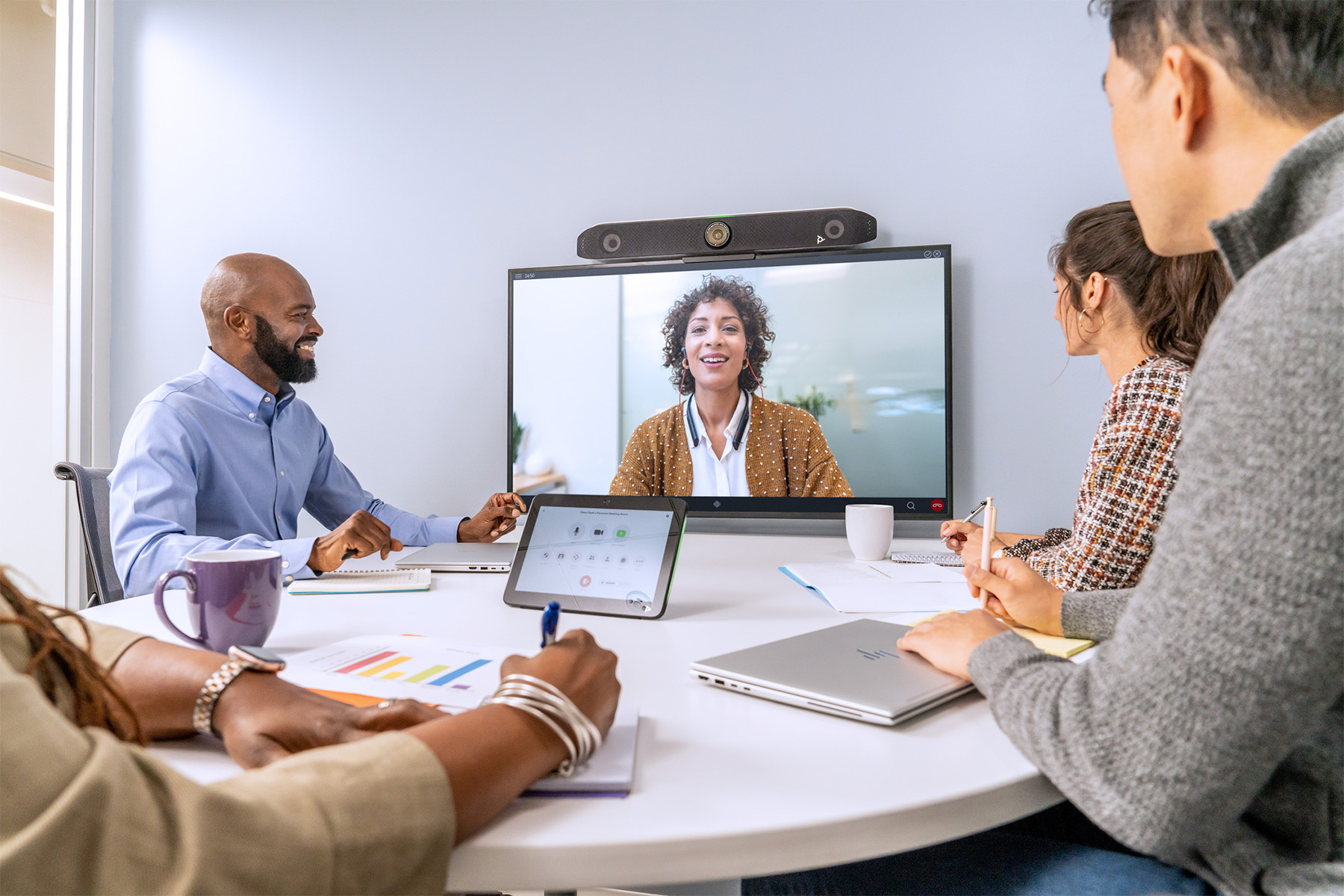
Why do small meeting rooms need a dedicated video conferencing setup?
Although small meeting rooms are typically designed for just a few people, choosing the right video conferencing system is essential for a comfortable and productive meeting experience.
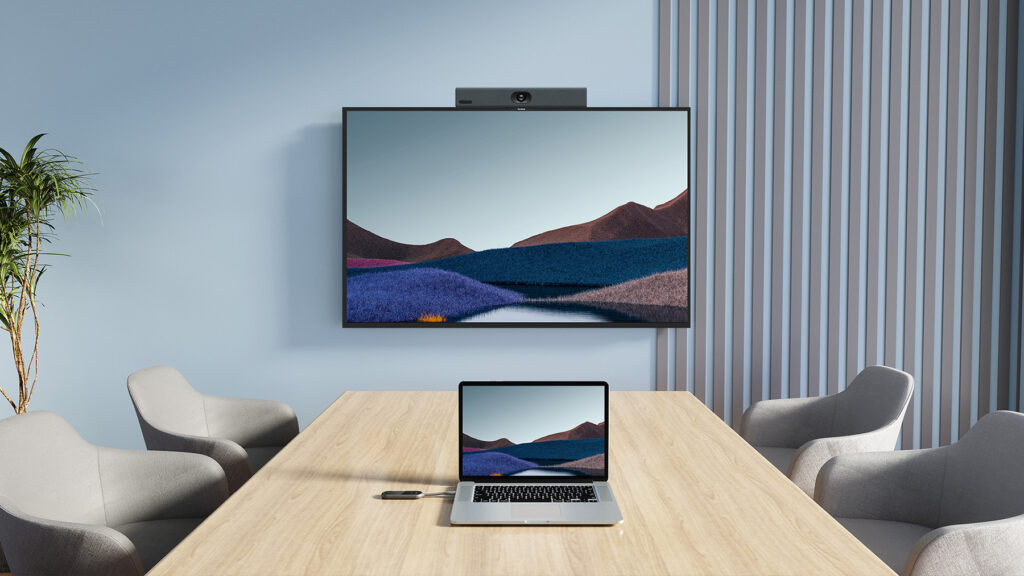
Standard solutions, such as a laptop camera or basic external webcam, are not designed for multi-person meetings. As a result:
⚠️ some participants may remain outside the camera frame
⚠️ people seated further from the microphone may be difficult to hear
⚠️ the overall meeting experience can deteriorate as more participants join
A dedicated video conferencing solution for a small meeting room provides:
✅ consistent voice pickup for everyone around the table
✅ automatic participant framing
✅ reliable video and audio quality
✅ compatibility with Microsoft Teams, Zoom, and Webex
This allows meetings to run smoothly and naturally – without participants having to repeat themselves or manually adjust the camera.
Video conferencing system selection with Nomacom AV
Not every small meeting room requires the same solution.
The performance and usability of a video conferencing system depend on several factors, including:
✅ room size
✅ table layout
✅ number of participants
✅ how meetings are conducted
✅ room acoustics
That’s why selecting the right video conferencing solution for a small meeting room should take into account both the technical characteristics of the space and the actual needs of the team.
At Nomacom AV, we analyze how the meeting room will be used and recommend a solution that provides:
✔️ clear and natural communication
✔️ a comfortable user experience
✔️ the flexibility to expand the system in the future
👉 Contact us – we’ll help you select the right video conferencing solution for your small meeting room.
Find out more:
Focus Rooms (1–2 People)
Jabra • Logitech • Yealink • Cisco • Neat • HP Poly
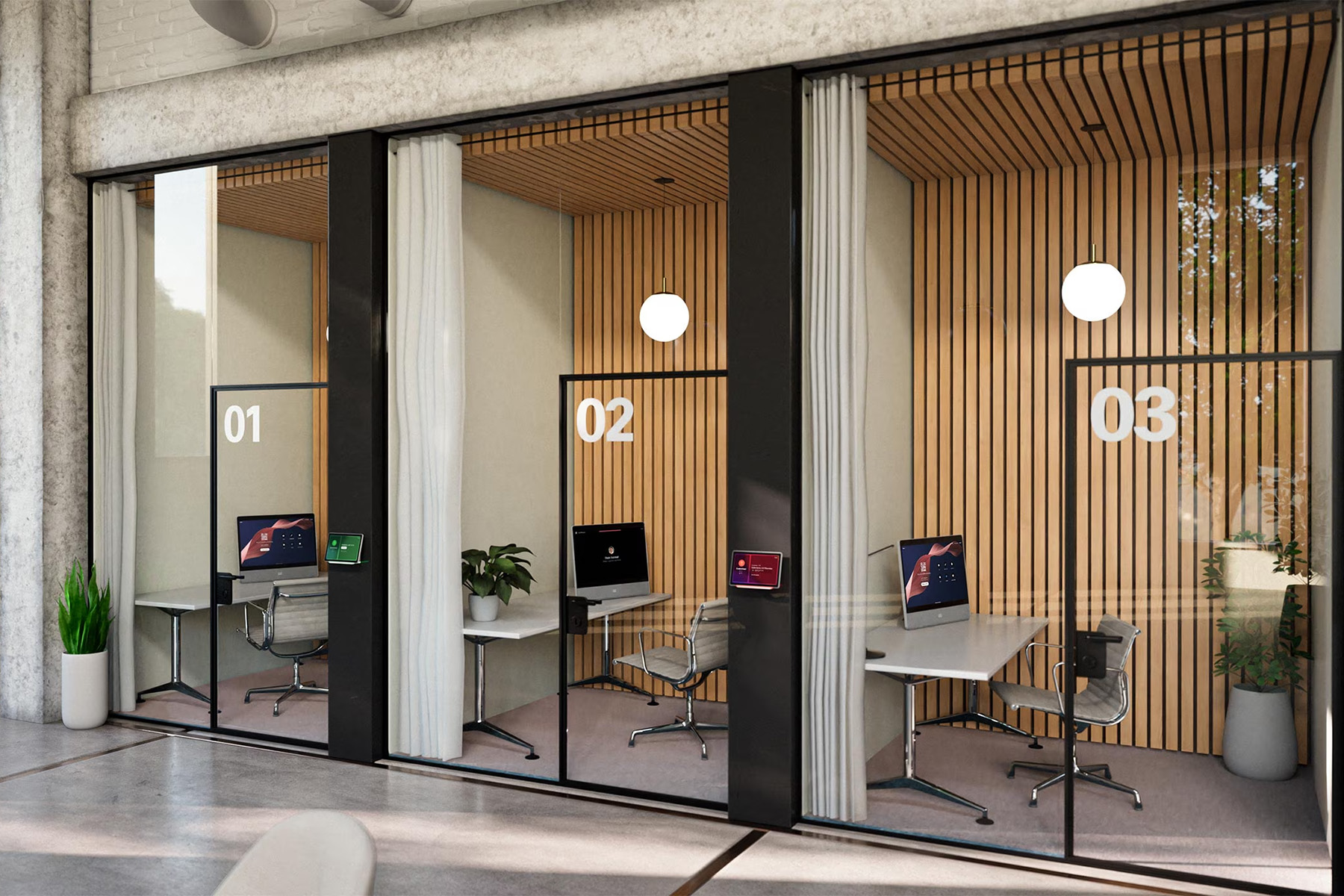
Focus Rooms are compact spaces designed for individual work or meetings for one or two people. They are commonly used for client calls, online meetings, focused work, and presentations without the distractions of an open-plan office.
Because space is limited, choosing compact video conferencing solutions is essential. The right setup provides high-quality video and audio without taking up valuable desk or wall space.
At Nomacom AV, we select and deploy video conferencing solutions for Focus Rooms with user comfort and simplicity in mind. We make sure the system is easy to operate and ready for everyday meetings without requiring users to configure equipment before every call.
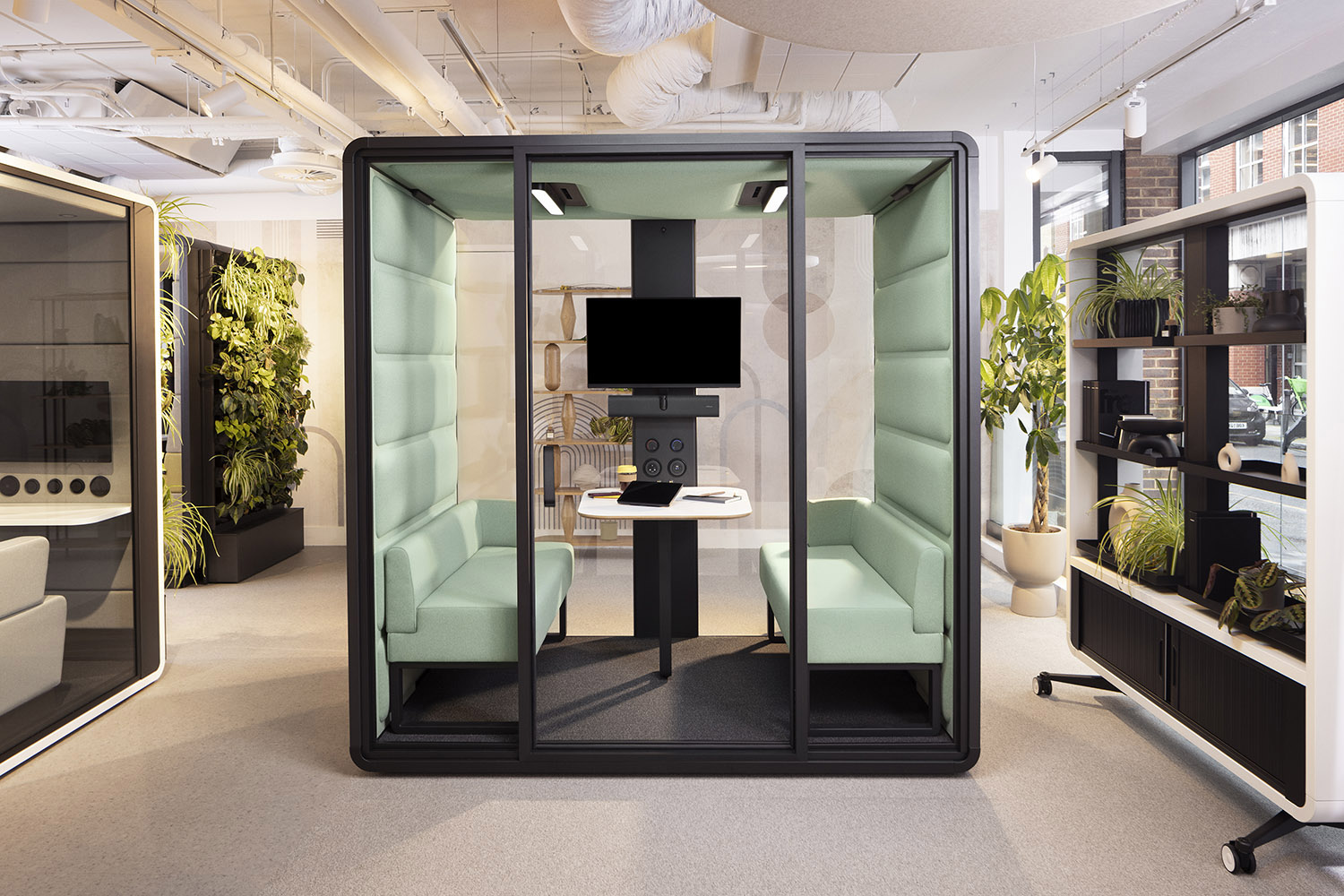
We work with leading manufacturers:
Logitech • Jabra • Yealink • Cisco • Neat • HP Poly
Compact Video Bars • 180° Cameras • Plug & Play • BYOD
Which video conferencing solution is best for a Focus Room?
In small spaces, all-in-one video conferencing systems are often the most practical choice, combining a camera, microphones, and speakers in one compact device.
These solutions allow users to start meetings quickly without connecting or configuring additional equipment.
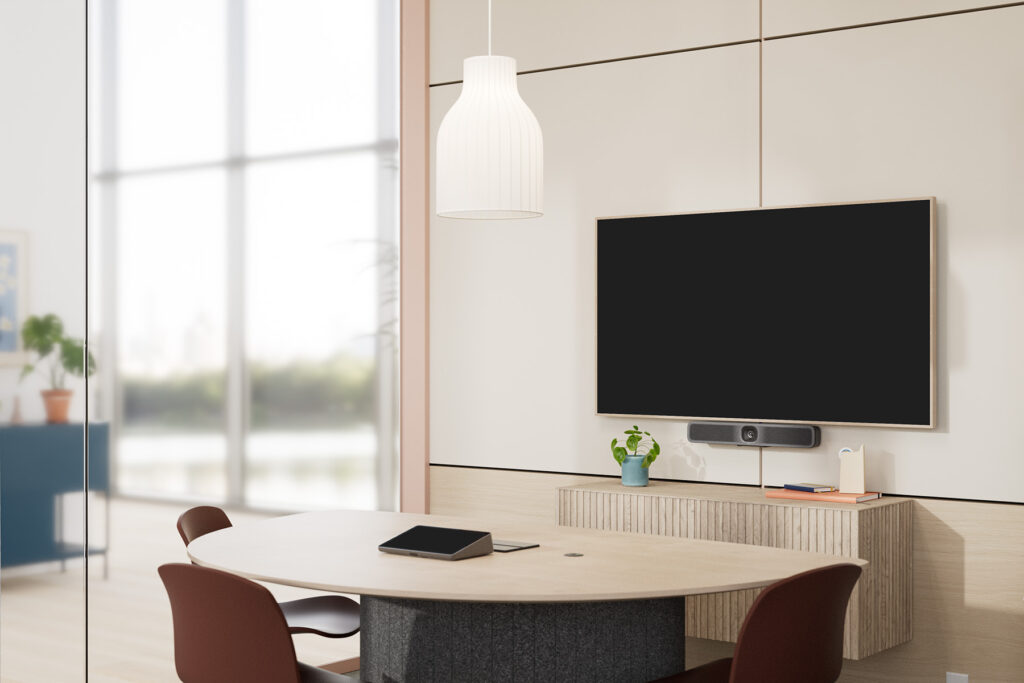
Typical configurations for Focus Rooms include:
✅ compact video bars mounted above or below the display
✅ USB cameras for BYOD environments
✅ compact Microsoft Teams Rooms systems
✅ plug-and-play solutions for quick and spontaneous meetings
In Focus Rooms, intelligent framing and effective background noise reduction are also particularly important. Modern devices can use AI-powered technologies such as automatic framing, speaker tracking, and noise suppression to keep users clearly visible and audible throughout the meeting.
Example solutions
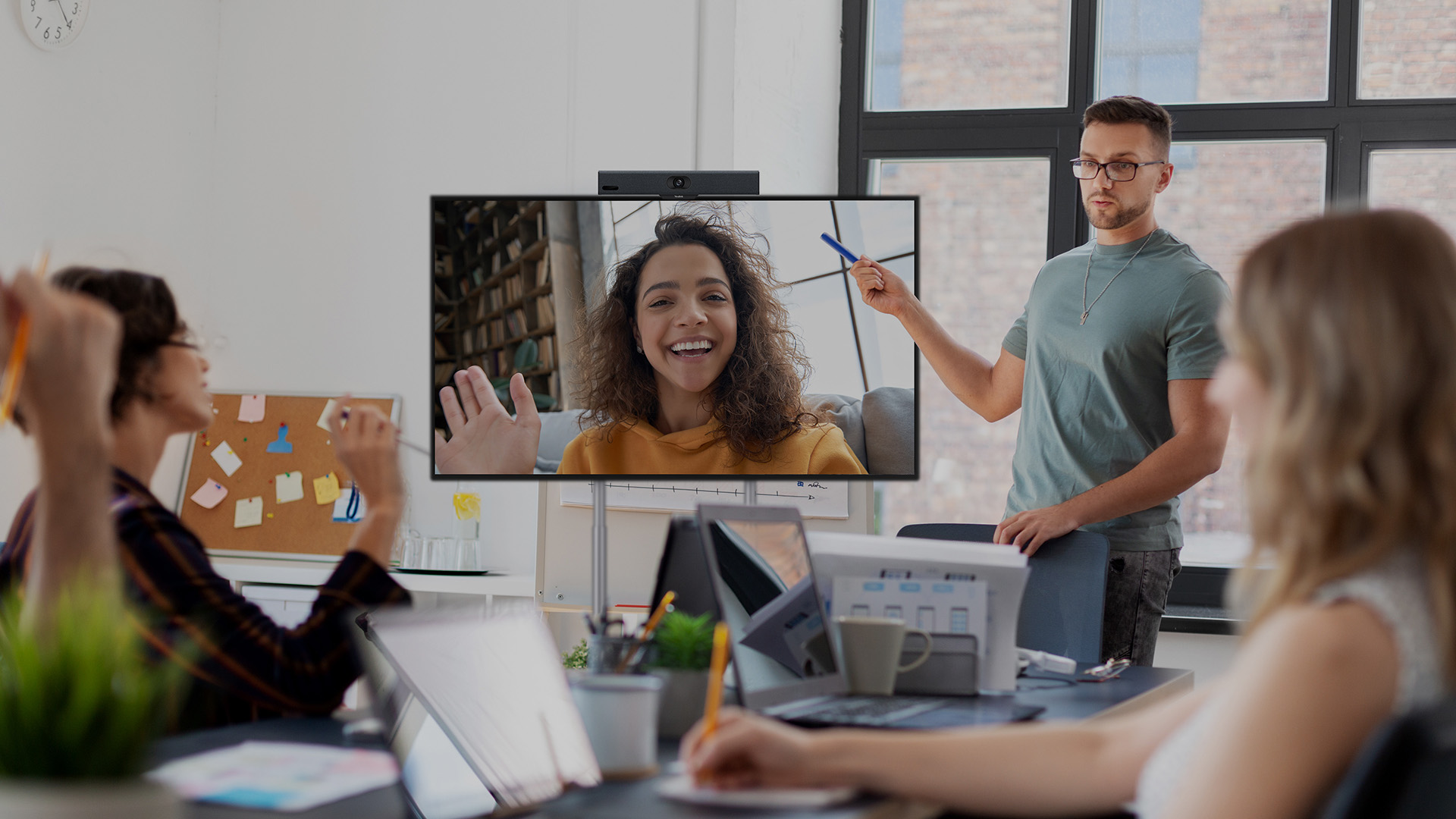
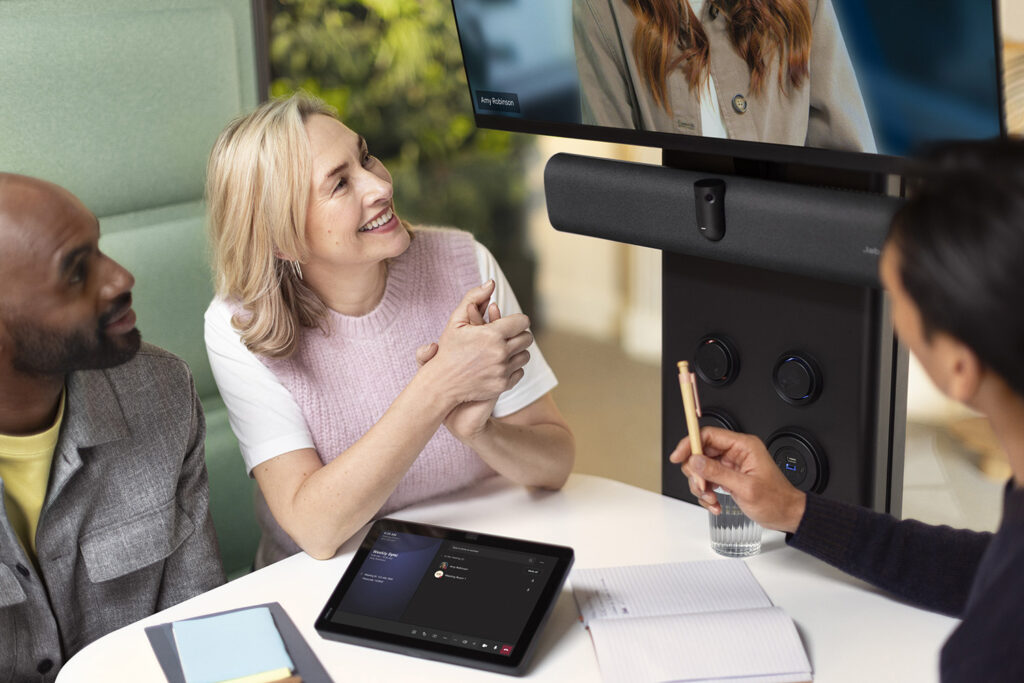
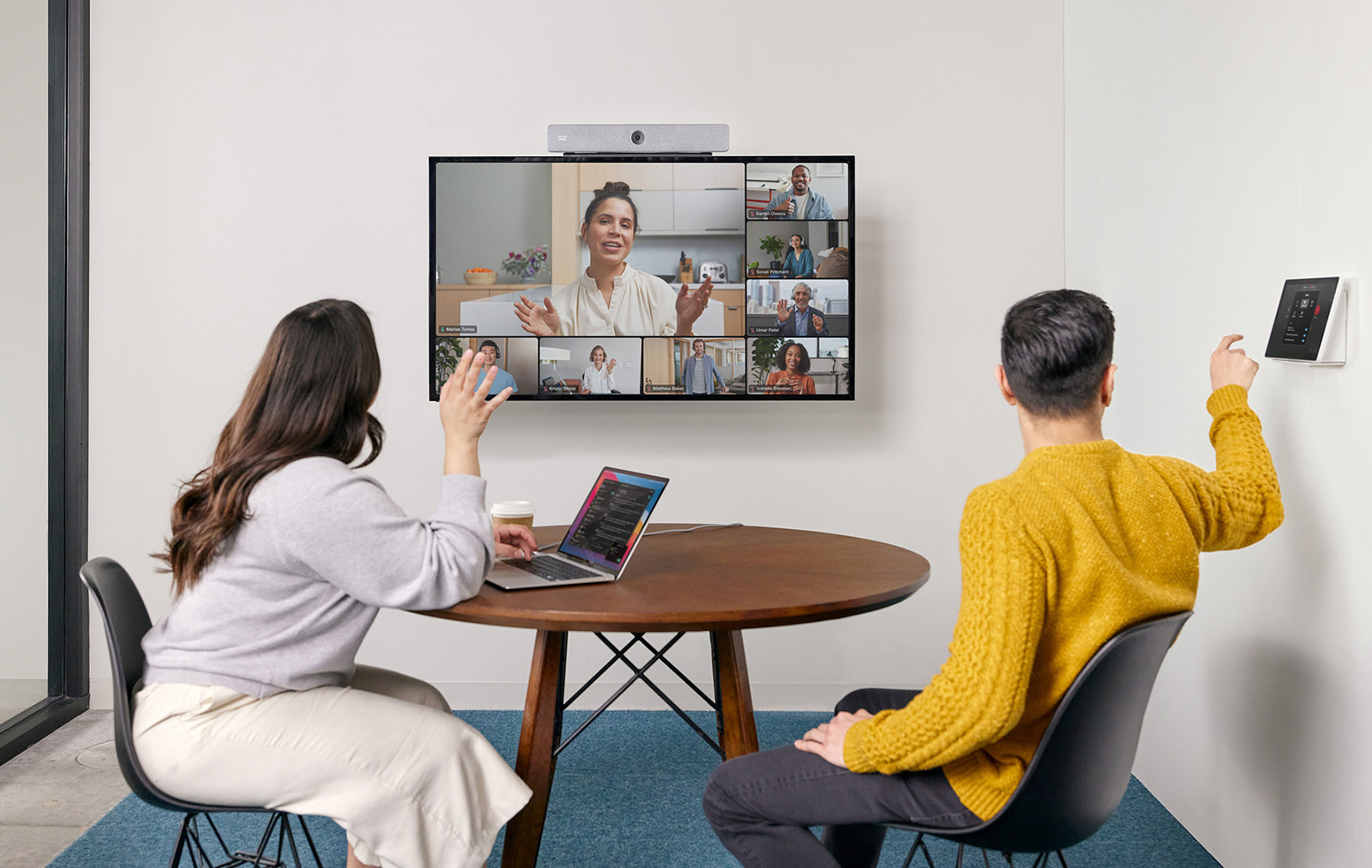
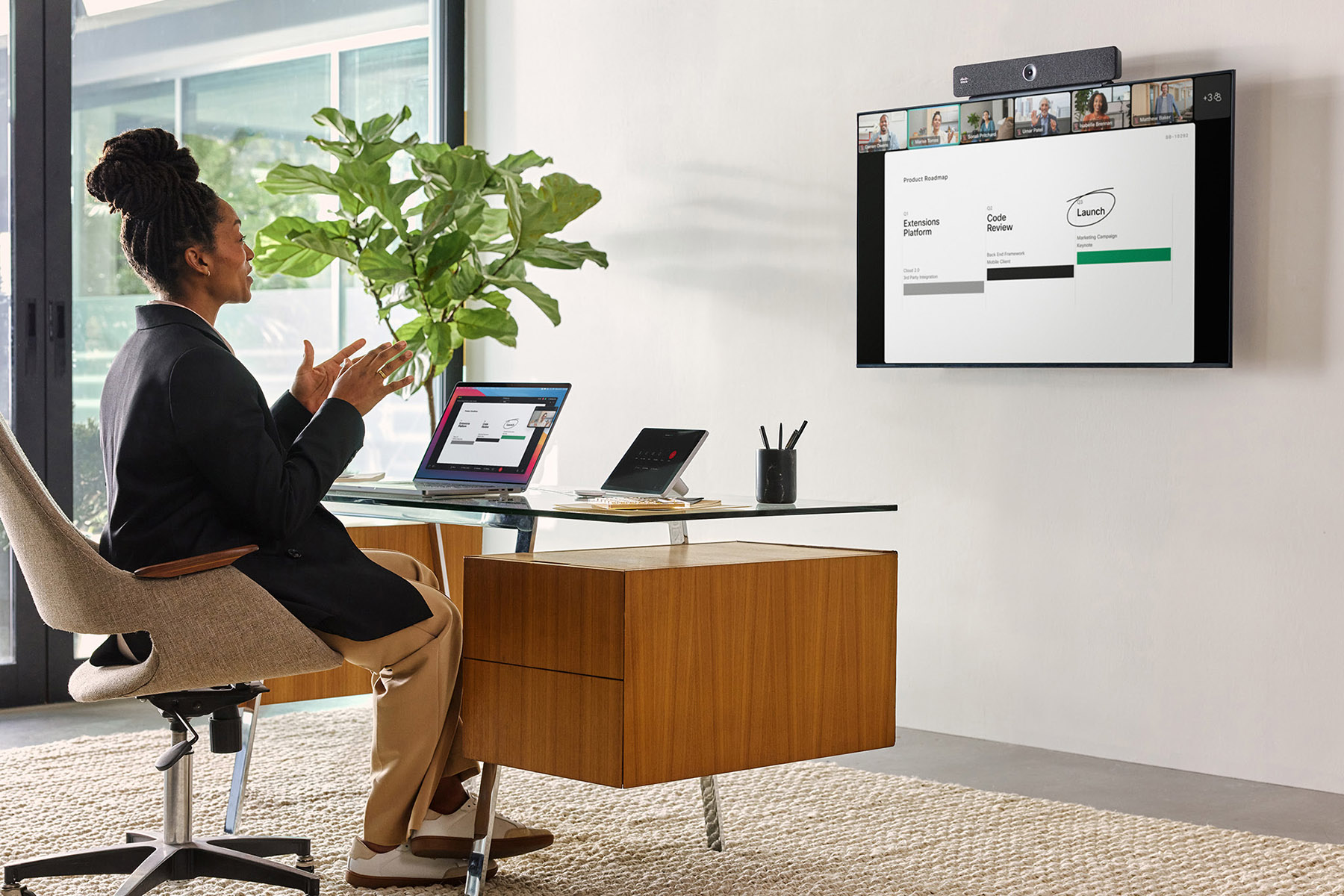
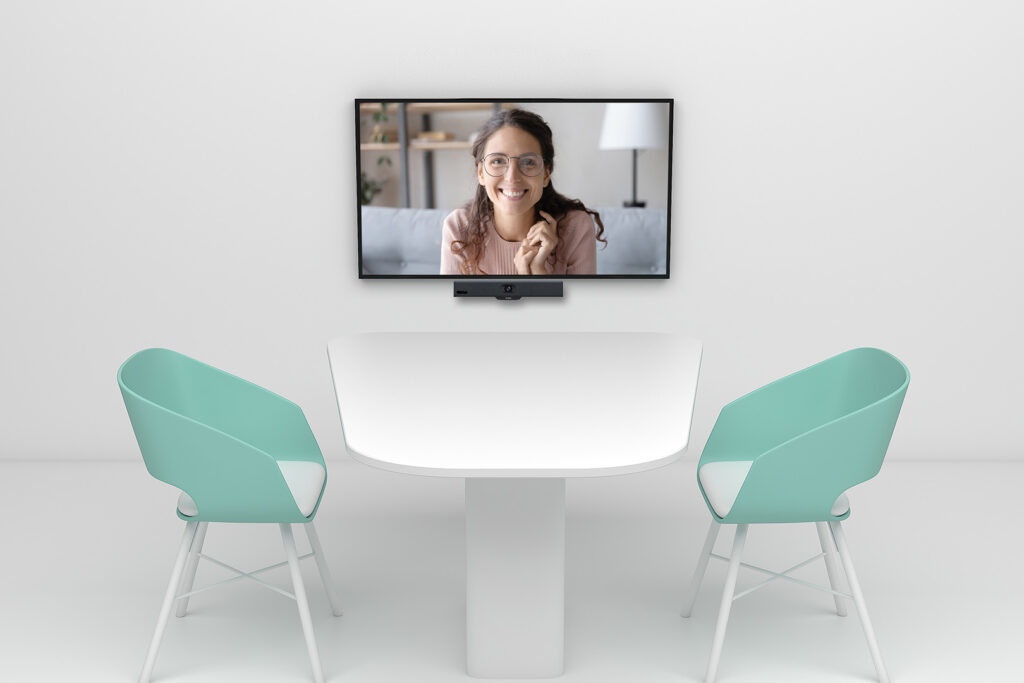
Why does a Focus Room need a dedicated video conferencing setup?
Limited space means that solutions designed for larger meeting rooms may not provide the best video and audio experience. Compact video conferencing systems for Focus Rooms:
✅ provide an optimal field of view for small spaces
✅ help reduce echo and background noise
✅ allow users to start meetings quickly and intuitively
✅ integrate with Microsoft Teams, Zoom, and Webex
✅ require minimal desk and wall space
Recommended configurations for Focus Rooms
In compact spaces designed for individual work or 1:1 meetings, plug-and-play video conferencing solutions are often the most practical choice.
In most cases, they require minimal installation and can be deployed without major changes to the existing IT infrastructure.
🔵 All-in-One Video Bars
Example solutions:
- Logitech Rally Bar Huddle
- Yealink MeetingBar A25
- Poly Studio R30
- Cisco Room Bar
- Neat Bar
These compact devices combine a camera, microphones, and speakers in a single unit. Mounted above or below the display, they provide high-quality video and audio without requiring multiple separate AV components.
Ideal for:
- individual online meetings
- client calls
- hybrid work
- quick team consultations
🔵 USB Solutions (BYOD)
Example solutions:
- Logitech MeetUp 2
- Jabra PanaCast
- Poly Studio USB
USB-based systems allow users to start meetings quickly by connecting their laptop to the meeting room equipment. Compatibility with platforms such as Microsoft Teams, Zoom, and Google Meet provides greater flexibility in BYOD (Bring Your Own Device) environments.
Ideal for:
- spontaneous meetings
- users working with different devices
- hot-desking areas and office pods
🔵 Wireless Presentation (Optional)
Example solutions:
- Barco ClickShare
- Logitech Swytch
Wireless presentation solutions make it easier to share content from laptops and mobile devices without relying on traditional HDMI connections.
Benefits:
- cleaner, cable-free meeting spaces
- faster content sharing
- greater user convenience
Focus Room video conferencing system selection with Nomacom AV
When selecting a video conferencing solution for a Focus Room, we analyze:
✅ room size and layout
✅ how the space will be used
✅ video conferencing platform
✅ display mounting and placement
✅ integration with existing IT infrastructure
Based on these factors, we recommend a solution that provides comfortable everyday use, reliable performance, and high-quality video communication.
👉 Contact us – we’ll help you select the right video conferencing solution for your Focus Room.