
Interactive displays for video conferencing rooms
Cisco • Neat • Yealink • Samsung • Microsoft • IIyama
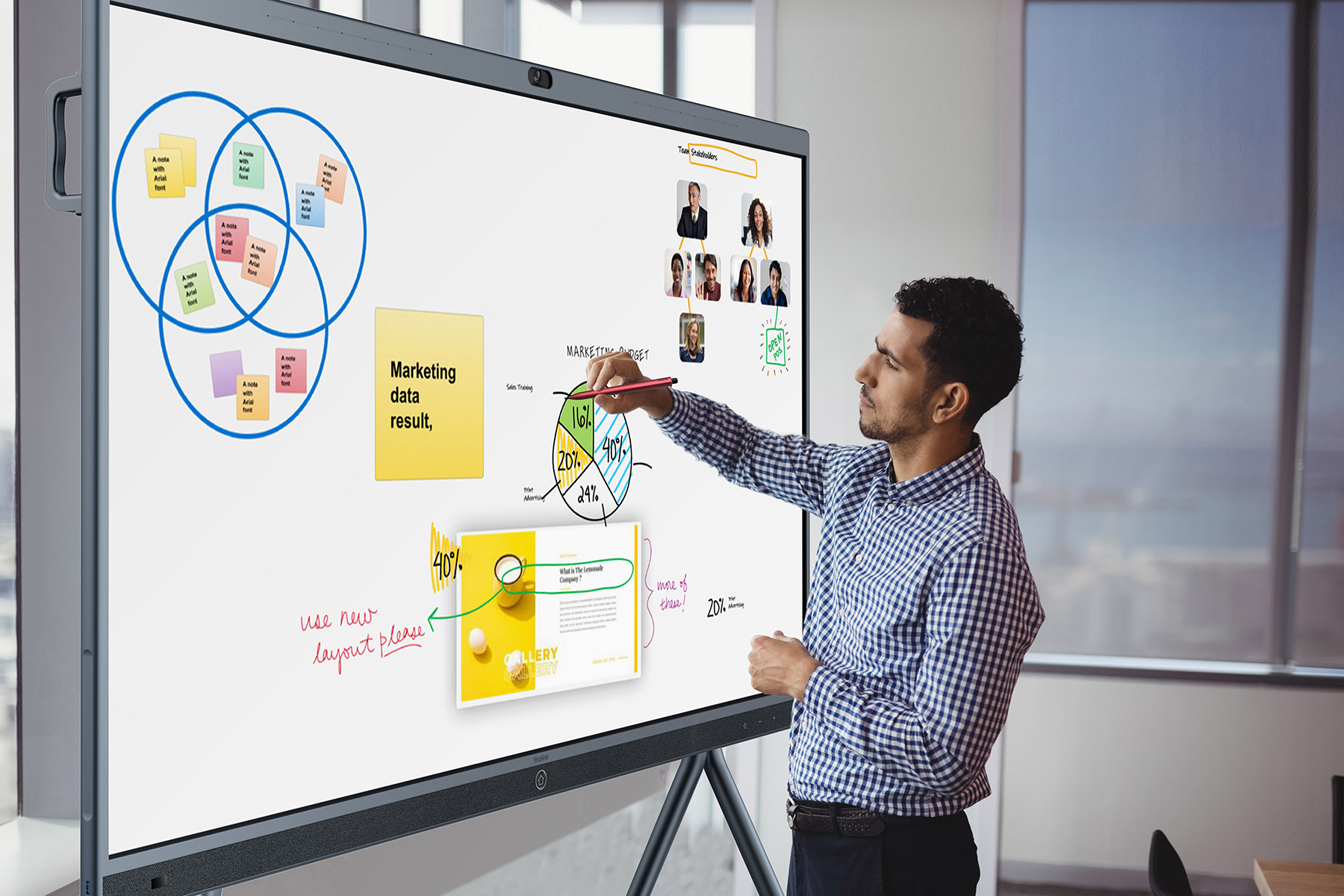
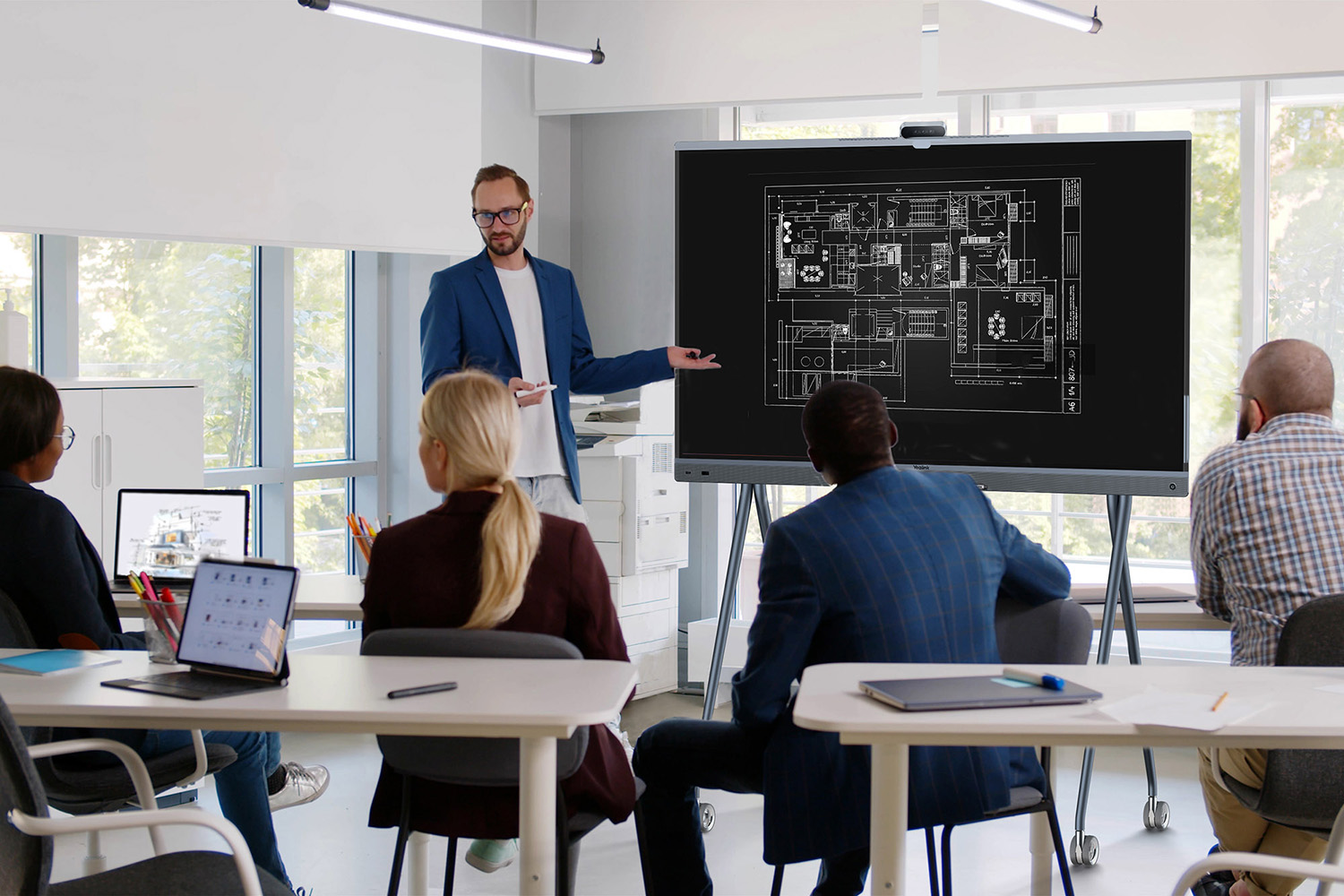
Modern business meetings increasingly involve more than simply presenting content – they require active collaboration between team members. Interactive displays have therefore become an important part of modern video conferencing rooms, enabling participants to create digital notes together, analyze content, brainstorm ideas, and run interactive workshops in real time.
At Nomacom AV, we select and deploy professional interactive touchscreen displays from leading manufacturers, including Cisco, Neat, Yealink, Samsung, Microsoft, iiyama, ViewSonic, and BenQ, tailoring each solution to the meeting room size and the way your teams collaborate.
We work with leading manufacturers:
Cisco • Neat • Microsoft • Samsung • iiyama • Yealink
Interactive touchscreen displays for team collaboration
What should a professional interactive display offer?
✅ Digital whiteboarding for collaboration
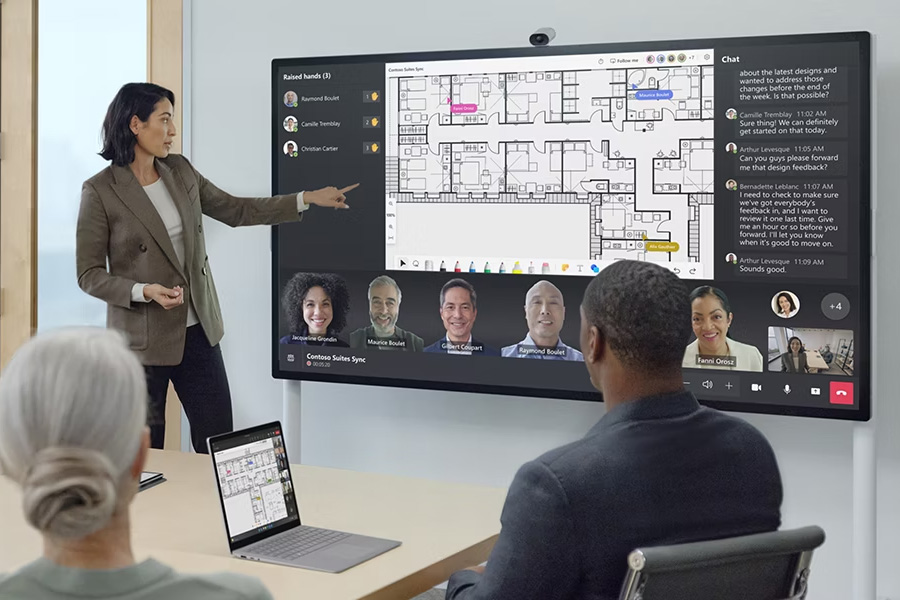
Interactive displays allow participants to create, edit, and annotate content directly on the screen. This makes meetings more engaging and supports brainstorming, idea sharing, and collaborative work in real time.
✅ Video conferencing integration
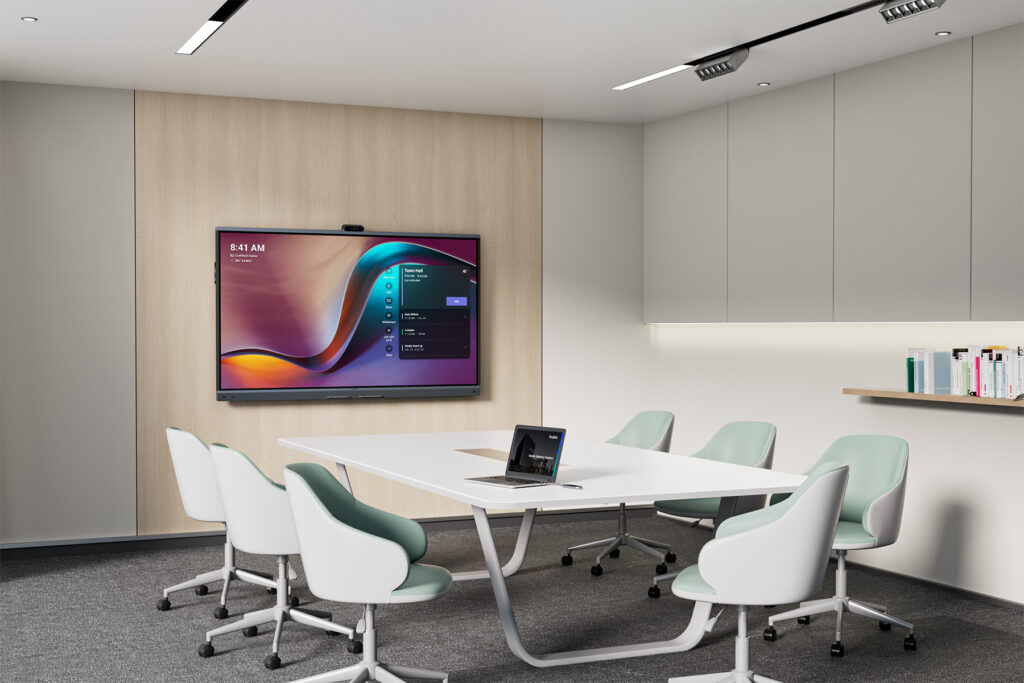
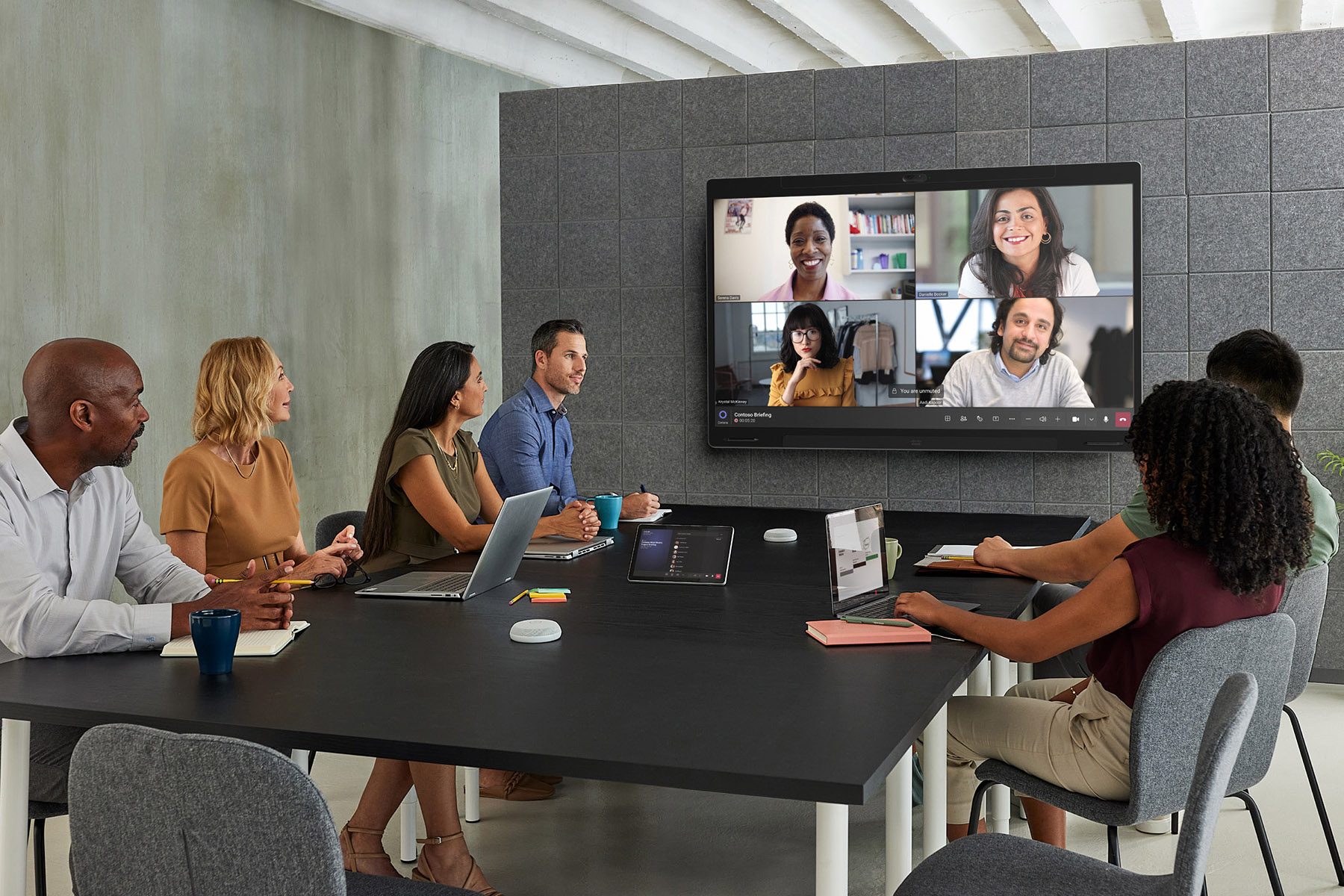
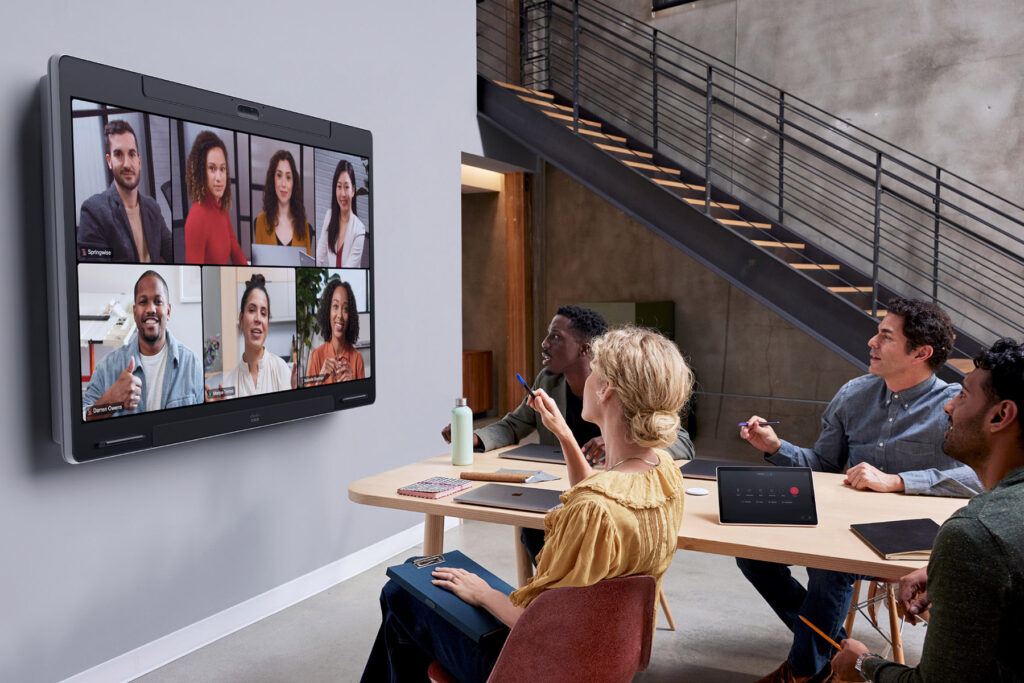
Modern interactive displays can work with collaboration platforms such as Microsoft Teams, Zoom, and Webex, enabling seamless collaboration between in-room and remote participants.
✅ Touch and stylus support
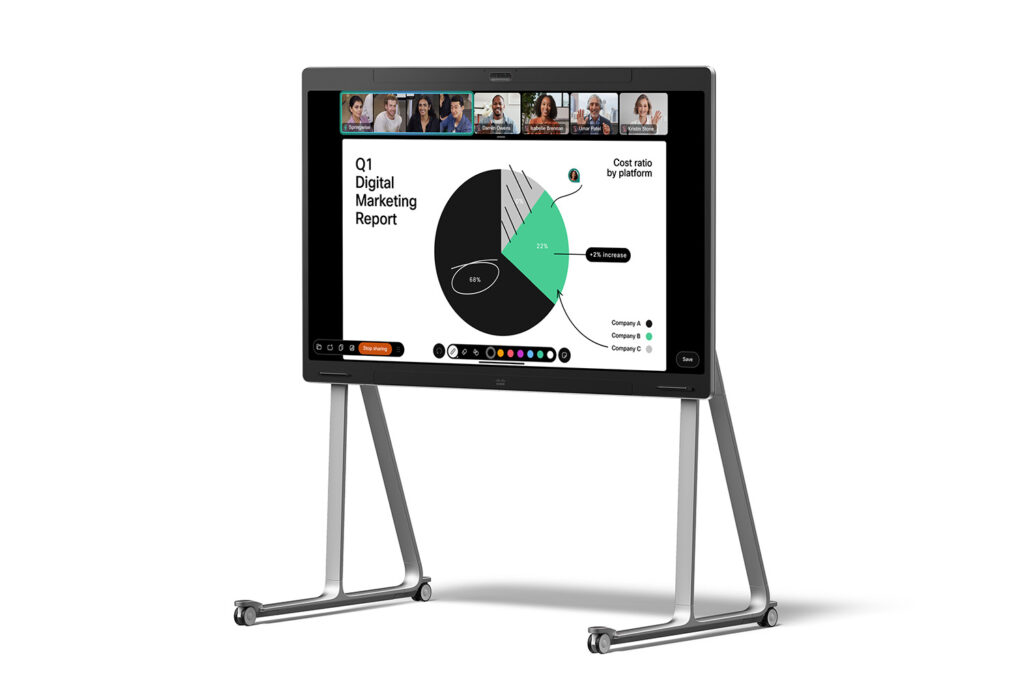
Touchscreen functionality allows meeting participants to interact directly with displayed content, add annotations, draw, and work together on documents. Stylus support provides greater precision when writing or presenting ideas.
✅ Saving and sharing content
Notes and annotations created during meetings can be saved and shared digitally, making it easier to document decisions, distribute meeting outcomes, and continue working on ideas after the meeting ends.
Why invest in interactive displays?
✅ Greater participant engagement
✅ Better team collaboration
✅ Faster decision-making
✅ A modern, professional business image
✅ Seamless collaboration between in-room and remote participants
Example use cases
Interactive display selection and deployment with Nomacom AV
When designing a video conferencing system, we analyze:
✅ meeting room size
✅ how meetings and collaborative sessions are conducted
✅ video conferencing platform
✅ integration with your existing AV and IT infrastructure
Based on these factors, we recommend an interactive display tailored to your organization’s specific requirements and way of working.
👉 Contact us – we’ll help you select the right interactive display for your meeting room.
Find out more:
Meeting Room AV Accessories
Stands & Mounts • Room Booking Systems • Occupancy Sensors • AV Accessories
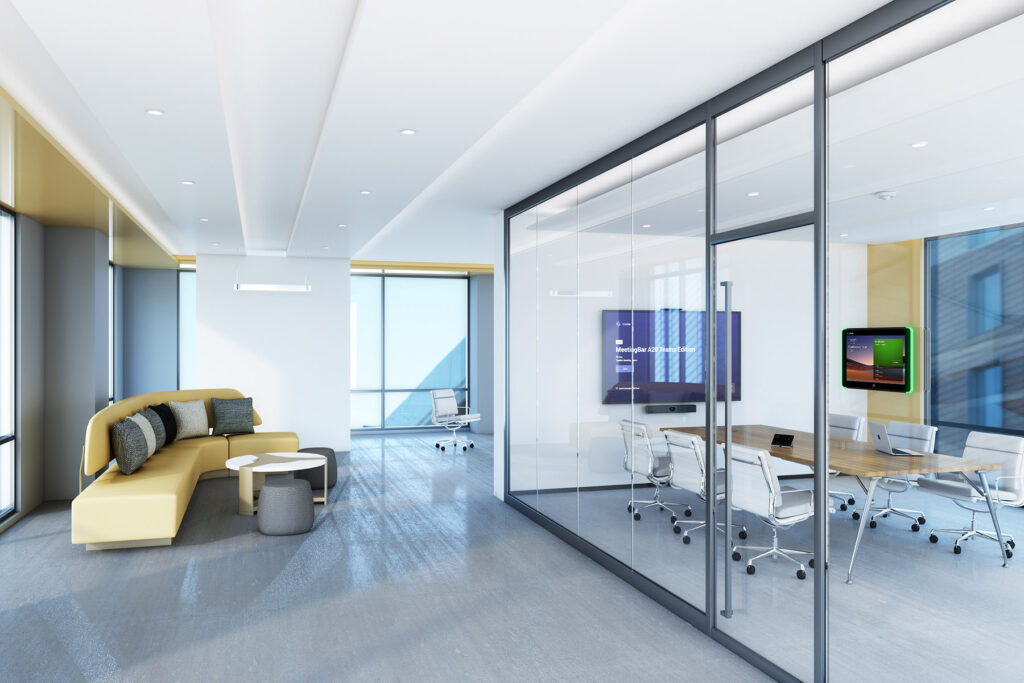
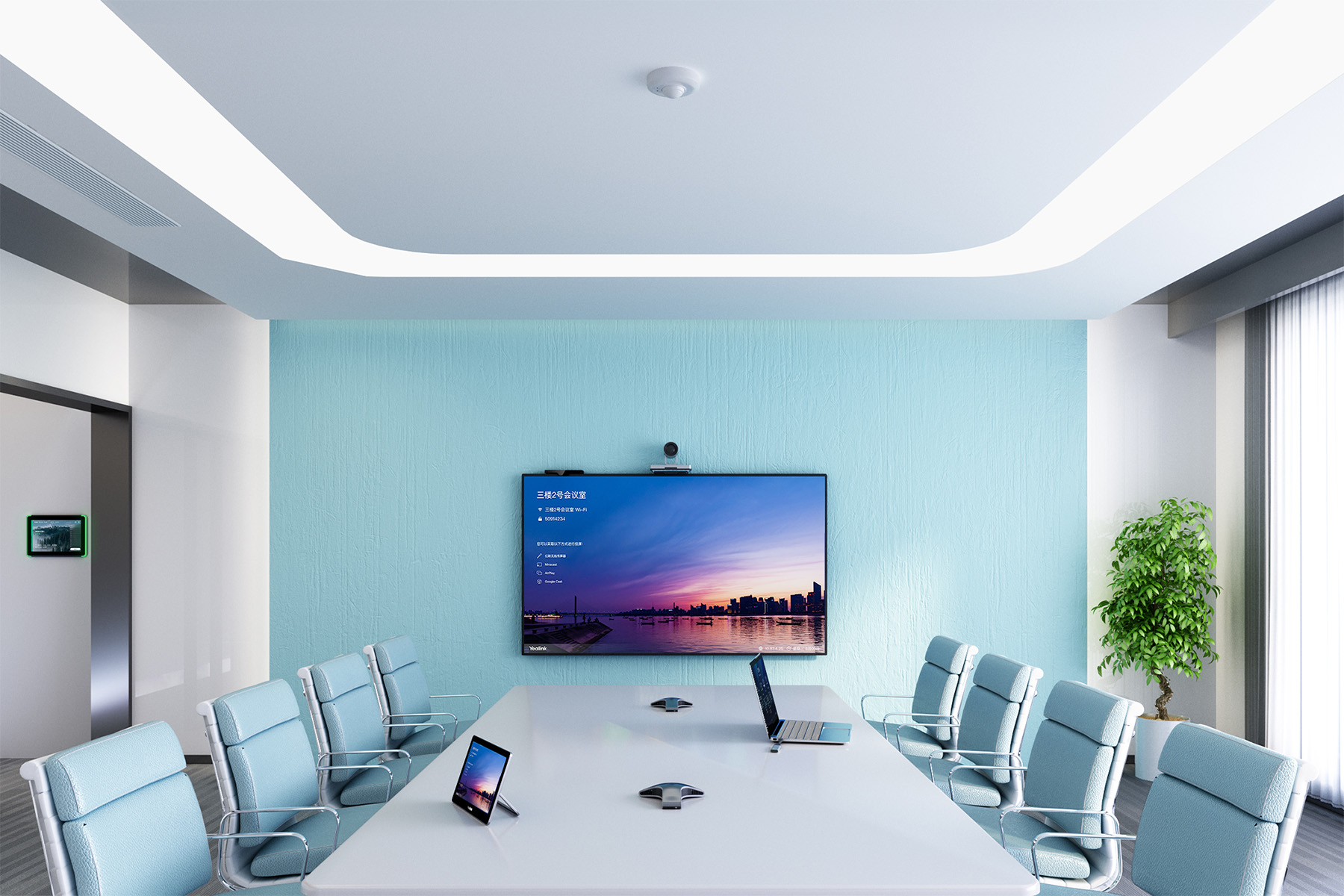
A professional video conferencing system involves more than just a camera, microphones, and display. The supporting AV components are equally important, helping ensure reliable operation, user comfort, and a clean, professional meeting room installation.
At Nomacom AV, we select and deploy meeting room AV accessories and supporting technologies that complement video conferencing systems – from mounting solutions and installation components to advanced room management systems.
We work with leading manufacturers:
Neomounts • Edbak • Cisco • Yealink • Crestron • Hikvision • Kramer • Roger
Stands & Mounts • Room Booking Panels • Occupancy Sensors • Access Control • AV Infrastructure
What do meeting room AV accessories include?
✅ Display stands and mounts
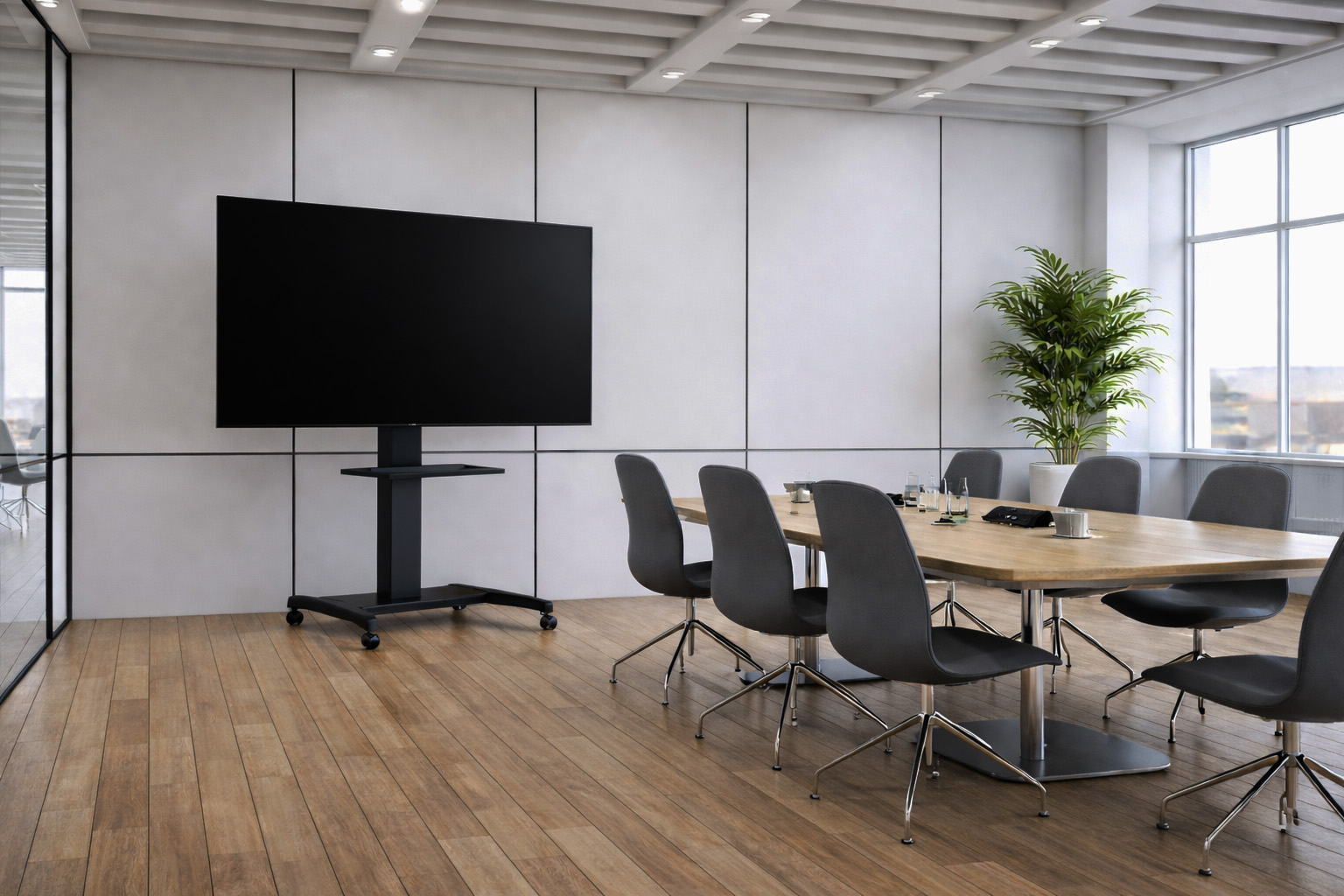
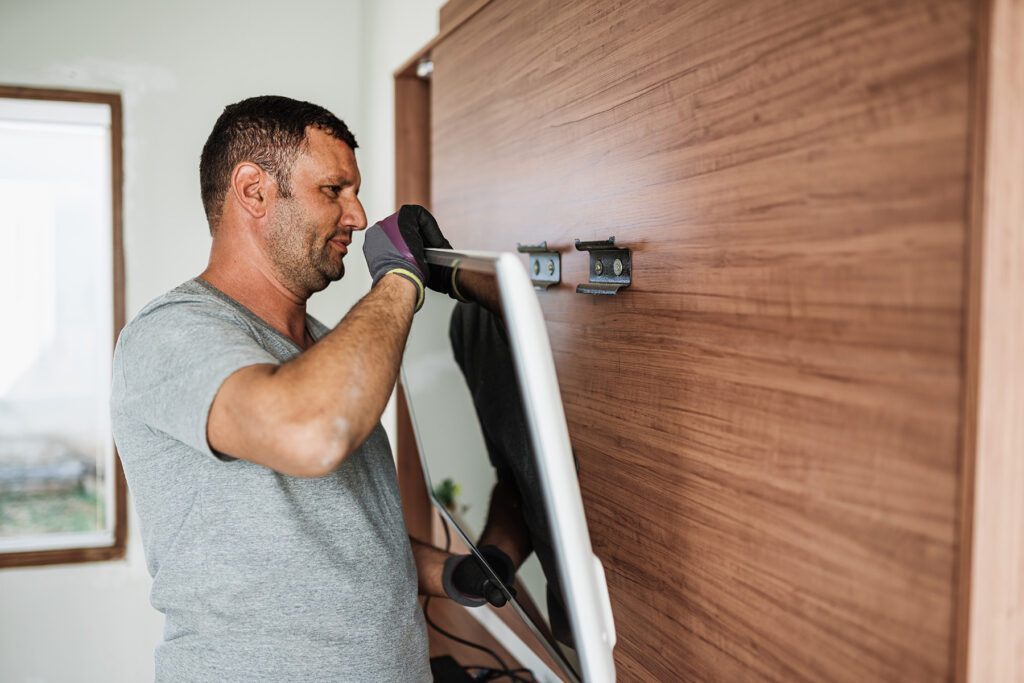
Mobile stands and wall mounts allow video conferencing displays to be positioned correctly for everyone in the meeting room. Proper display placement improves viewing comfort and creates a more natural visual experience for both in-room and remote participants.
✅ Signal switches and converters
Meeting rooms often require multiple devices and content sources to connect to a single display or AV system. Signal switches and converters simplify source management and enable integration between devices using different connection standards.
✅ Cabling and installation management
Professional cables, connectors, cable management solutions, and covers help create a clean, safe, and reliable AV installation. Proper cable management not only improves the appearance of the meeting room but also contributes to system reliability and easier maintenance.
✅ Occupancy sensors
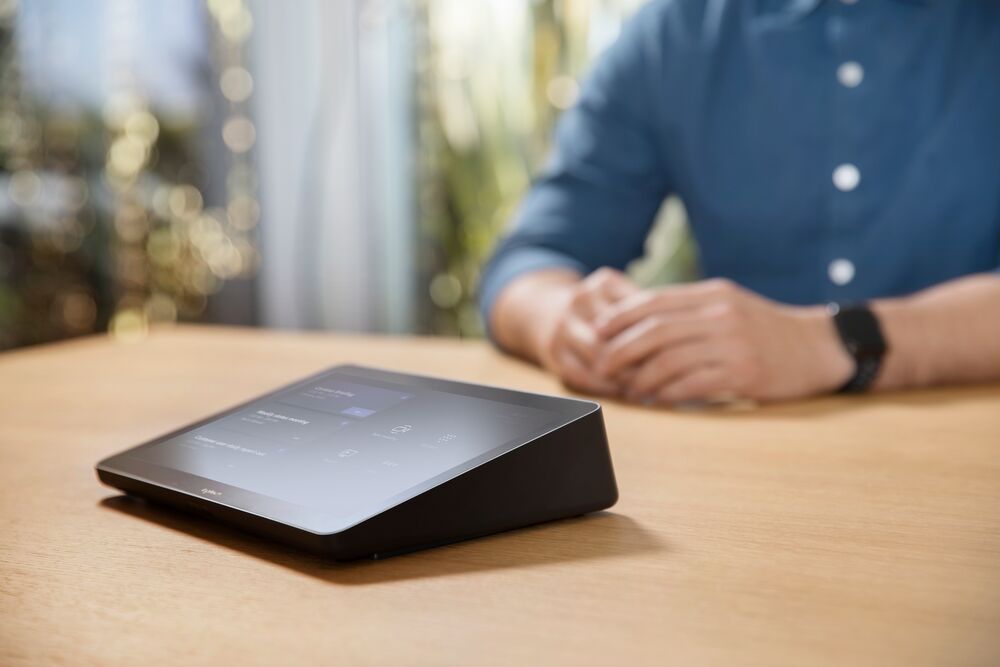
Occupancy and motion sensors can automate selected meeting room functions when users enter the space, including AV systems, lighting, or climate control, depending on the room configuration. This improves user convenience while helping optimize energy consumption.
✅ Access control systems
For meeting rooms where access needs to be restricted, access control systems can help manage who is authorized to enter specific spaces. They are particularly useful for boardrooms, executive areas, and rooms used for confidential meetings.
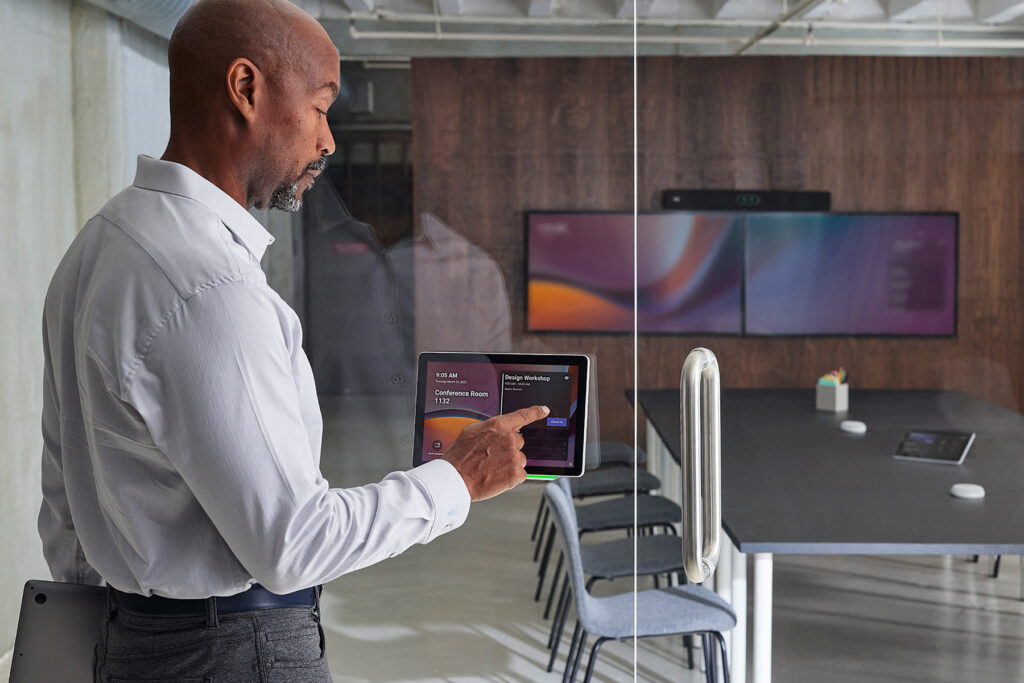
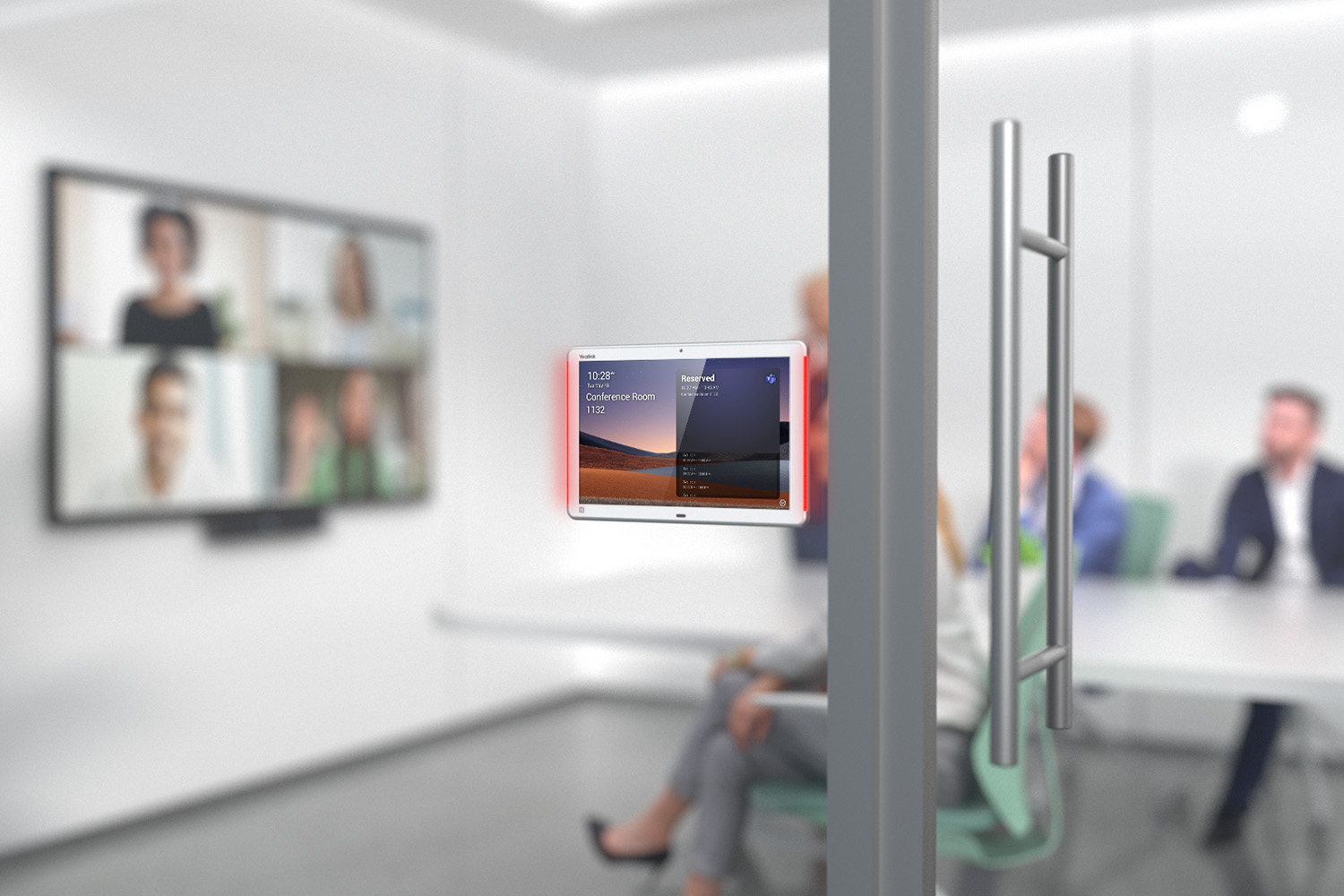
✅ Meeting room booking systems
Room booking solutions make it easier to check availability, schedule meetings, and manage shared spaces. Integration with corporate calendars and platforms such as Microsoft 365 helps reduce scheduling conflicts and improve the use of meeting rooms across the organization.
Why are meeting room AV accessories important?
✅ Greater AV system reliability
✅ Better meeting room aesthetics and ergonomics
✅ More automation and greater user convenience
✅ More efficient use of meeting room space
✅ A consistent and fully integrated video conferencing environment
Example use cases
AV accessory selection and deployment with Nomacom AV
When designing a video conferencing system, we analyze not only the core equipment but also:
✅ display mounting requirements
✅ cabling and installation layout
✅ room access requirements
✅ meeting room booking and management
✅ integration with existing IT systems
This ensures that all components of the AV infrastructure work together as one consistent, fully integrated system.
👉 Contact us – we’ll help you design and deploy a fully functional video conferencing room tailored to your business requirements.
Find out more:
Wireless Presentation Systems
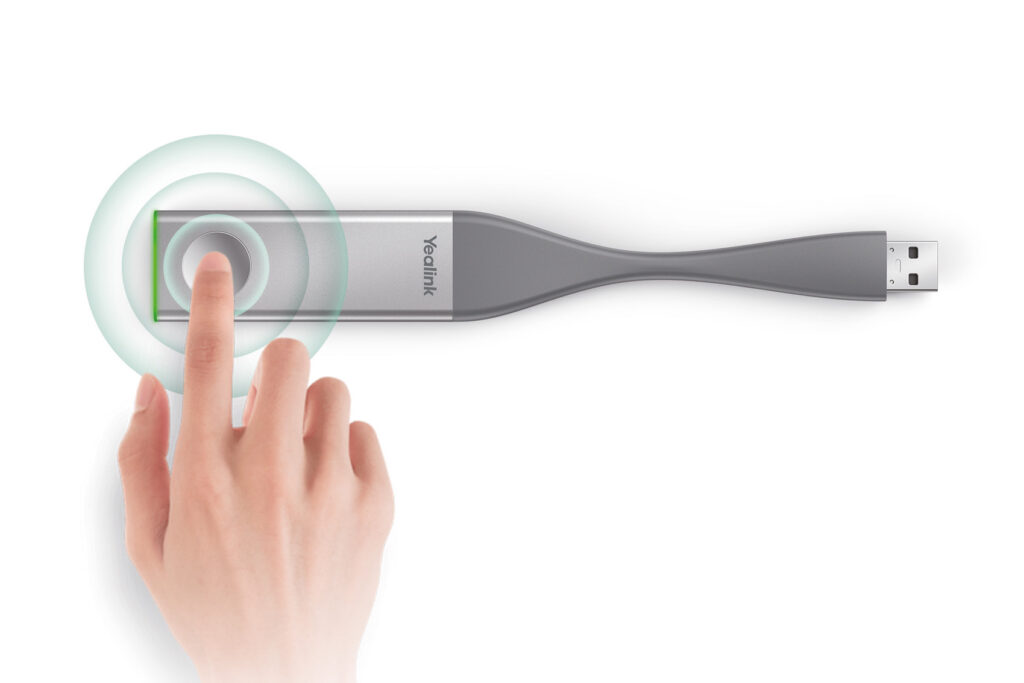
Barco ClickShare • Logitech Swytch • Yealink WPP20 • BenQ InstaShow
During online and hybrid meetings, fast and intuitive content sharing is just as important as video and audio quality. Even the best-equipped meeting room won’t deliver an effective meeting experience if participants waste time connecting cables or configuring devices. That’s why wireless presentation systems are a key component of modern video conferencing and collaboration spaces.
At Nomacom AV, we select and deploy solutions from leading manufacturers, including Barco, Logitech, Yealink, and BenQ, tailoring each system to your IT infrastructure, meeting room environment, and the way your teams collaborate.
We work with leading manufacturers:
BenQ • Barco • Logitech • Yealink
Plug & Play • BYOD • Integration with Microsoft Teams / Zoom / Webex
What should a professional wireless presentation system offer?
✅ Fast and easy content sharing
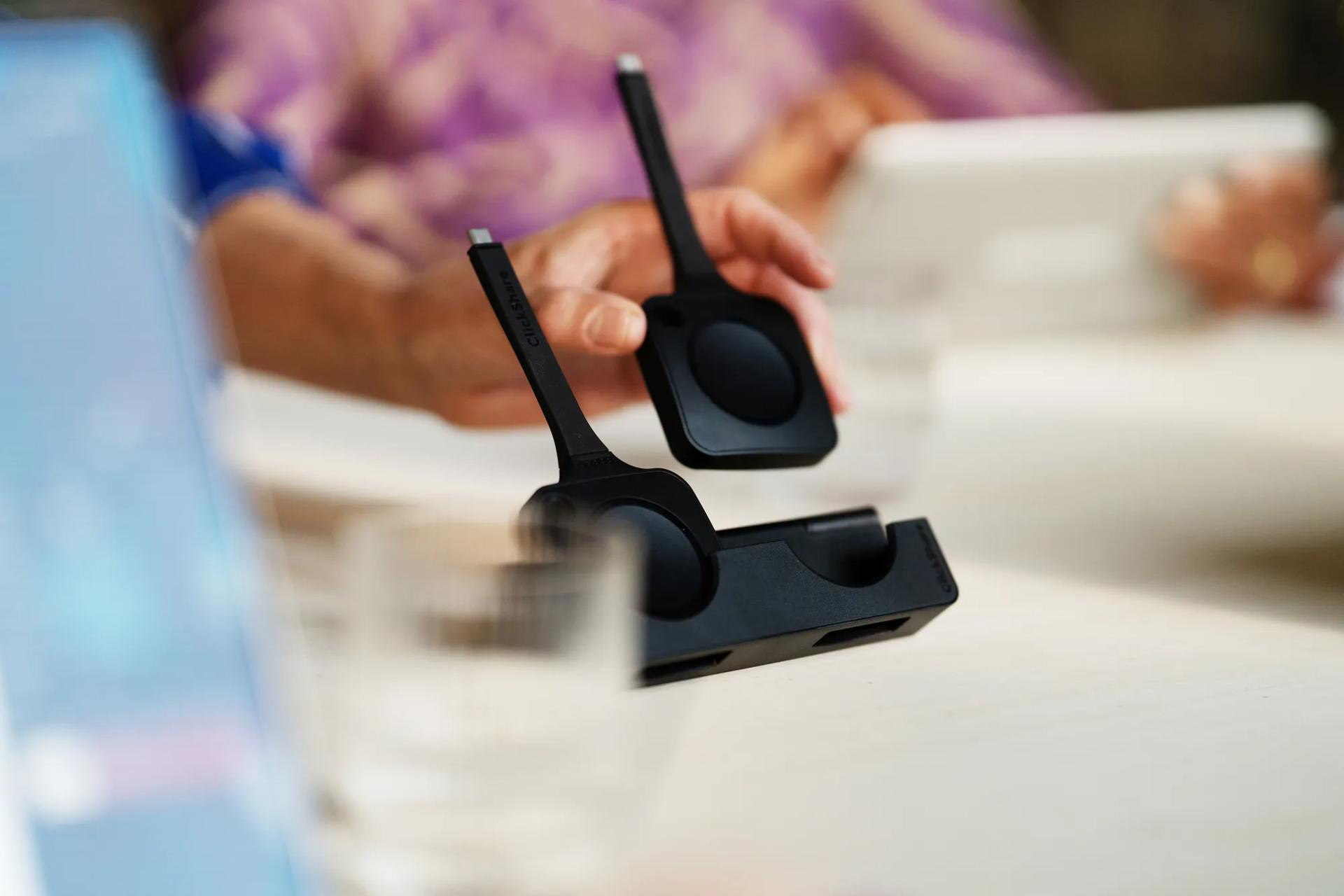
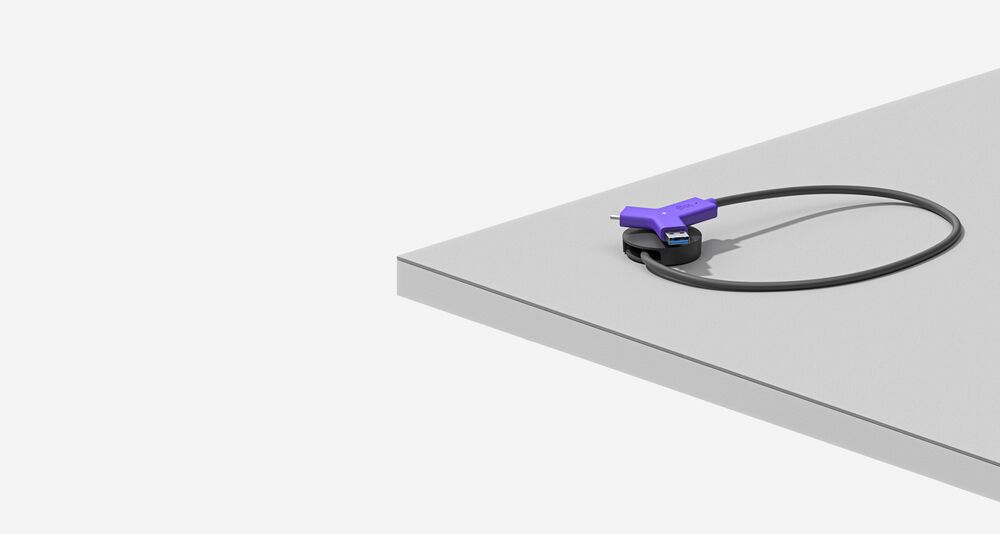
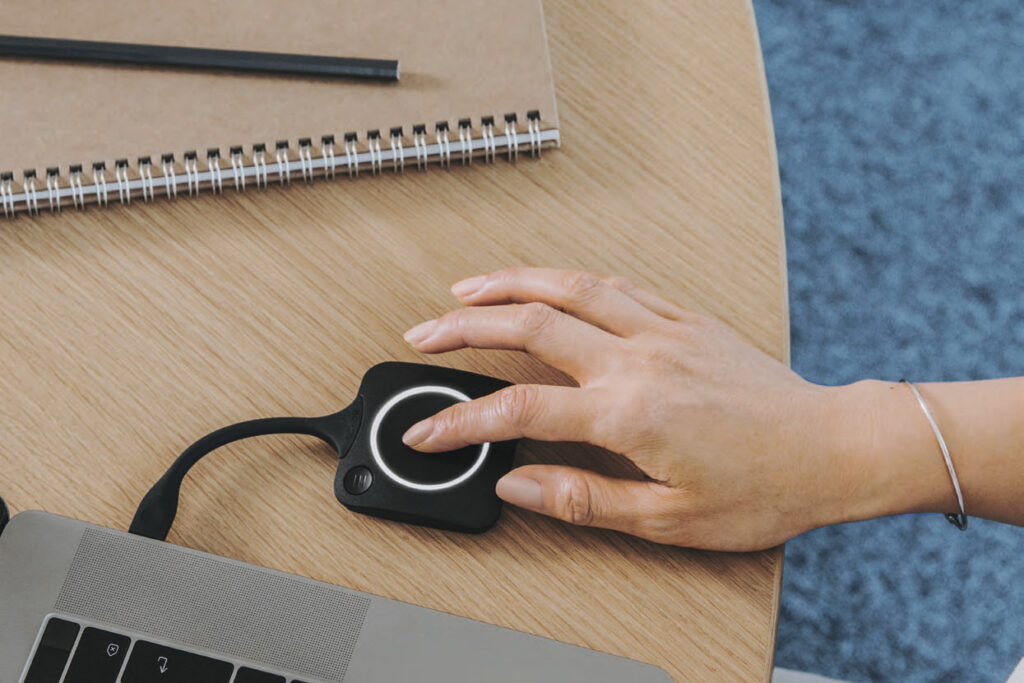
Modern wireless presentation systems allow users to share content from laptops, tablets, and smartphones without cables. Meetings can start quickly without searching for the right adapter or an available HDMI port.
✅ Compatibility with multiple devices
Wireless presentation solutions support Windows, macOS, iOS, and Android, providing a seamless experience regardless of the devices participants bring into the meeting room.
✅ Multi-user collaboration
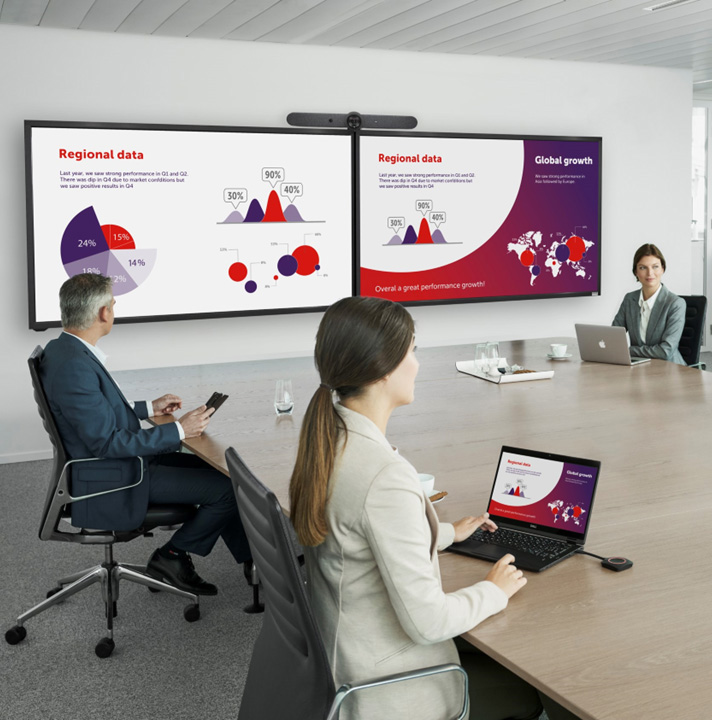
Many systems allow multiple participants to share content, making it easier to compare information, collaborate on ideas, and run more interactive meetings.
✅ Enterprise-grade security
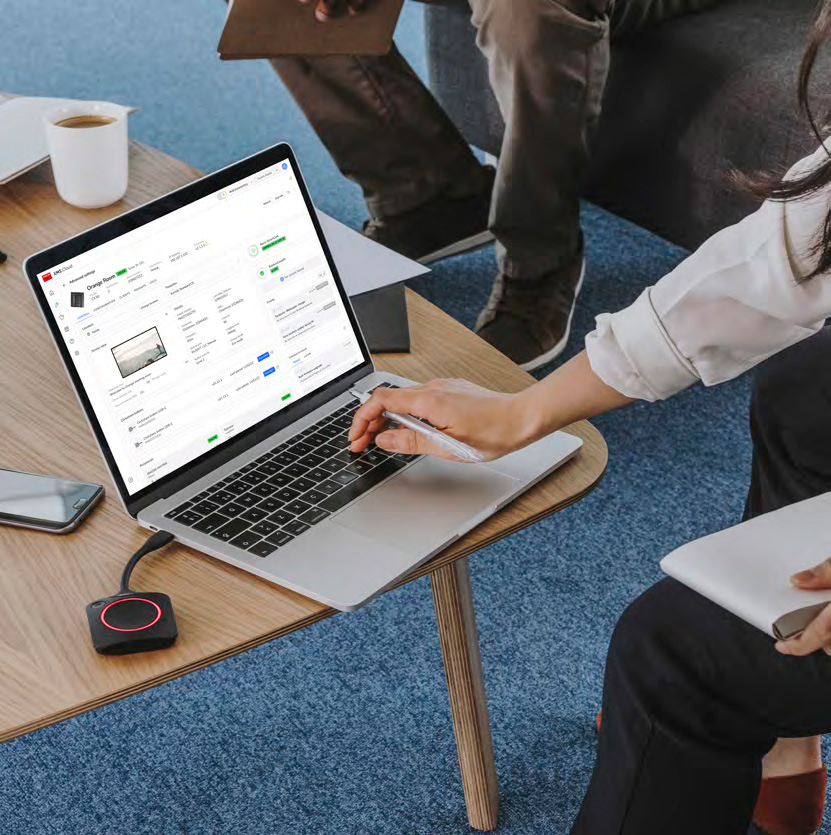
Professional wireless presentation systems offer advanced encryption and configurable security policies. Integration with the organization’s IT infrastructure helps protect shared content and provides greater control over how devices connect to the meeting room environment.
✅ Integration with video conferencing systems
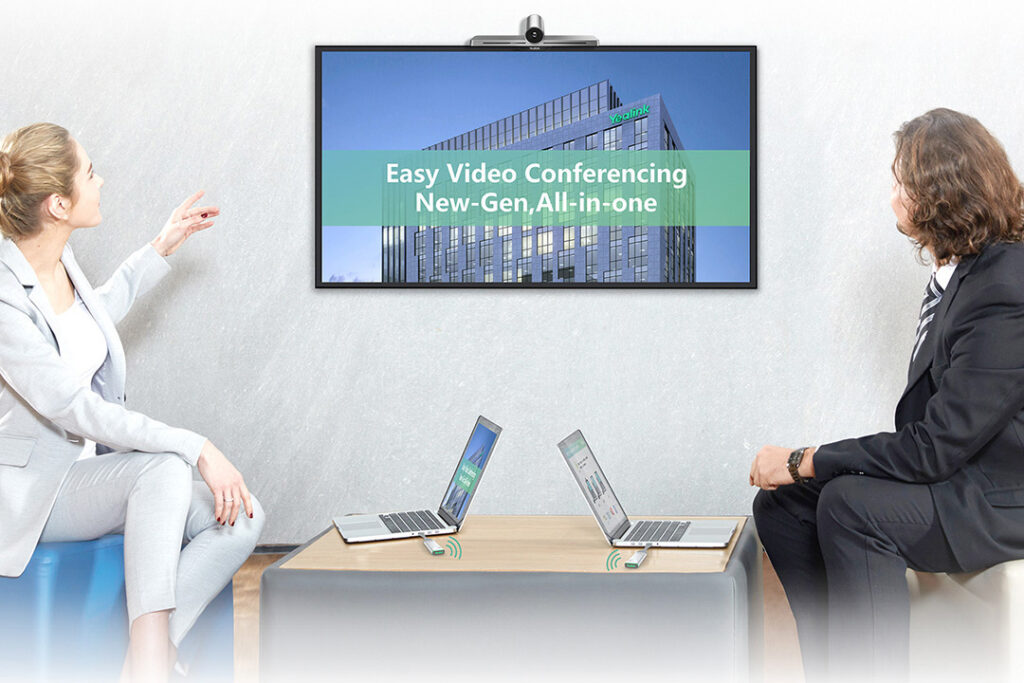
Wireless presentation systems can integrate with cameras, microphones, and collaboration platforms, including Microsoft Teams, Zoom, and Webex, creating a consistent and intuitive meeting room experience.
✅ BYOD (Bring Your Own Device) support
Wireless presentation systems enable participants to use their own laptops and mobile devices to share content and, depending on the solution, access meeting room AV equipment. This makes it easier to run meetings from a user’s preferred device without complicated setup or additional cabling.
✅ Native screen mirroring
Solutions such as Barco ClickShare can support native screen-sharing technologies including AirPlay, Google Cast, and Miracast, depending on the model and configuration. This enables users to share content quickly from Windows, macOS, iOS, and Android devices without relying on traditional video cables.
Why implement a wireless presentation system?
✅ More efficient meetings – less time wasted on cables, adapters, and technical setup
✅ Greater user convenience – fast and intuitive content sharing with just a few clicks
✅ Better collaboration – easy content sharing supports more interactive and productive teamwork
✅ A more professional meeting experience – modern wireless technology creates a cleaner, more intuitive meeting room environment
✅ Greater flexibility – support for different devices and operating systems makes it easy for employees and guests to connect
Example use cases
Wireless presentation system selection and deployment with Nomacom AV
We don’t recommend products at random. We analyze:
✅ how meetings are conducted
✅ number of users
✅ devices and operating systems used within your organization
✅ existing video conferencing system
✅ IT security requirements and policies
Based on these factors, we recommend a solution that provides reliable, intuitive, and seamless wireless content sharing.
👉 Contact us – we’ll help you select the right wireless presentation system for your meeting room and business requirements.
Find out more:
Projectors
Epson • BenQ • Acer • Optoma • Sony
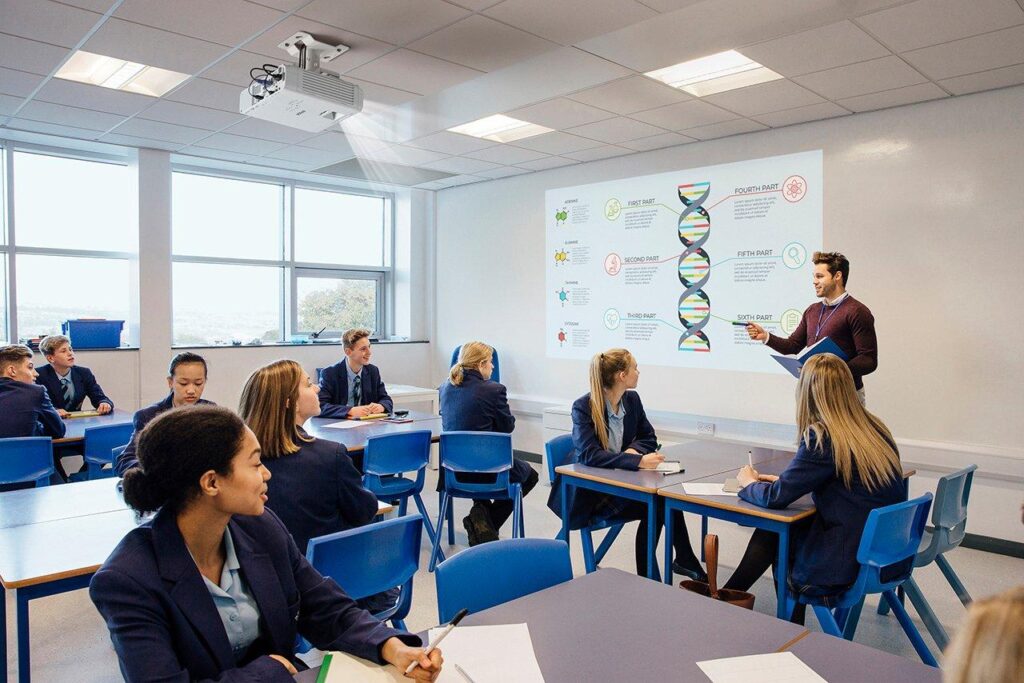
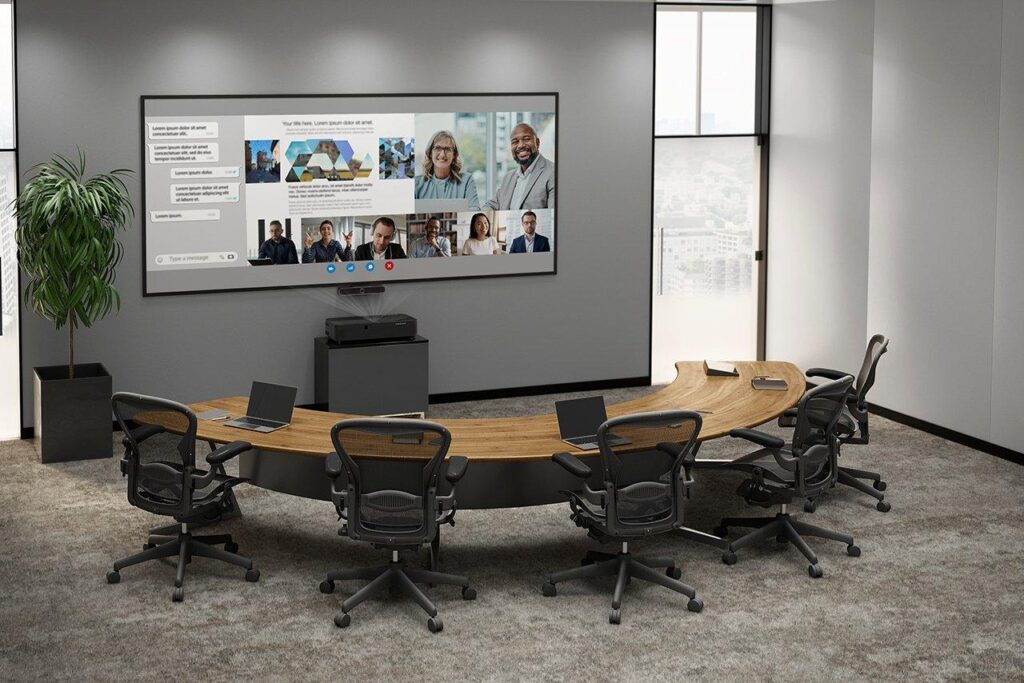
In online and hybrid meetings, image quality has a direct impact on participant comfort and the visibility of shared content. Even the best camera cannot deliver an effective meeting experience if remote participants and presented materials are not clearly visible to everyone in the room. That’s why choosing the right meeting room projector is an important part of a professional AV system.
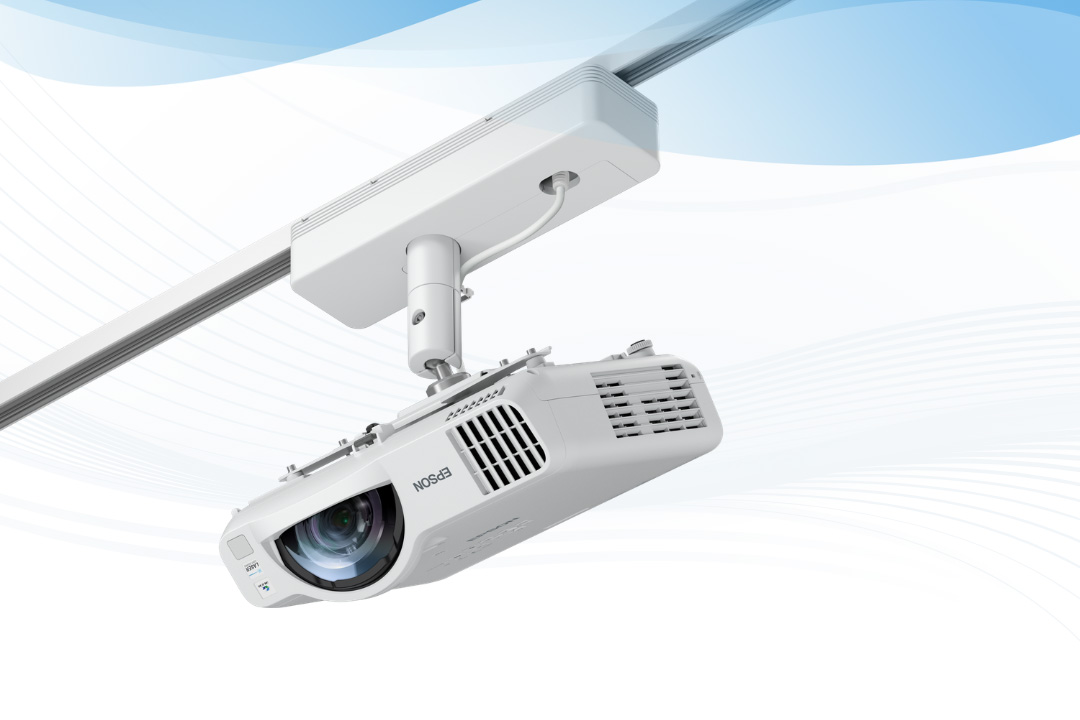
At Nomacom AV, we select and deploy projectors from leading manufacturers, including Epson, BenQ, Acer, Optoma, and Sony, tailoring each solution to the room size, lighting conditions, and the way meetings are conducted.
What should a professional meeting room projector offer?
✅ Clear, high-quality images
Modern business projectors offer Full HD or 4K resolution, ensuring that everything from documents and charts to multimedia presentations remains clear and easy to read throughout the meeting room.
✅ The right brightness
Meeting rooms are often bright and feature large windows or glass walls. That’s why we typically recommend projectors with a brightness of 3,000–5,000 ANSI lumens, providing clear and visible images even in rooms with significant ambient light.
✅ Large-format projection
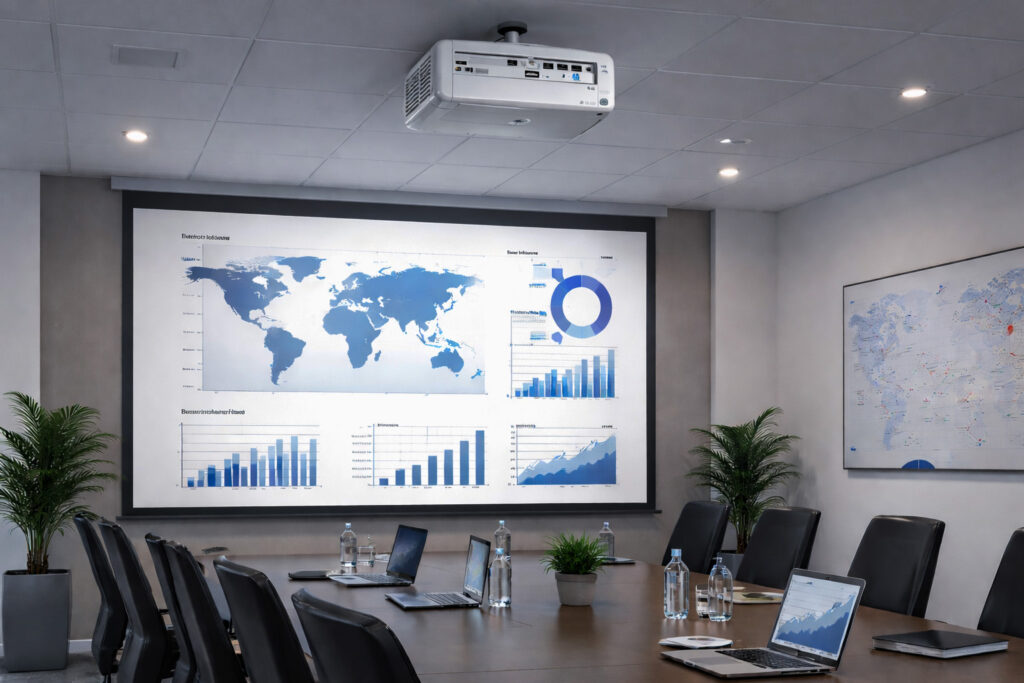
Projectors can deliver images of 100 inches or more, making them an excellent choice for medium and large meeting rooms, training rooms, and other spaces where content needs to be clearly visible to a larger audience.
✅ Wireless content sharing
Wireless presentation solutions allow users to share content from laptops, tablets, and smartphones without cables, making meetings more convenient and reducing potential connectivity issues.
✅ Integration with the video conferencing system
A meeting room projector should work seamlessly with cameras, microphones, and collaboration platforms, including Microsoft Teams, Zoom, and Webex. We design AV solutions to ensure that all components work together as one integrated system.
Why invest in a meeting room projector?
✅ Better presentation visibility – a large-format image makes presentations, documents, and shared content easier to see
✅ Greater participant engagement – large, dynamic visuals help keep participants focused on the presented content
✅ A more professional business image – a modern, well-equipped meeting room creates the right environment for client meetings, presentations, and training sessions
✅ Ideal for larger spaces – projectors are an excellent choice where conventional displays may not provide a sufficiently large image
✅ Flexible installation options – ceiling-mounted, wall-mounted, or mobile configurations can be selected to suit the room and its requirements
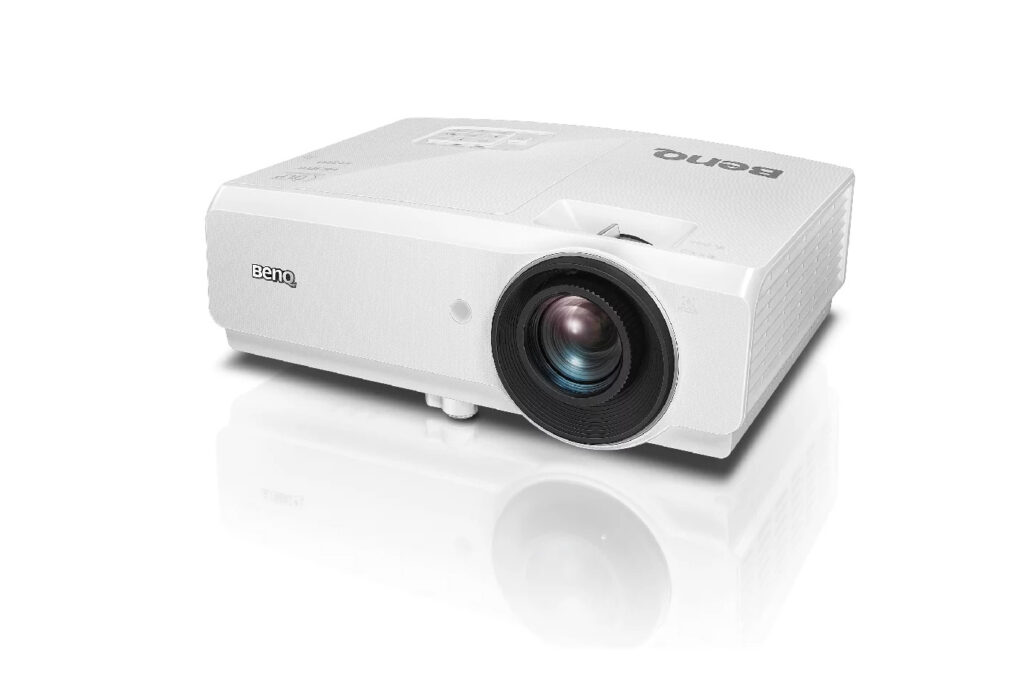
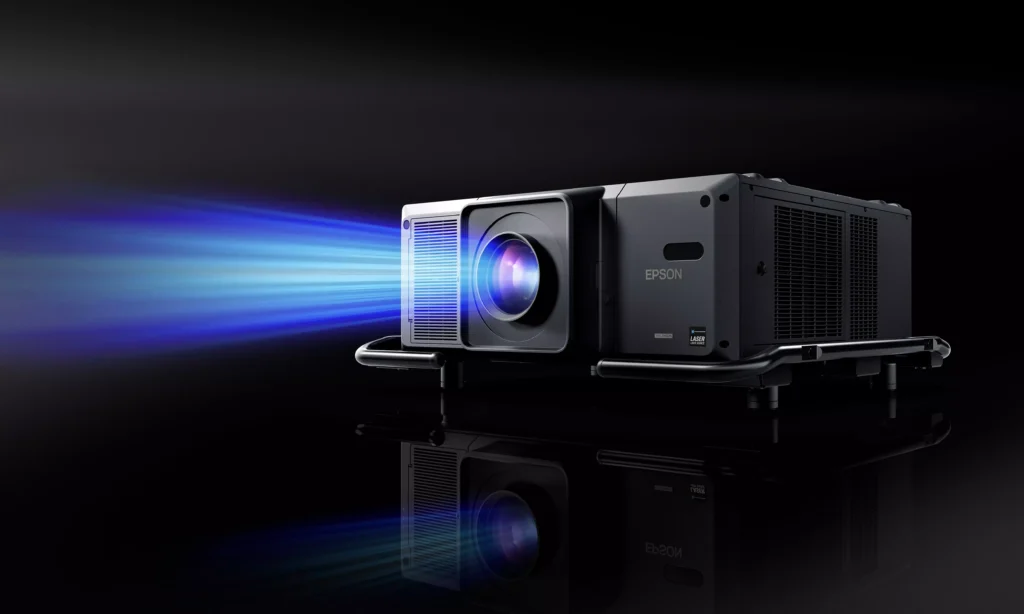
Selected solutions and example models

Projectors by meeting room size
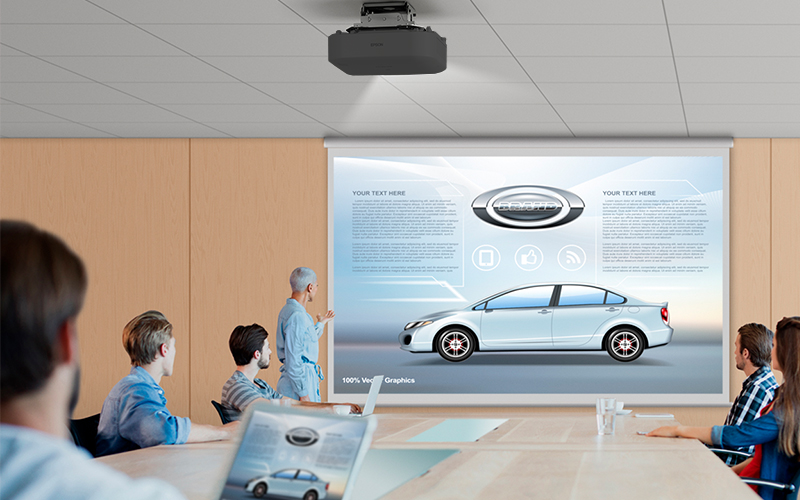
🔵 Small meeting rooms (2–5 people)
✔ Recommended brightness: 3,000–4,000 ANSI lumens
✔ Resolution: Full HD
✔ Ideal for everyday presentations and smaller meeting spaces.
🔵 Medium meeting rooms (6–10 people)
✔ Recommended brightness: 4,000–4,500 ANSI lumens
✔ Good image visibility even in rooms with moderate ambient light.
🔵 Large meeting rooms (10–20+ people)
✔ Recommended brightness: 5,000+ ANSI lumens
✔ Projection distance, screen size, and mounting configuration should be carefully selected for the room.
✔ Laser projectors are often the preferred choice due to their performance and longer service life.
Projector selection and deployment with Nomacom AV
We don’t recommend products at random. We select each solution based on a detailed analysis of:
✅ room size and layout
✅ projection distance and lens type (standard, short-throw, or ultra-short-throw)
✅ lighting conditions
✅ projection screen type
✅ mounting requirements
✅ integration with the video conferencing system
✅ potential for future expansion
Based on these factors, we recommend a projector that provides optimal viewing comfort and seamless integration with the entire AV system.
👉 Contact us – we’ll help you select the right projector for your video conferencing room and specific requirements.
Find out more:
Video conferencing displays
Samsung • LG • iiyama • Philips • Sharp/NEC
In online meetings, display quality has a direct impact on participant comfort and effective communication. Even the best camera cannot deliver a great meeting experience if remote participants and shared content are not clearly visible to everyone in the room. That’s why choosing the right video conferencing display is a key part of a professional AV system.
At Nomacom AV, we select and deploy professional displays from leading manufacturers, including Samsung, LG, iiyama, Philips, and Sharp/NEC, tailoring each solution to the meeting room size, lighting conditions, and the way meetings are conducted.
What should a professional meeting room display offer?
✅ Clear, high-quality visuals
Modern video conferencing displays offer 4K resolution, delivering excellent clarity for documents, charts, presentations, and detailed visual content. The result is easier-to-read content and a more comfortable meeting experience for everyone in the room.
✅ The right brightness and contrast
Meeting rooms often receive significant natural light. Professional displays with high brightness levels of 400–700 nits provide excellent visibility even in brightly lit spaces, helping prevent images from appearing washed out.
✅ Wide viewing angles
Participants may be seated at different positions around the meeting room. A wide viewing angle ensures that content remains clear and consistent even when viewed from the side.
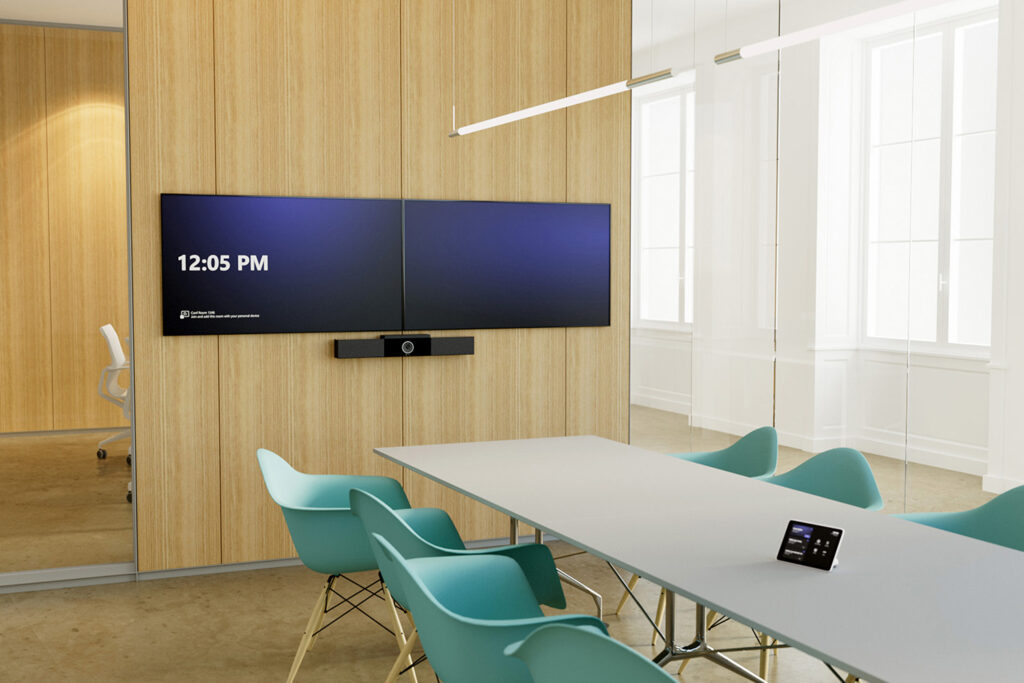
✅ Single or dual display configurations
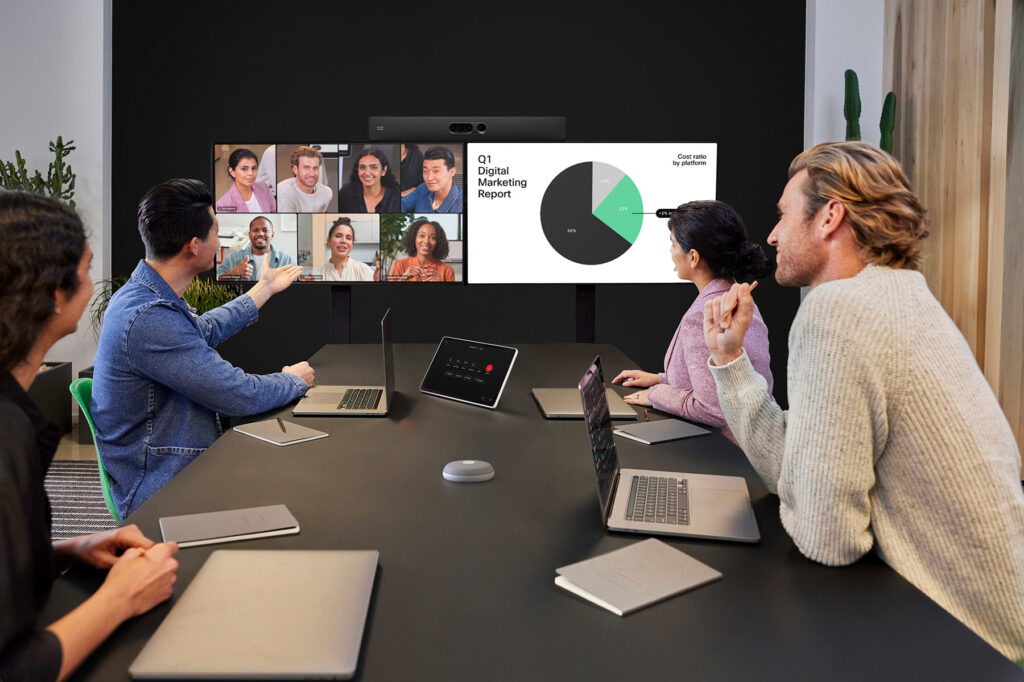
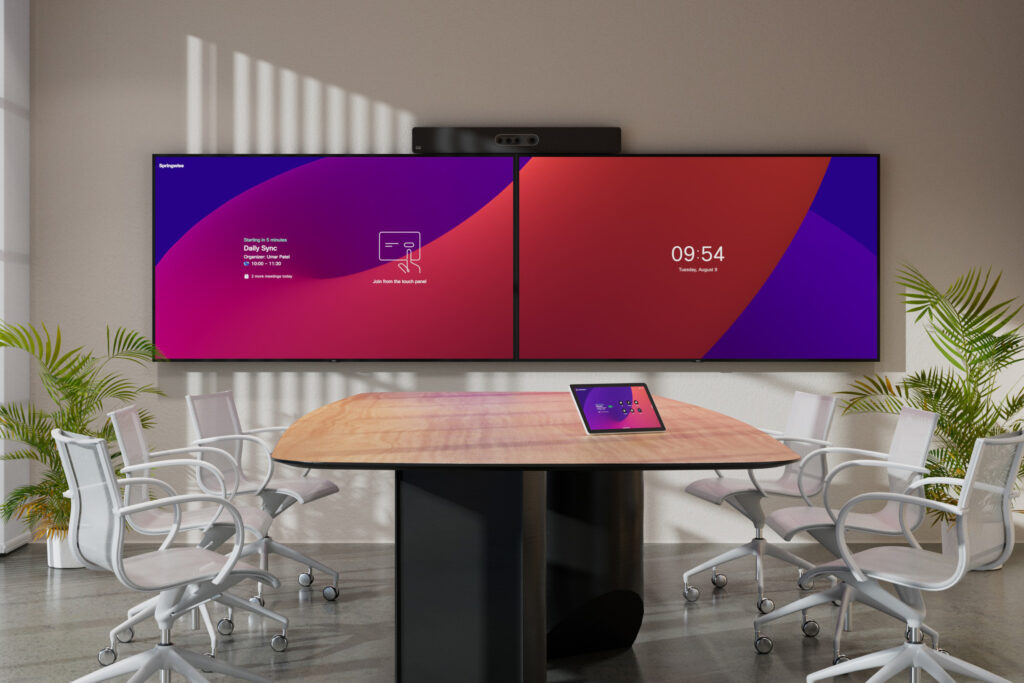
Many meeting rooms use a dual-display setup – one screen for remote participants and another for shared content or presentations. This configuration can significantly improve the experience and flow of hybrid meetings.
✅ Integration with the video conferencing system
Meeting room displays need to work seamlessly with cameras, microphones, and collaboration platforms, including Microsoft Teams, Zoom, and Webex. We design AV solutions to ensure that all components work together as one integrated system.
Why invest in a professional meeting room display?
✅ Better presentation visibility – documents, charts, and data remain clear and easy to read, even in larger meeting rooms
✅ Greater participant engagement – a properly sized display makes content easier to follow and helps participants stay focused
✅ A more professional business image – a modern, well-equipped meeting room creates a positive impression during client and business meetings
✅ The right solution for every space – different environments require different display sizes and configurations, from small meeting rooms to executive boardrooms
✅ Reliability and long-term performance – professional displays are designed for extended operation, including 16/7 or 24/7 use, depending on the model
Selected solutions and example models
Professional displays for meeting rooms
Meeting room displays by room size
🔵 Small meeting rooms (2–5 people)
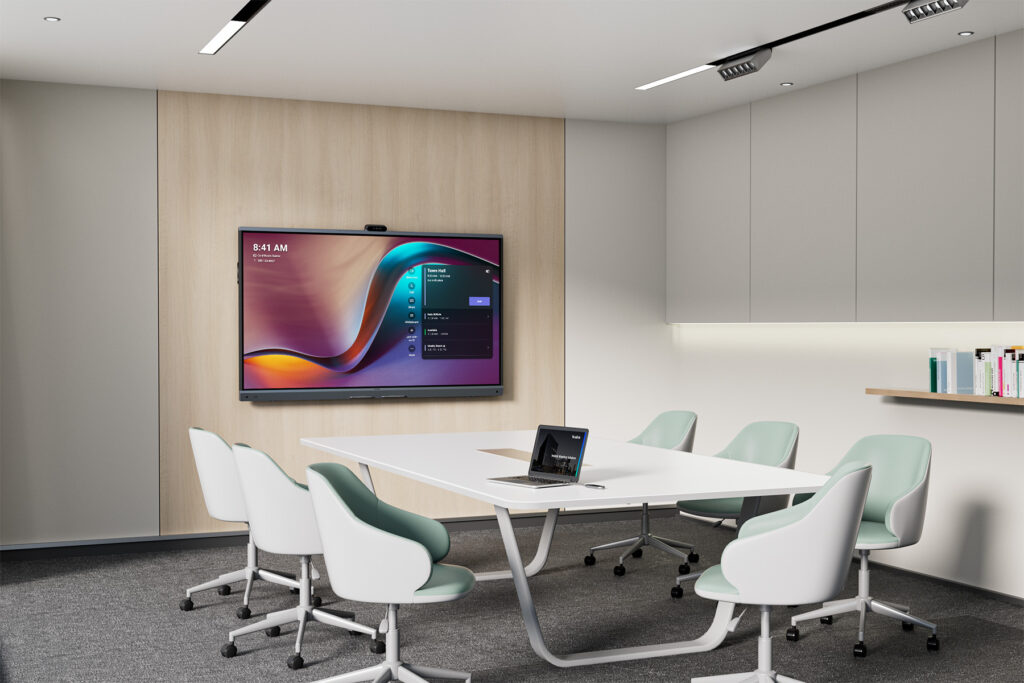
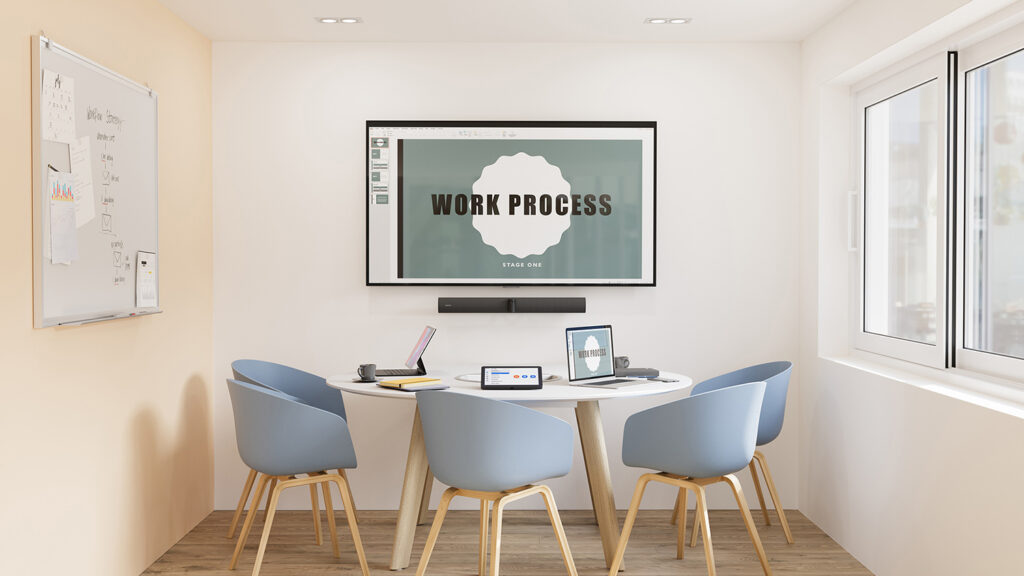
For small meeting rooms, 43–55″ 4K displays are typically a good choice. A single-display setup is usually sufficient, providing clear visibility of both remote participants and shared content.
🔵 Medium meeting rooms (6–10 people)
For medium-sized meeting rooms, we typically recommend 55–75″ displays, often in a dual-display configuration. This allows remote participants and shared content to be displayed simultaneously, improving the overall hybrid meeting experience.
🔵 Large meeting rooms (10–20+ people)
For larger spaces, 75–98″ displays with high brightness and wide viewing angles provide better visibility throughout the room. In these environments, proper AV system design and display placement are essential to ensure that both remote participants and shared content are clearly visible from every seat.
Display selection and deployment with Nomacom AV
We don’t recommend displays at random. We analyze:
✅ meeting room size and viewing distance
✅ display mounting height
✅ lighting conditions
✅ integration with the video conferencing system
✅ potential for future expansion
Based on these factors, we recommend a display that provides optimal viewing comfort and seamless integration with the entire AV system.
👉 Contact us – we’ll help you select the right video conferencing display for your meeting room and specific requirements.
Find out more:
Video Conferencing Microphones
Tabletop • Ceiling • Integrated Systems
In online meetings, audio quality is often even more important than video. Even the best camera can’t deliver a successful video conference if participants can’t hear each other clearly. That’s why video conferencing microphones are one of the most important components of a professional AV system.
At Nomacom AV, we design and deploy audio solutions tailored to meeting room size and acoustic conditions – from tabletop microphones to advanced ceiling microphone arrays and multi-microphone systems.
We work with leading video conferencing technology manufacturers
Cisco • Crestron • HP Poly • Jabra • Logitech • Neat • Yealink
Tabletop microphones • Ceiling microphone arrays • Multi-microphone systems for meeting rooms
What should a professional conference microphone offer?
✅ Clear voice capture
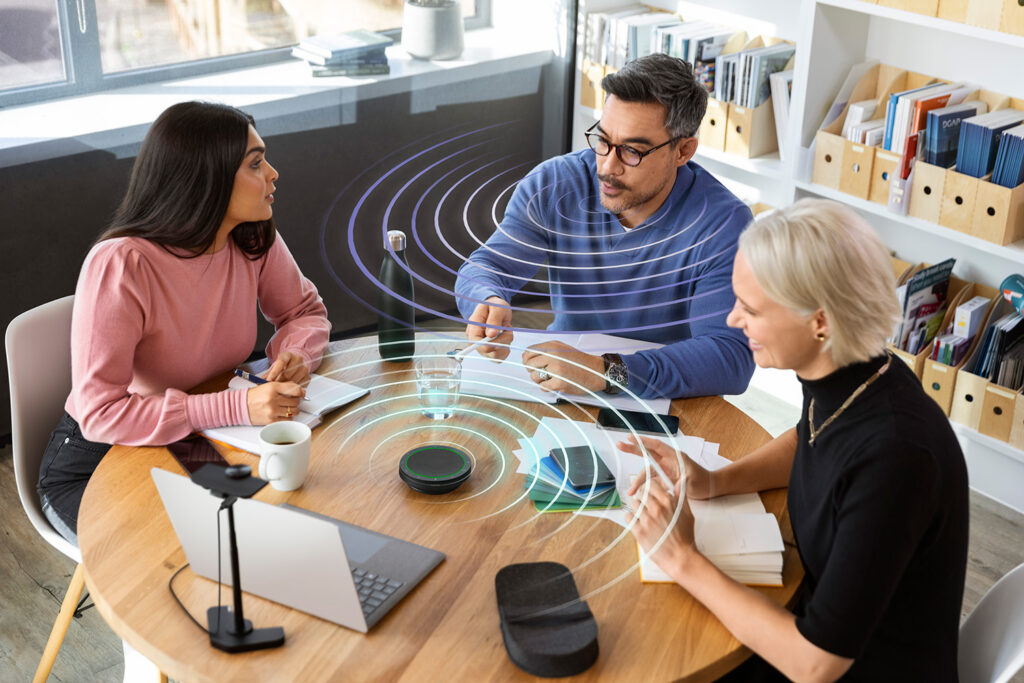
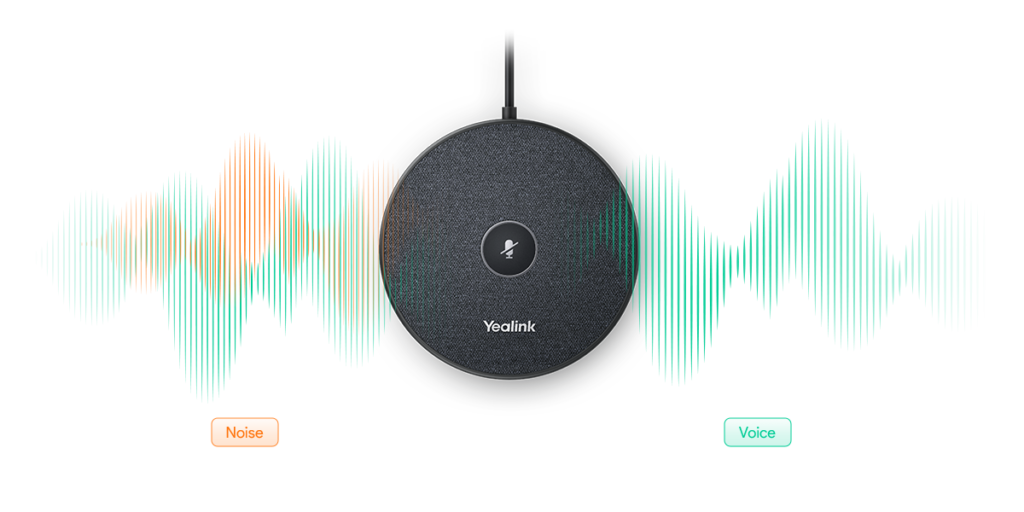
Modern video conferencing microphones use technologies such as beamforming and intelligent signal processing to focus on the speaker’s voice while minimizing background noise. The result is natural conversation without having to raise your voice or worry about words and sentence endings being cut off.
✅ Effective echo cancellation
Conference rooms often feature hard surfaces such as glass, concrete, and large tables that reflect sound. Advanced echo cancellation technologies help reduce unwanted acoustic reflections and improve speech intelligibility for both in-room and remote participants.
✅ The right pickup pattern
Depending on the table layout and number of participants, different types of microphones can be used:
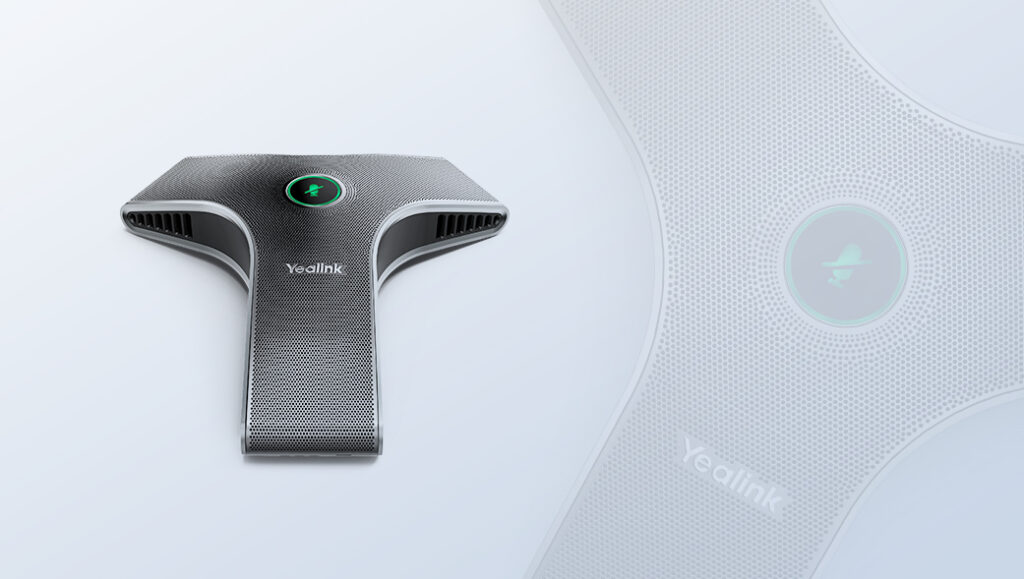
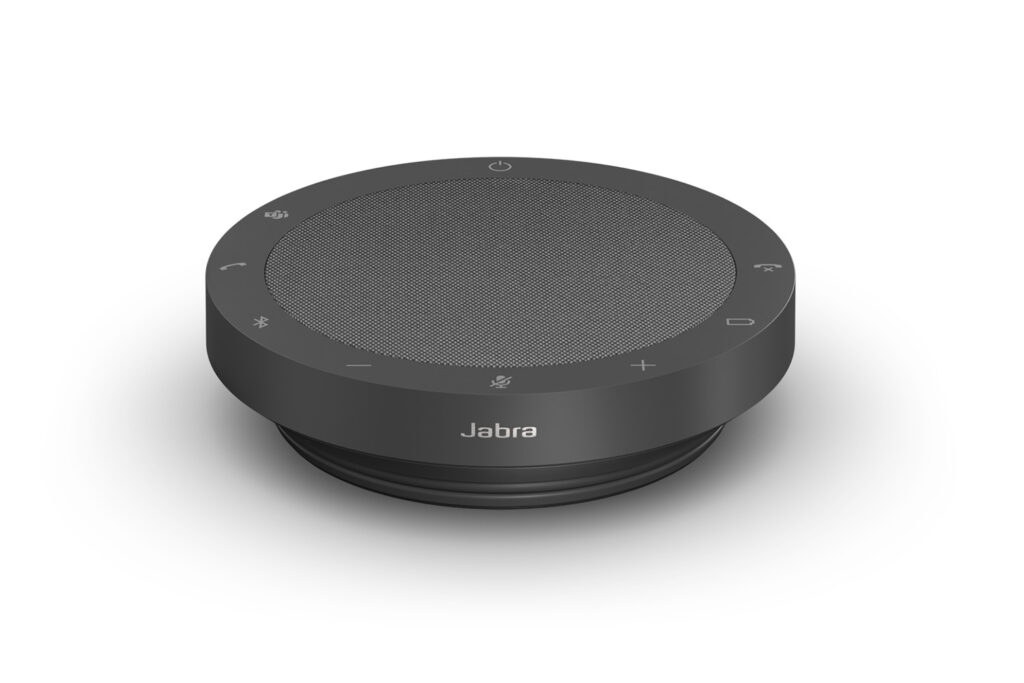
- tabletop microphones, either standalone or daisy-chained
- ceiling microphones
- directional microphones
- microphones integrated into video bars
Selecting the right microphone type is essential to achieving consistent audio quality throughout the video conferencing system.
✅ Flexible configuration
Professional microphones can be deployed:
- as part of an all-in-one video conferencing system
- within modular AV systems
- in large meeting rooms with multiple audio pickup points
We design solutions so that microphones work seamlessly with cameras, speakers, and collaboration platforms, including Microsoft Teams, Zoom, and Webex.
✅ Easy installation and operation
In many cases, plug-and-play solutions can be deployed for quick and straightforward installation. For more advanced meeting rooms, we provide professional system configuration and calibration, ensuring users can start meetings quickly and intuitively without having to manage complex AV settings.
Why invest in professional conference microphones?
✅ Better communication – clear, natural audio with minimal background noise and interference
✅ More effective meetings – fewer repetitions, misunderstandings, and communication issues
✅ A more professional business image – especially during client meetings, presentations, and important business conversations
✅ The right solution for every room – different meeting spaces require different microphone configurations, from small meeting rooms to large boardrooms
✅ Fewer technical issues – reliable performance and seamless integration with the entire video conferencing system
Selected solutions and example models
Professional microphones for conference rooms
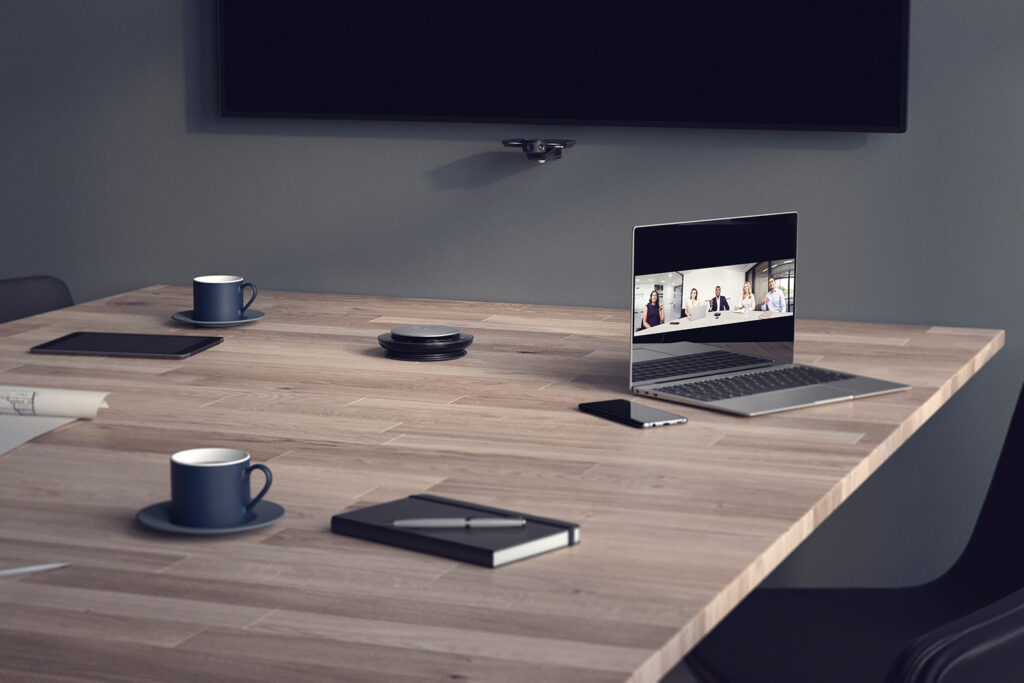
Video conferencing microphones by meeting room size
🔵 Small meeting rooms (2–5 people)
In smaller meeting rooms, microphones integrated into all-in-one video bars or a single tabletop microphone are often sufficient. The key is to ensure consistent voice pickup throughout the room while effectively reducing echo and background noise.
🔵 Medium meeting rooms (6–10 people)
For medium-sized meeting rooms, we recommend directional microphones or systems with multiple audio pickup points. These solutions provide consistent voice coverage and clear communication without requiring participants to raise their voices.
🔵 Large meeting rooms (10–20+ people)
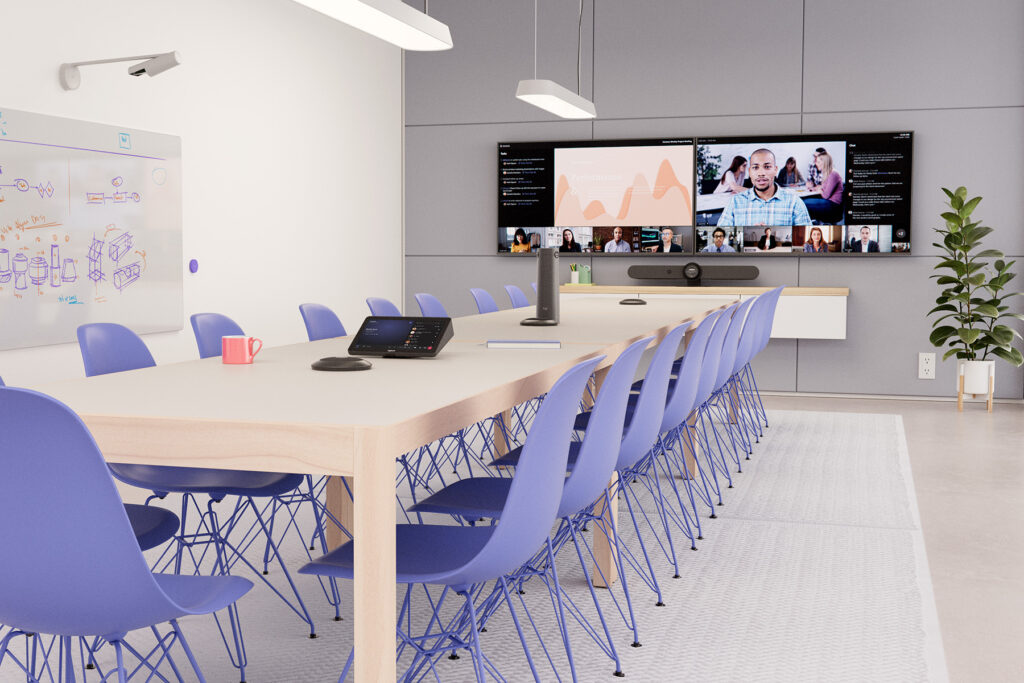
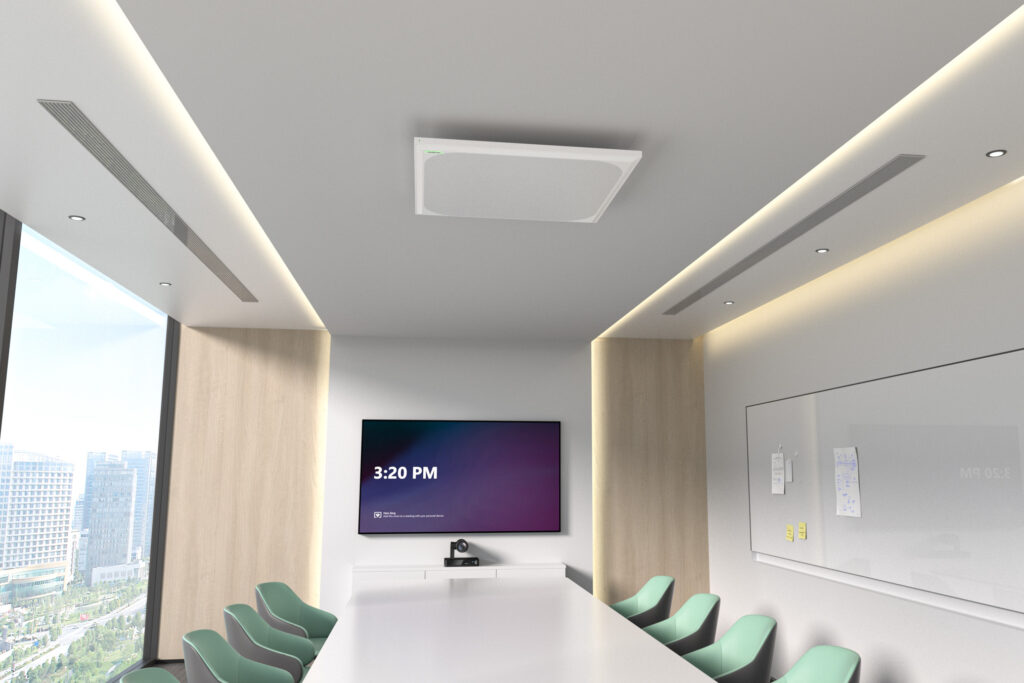
For larger spaces, ceiling microphone arrays or multi-microphone systems provide comprehensive room coverage and can intelligently focus on active speakers. In these environments, professional design and configuration of the entire audio system are essential to ensure consistent sound quality for both in-room and remote participants.
Professional conference room audio systems
High-quality microphones are only one part of a successful audio setup. To ensure natural and comfortable communication for everyone in the meeting, the room also needs a properly designed professional audio system.
In small meeting rooms, audio is often handled by all-in-one video bars with integrated speakers. In medium and large spaces, however, a professionally designed audio system is essential to provide consistent sound coverage throughout the room.
A properly configured system eliminates situations where the sound is too loud at the front of the room and too quiet at the back, improving speech intelligibility and significantly enhancing the overall hybrid meeting experience.
Depending on the size and acoustic characteristics of the room, the system may include:
🔵 ceiling or wall-mounted speakers
🔵 column speaker systems for larger spaces
🔵 DSP processors for advanced audio processing, echo cancellation, and acoustic optimization
🔵 amplifiers selected according to the room and speaker configuration
Audio system selection and deployment with Nomacom AV
We don’t recommend products at random. We analyze:
✅ room size and acoustic conditions
✅ number of participants
✅ table and display layout
✅ video conferencing platform
Based on these factors, we recommend an audio solution tailored to the specific requirements of your meeting room, selecting the right microphones, speakers, DSP processors, and other components to ensure clear, consistent, and reliable communication.
👉 Contact us – we’ll help you select the right video conferencing microphone for your meeting room and collaboration platform (Microsoft Teams / Zoom / Webex).
Find out more:
Video conferencing cameras
Cisco • HP Poly • Jabra • Logitech • Neat • Yealink
Video quality during online meetings has a direct impact on communication, decision-making, and team effectiveness. That’s why a video conferencing camera is not simply an accessory, but a key component of a professional AV system – especially in conference rooms, hybrid workspaces, and boardrooms.
At Nomacom AV, we select and deploy professional video conferencing cameras tailored to room size, number of participants, and the way meetings are conducted. We offer solutions from leading manufacturers, including Logitech, Jabra, Yealink, Cisco, HP Poly, Neat, and Crestron.
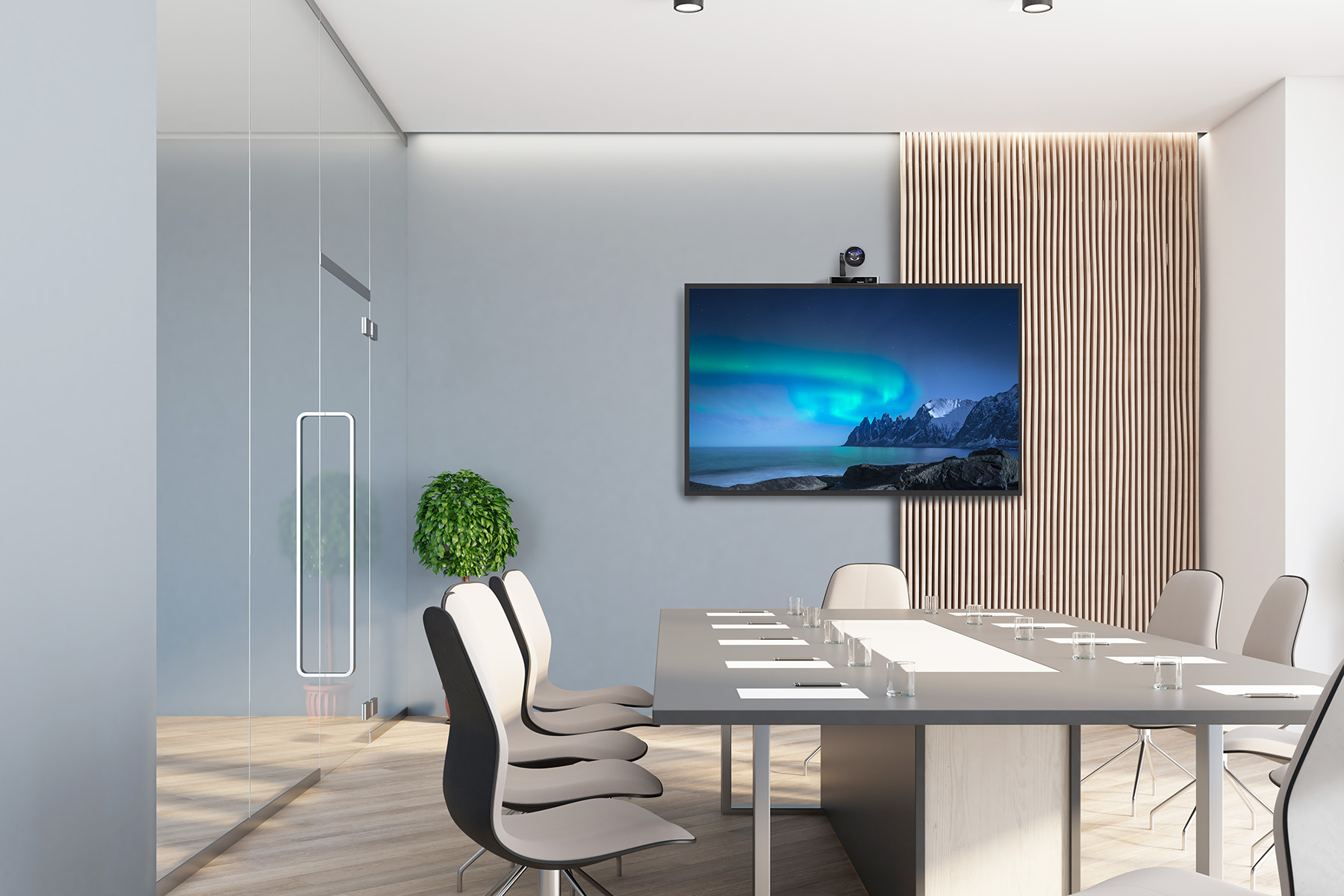
What should a professional video conferencing camera offer?
✅ High resolution and advanced optics
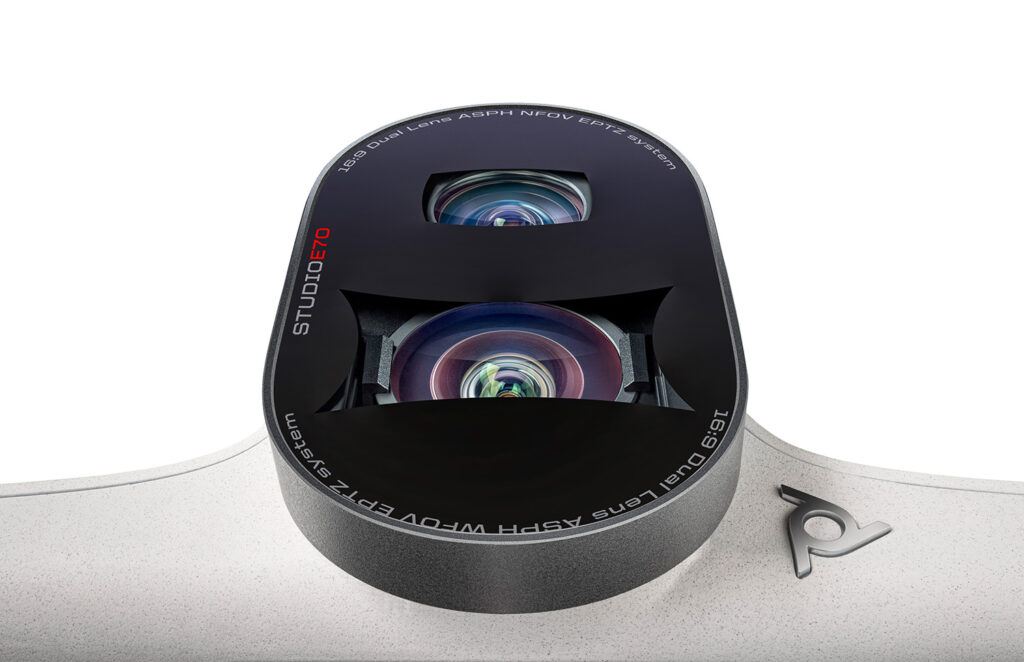
Modern video conferencing cameras deliver Full HD or 4K resolution, wide fields of view, and automatic focus adjustment. Depending on the room size and distance from the meeting table, we also select the appropriate optical or digital zoom to ensure that faces, expressions, and gestures remain clearly visible to remote participants.
✅ Clear video even in challenging lighting conditions
Meeting rooms often have mixed lighting from windows, artificial lights, and displays. That’s why effective image processing and accurate color reproduction are essential. Professional cameras are designed to perform reliably in these conditions, delivering natural-looking video without dark areas or loss of detail.
✅ Intelligent framing and speaker tracking
Features such as auto-framing and active speaker tracking make meetings more dynamic and engaging. Remote participants can clearly see what’s important—the person speaking, a group of participants, or the entire room—without anyone having to control the camera manually.
✅ Easy installation and quick setup
Many models support plug-and-play connectivity, while for complete meeting room deployments, we configure the system to make everyday operation as simple as possible. Users can start or join meetings quickly and intuitively, without requiring IT support every time.
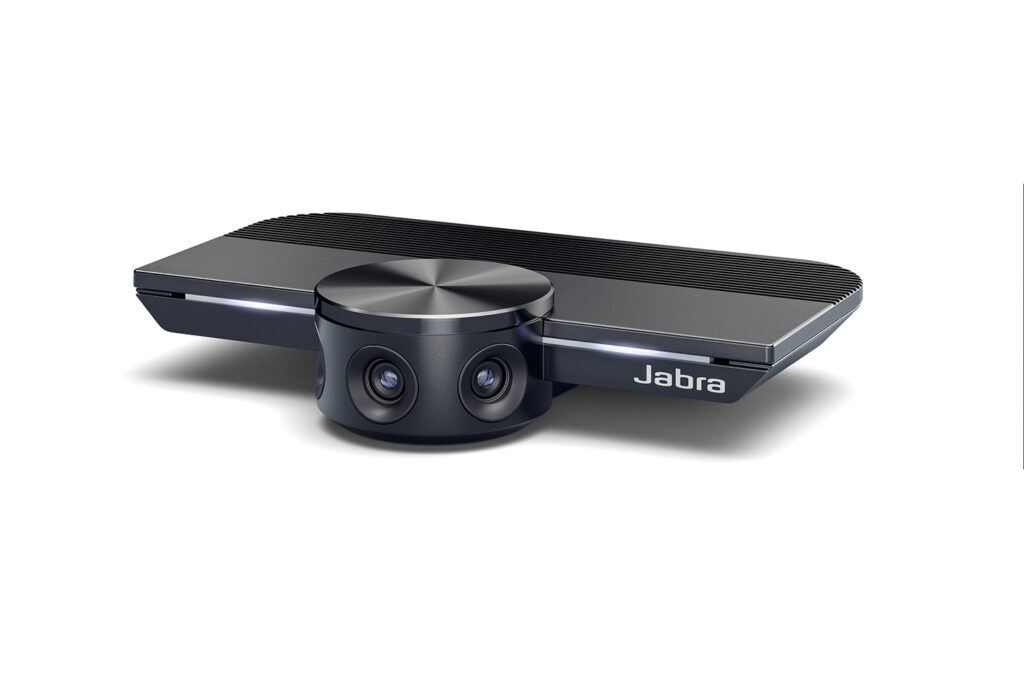
What are the benefits of a professional video conferencing camera?
✅ More comfortable meetings – participants are clearly visible, making communication feel more natural and engaging
✅ Better team collaboration – especially in hybrid work environments and project-based teamwork
✅ More professional client meetings – high-quality video makes a difference in sales conversations and business meetings
✅ The right solution for every room – different meeting spaces require different cameras, from small meeting rooms to conference rooms for 10–20 participants
✅ Fewer technical issues – reliable performance and intuitive operation mean less troubleshooting and frustration for users
Video conferencing cameras – example solutions
We select the right camera based on meeting room size, number of participants, and your preferred collaboration platform.
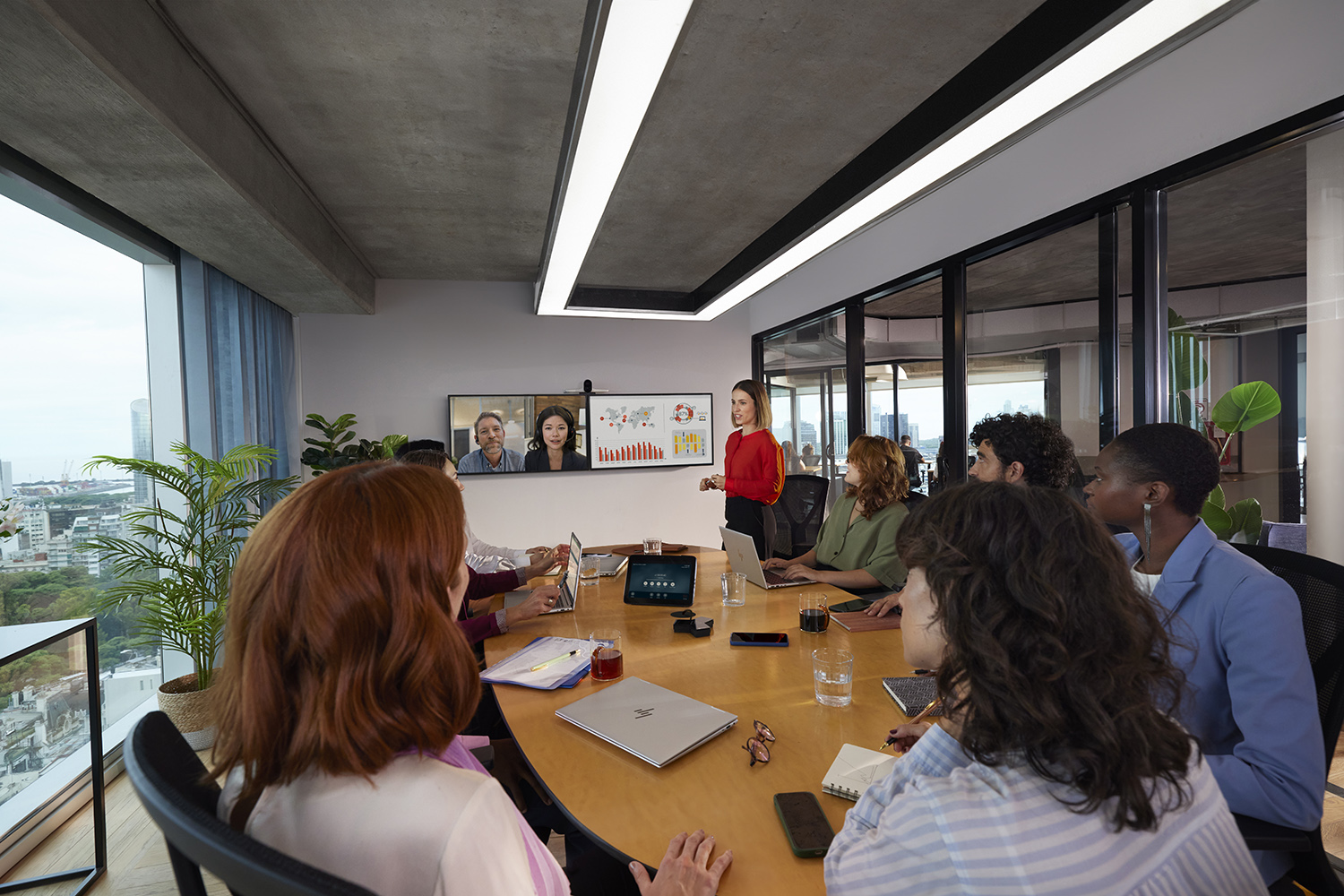
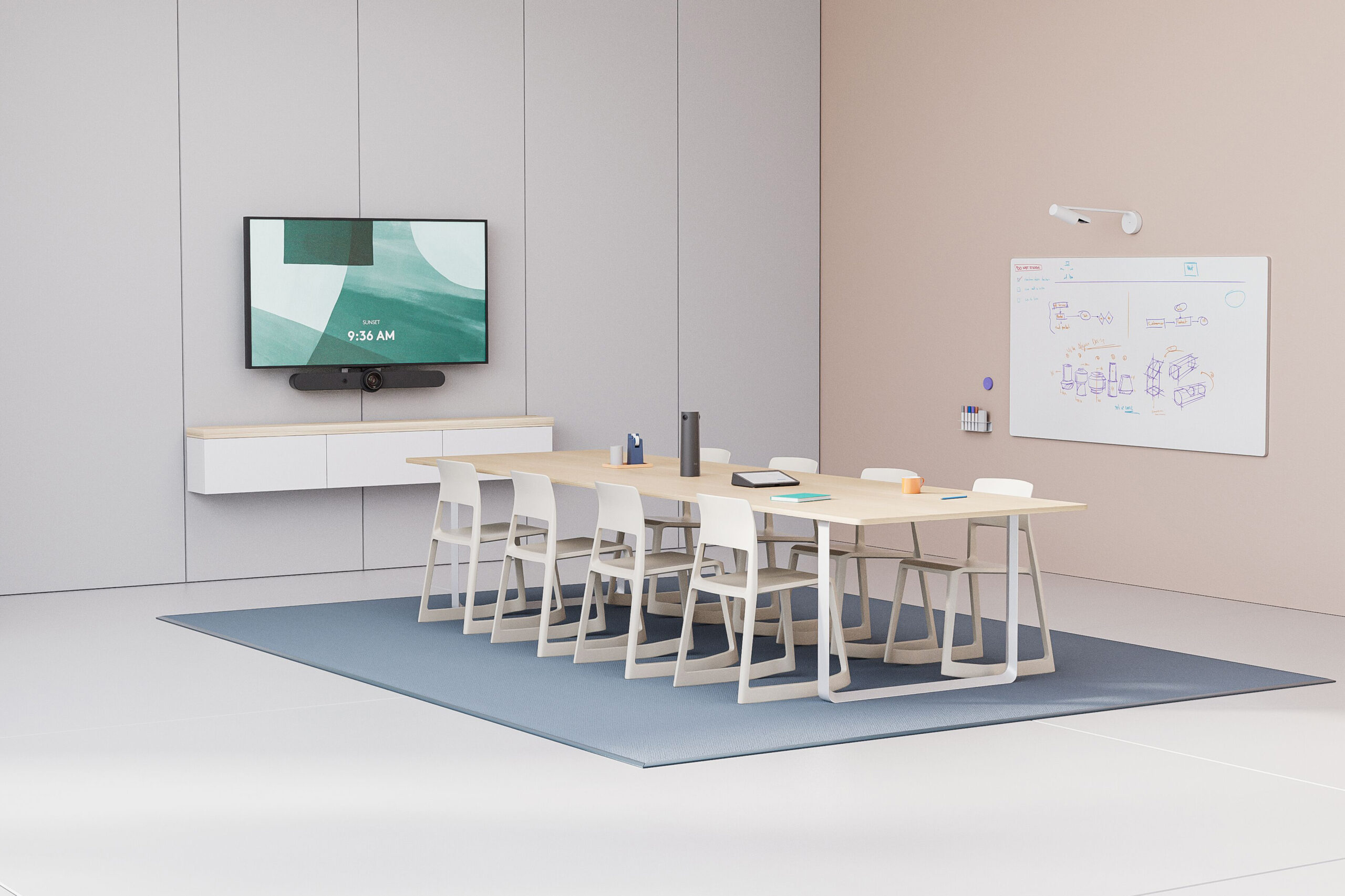
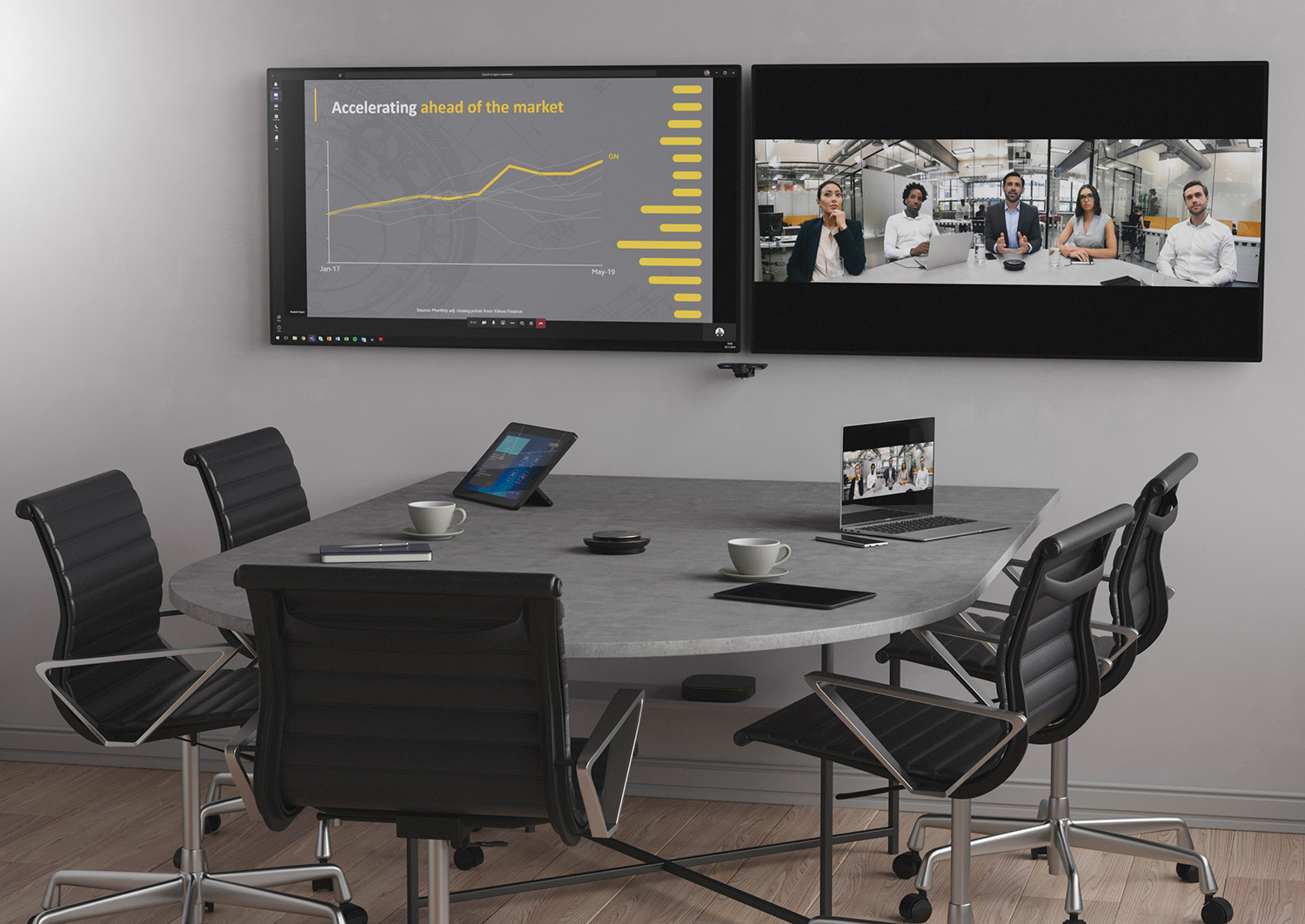
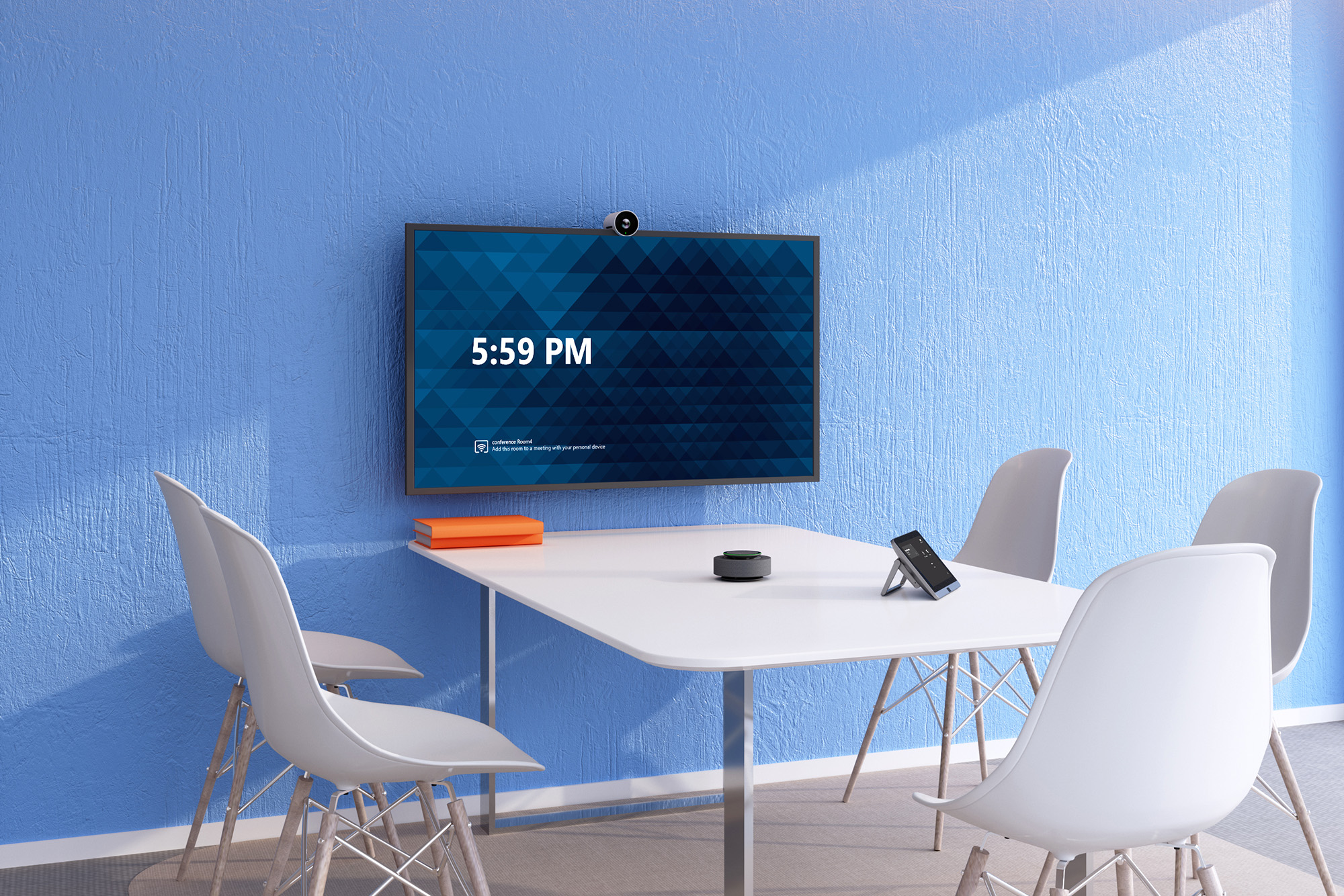
Video conferencing cameras by meeting room size
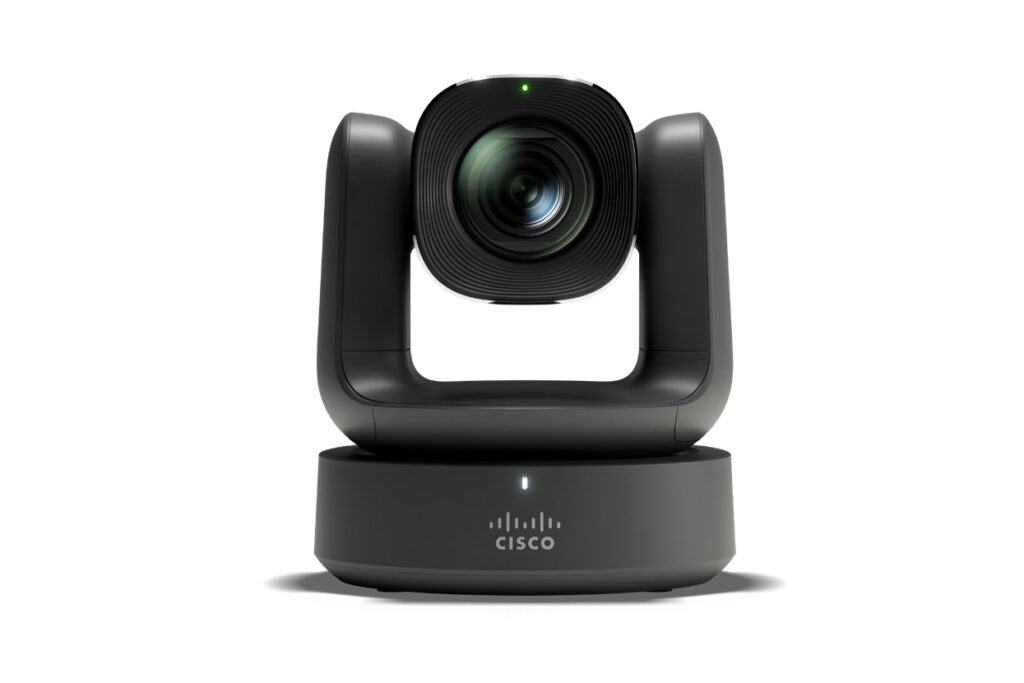
🔵 Small meeting rooms (2–5 people)
A camera with a wide field of view and automatic framing is ideal for smaller spaces where participants sit relatively close together. Key features include quick setup, reliable video performance, and natural-looking image quality.
🔵 Medium meeting rooms (6–10 people)
In medium-sized meeting rooms, it’s important to maintain clear video across the entire space and intelligently frame individual participants or groups. Depending on the table layout, we recommend cameras with advanced optics, intelligent zoom, and speaker or group tracking capabilities.
🔵 Large meeting rooms (10–20+ people)
For larger meeting rooms, we recommend cameras with advanced optics and greater zoom capabilities to keep participants clearly visible even when seated farther away. These spaces often require more advanced AV configurations, combining professional cameras with dedicated audio systems and additional AV components to provide a consistent meeting experience for everyone.
Video conferencing camera selection and deployment with Nomacom AV
We help you choose the right camera based on your specific meeting room requirements, including room size, table layout, distance from the display, and the way your meetings are conducted.
Where appropriate, we recommend integrated all-in-one video bars or modular configurations with additional microphones and professional audio systems.
👉 Contact us – we’ll help you select the right video conferencing camera for your meeting room and preferred collaboration platform, including Microsoft Teams, Zoom, and Webex.
Find out more:
Video bars – all-in-one video conferencing systems
Logitech • Jabra • Neat • Yealink • Cisco • HP Poly
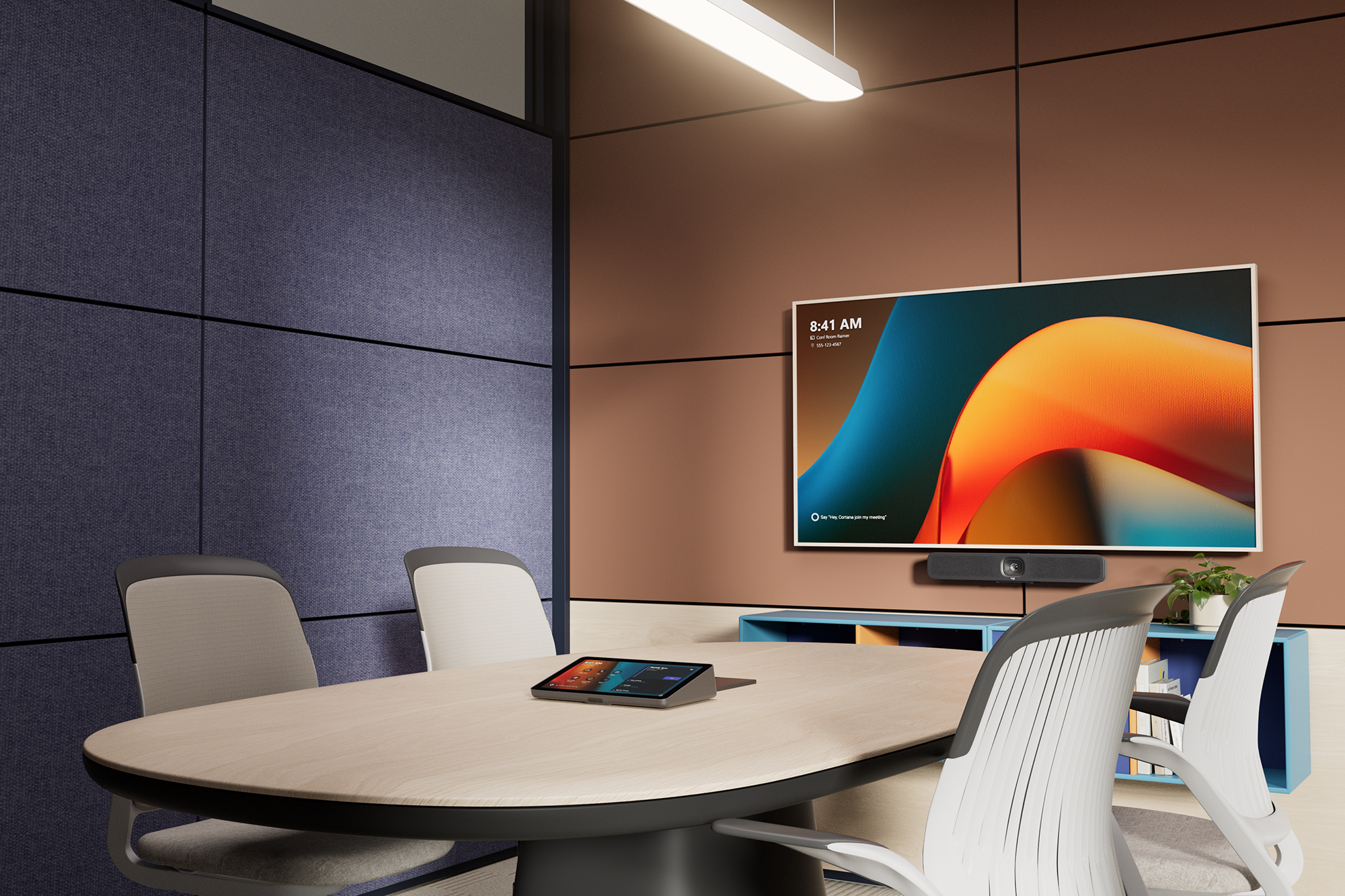
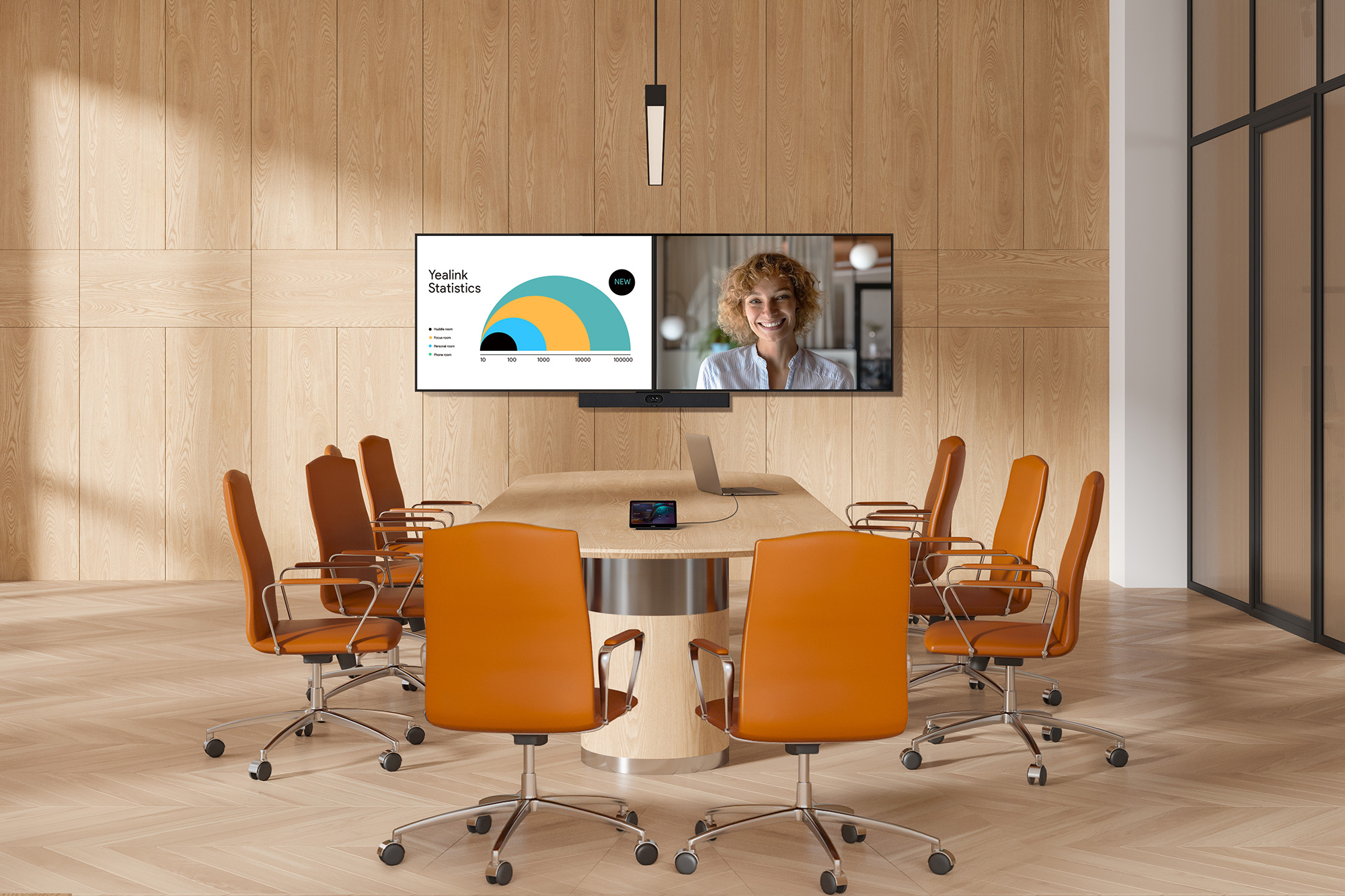
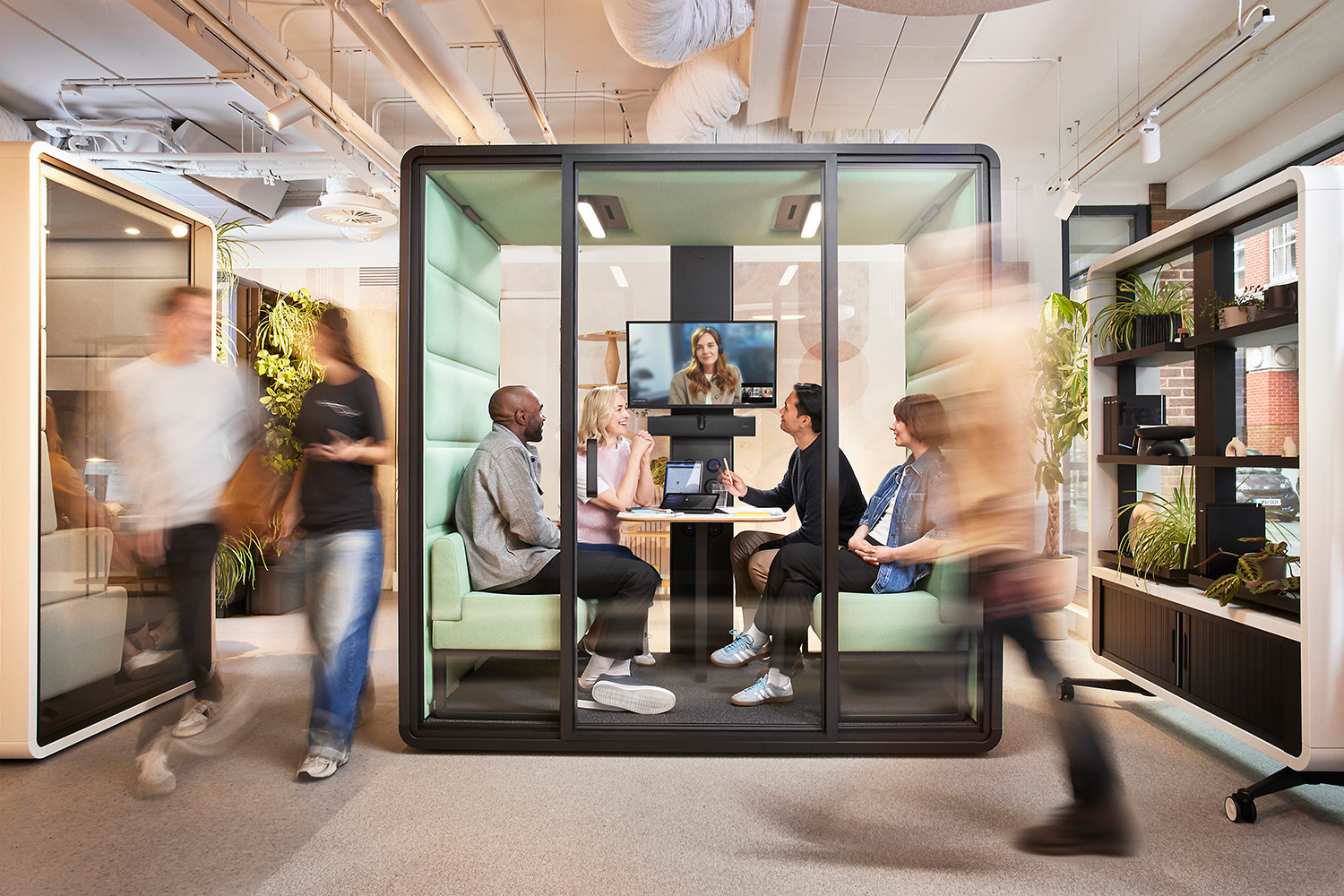
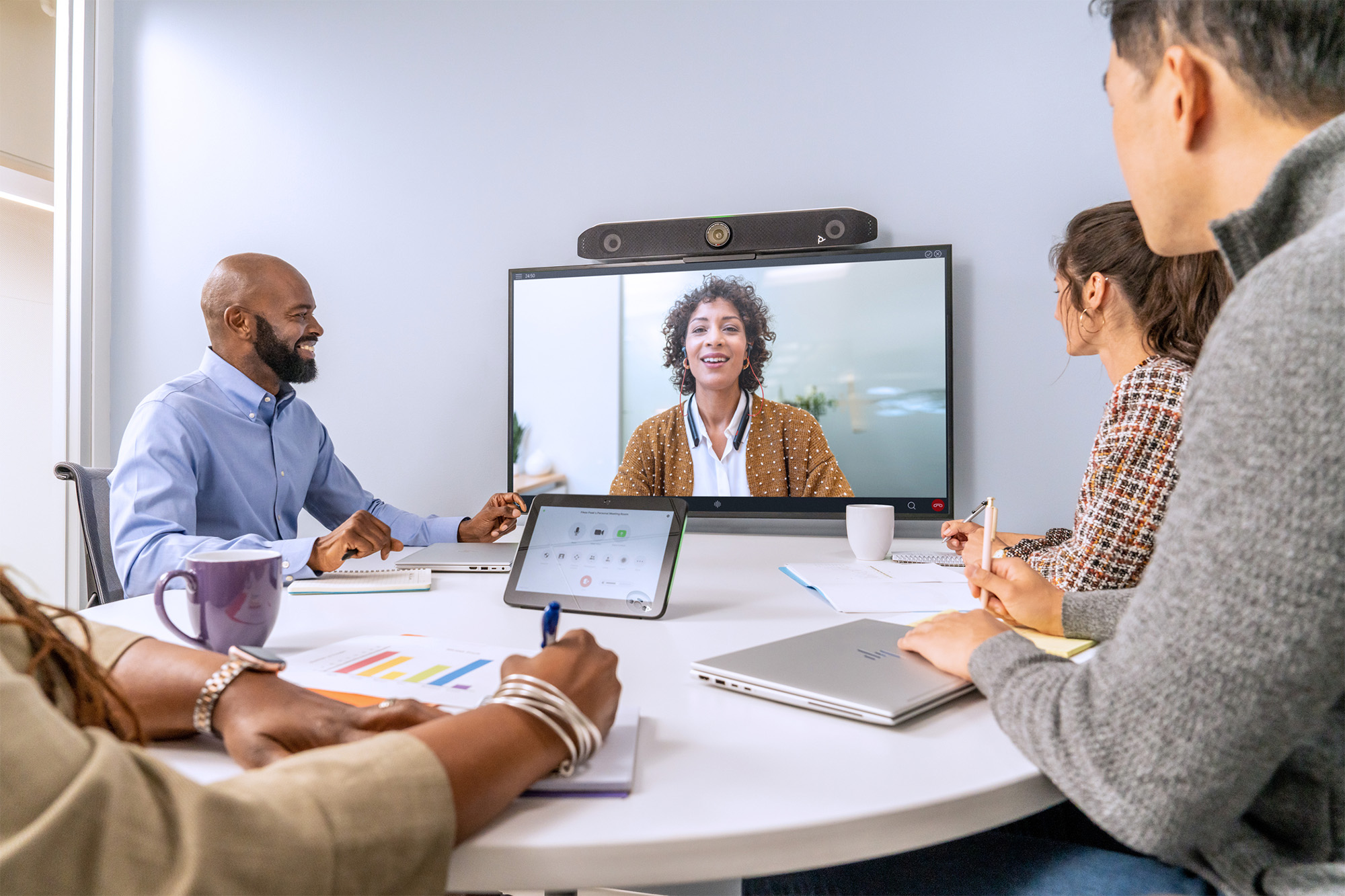
Video bars, also known as all-in-one video conferencing systems, are among the most popular solutions for modern meeting rooms. By combining a camera, microphones, and speakers in a single device, they make it quick and easy to set up professional video conferencing without the need to install multiple separate components.
At Nomacom AV, we supply and deploy video bars from leading manufacturers, including Logitech, Jabra, Yealink, Cisco, Neat, HP Poly, and Crestron. We select each solution based on room size, number of participants, and your team’s collaboration needs. Video bars are an ideal choice for small meeting rooms and huddle spaces, as well as medium-sized and large conference rooms.
What do all-in-one video bars offer?
✅ Professional video conferencing camera
All-in-one video bars feature Full HD or 4K cameras designed to deliver sharp, natural-looking video. Features such as automatic framing, active speaker tracking, and intelligent zoom keep participants clearly visible throughout the meeting—without the need to control the camera manually.
✅ Advanced microphones with noise reduction
Built-in microphones use advanced technologies such as beamforming, echo cancellation, and noise reduction to ensure participants’ voices remain clear and intelligible, even in challenging acoustic environments. This is essential for natural conversations where everyone should be heard without having to raise their voice.
✅ Integrated high-quality speakers
Integrated speakers reduce the need for additional audio equipment. They deliver clear, consistent sound throughout the meeting room, significantly improving the experience for both in-room and remote participants.
✅ Quick installation and intuitive operation
One of the biggest advantages of all-in-one video bars is their ease of deployment and everyday use. Depending on the model, they support popular collaboration platforms such as Microsoft Teams, Zoom, Google Meet, and Webex, allowing users to start and join meetings without complicated setup.
✅ Compact and modern design
With their modern, minimalist design, video bars integrate seamlessly into today’s offices and meeting rooms. A single device replaces multiple separate components, resulting in a cleaner setup, fewer cables, and a more professional meeting room environment.
Examples
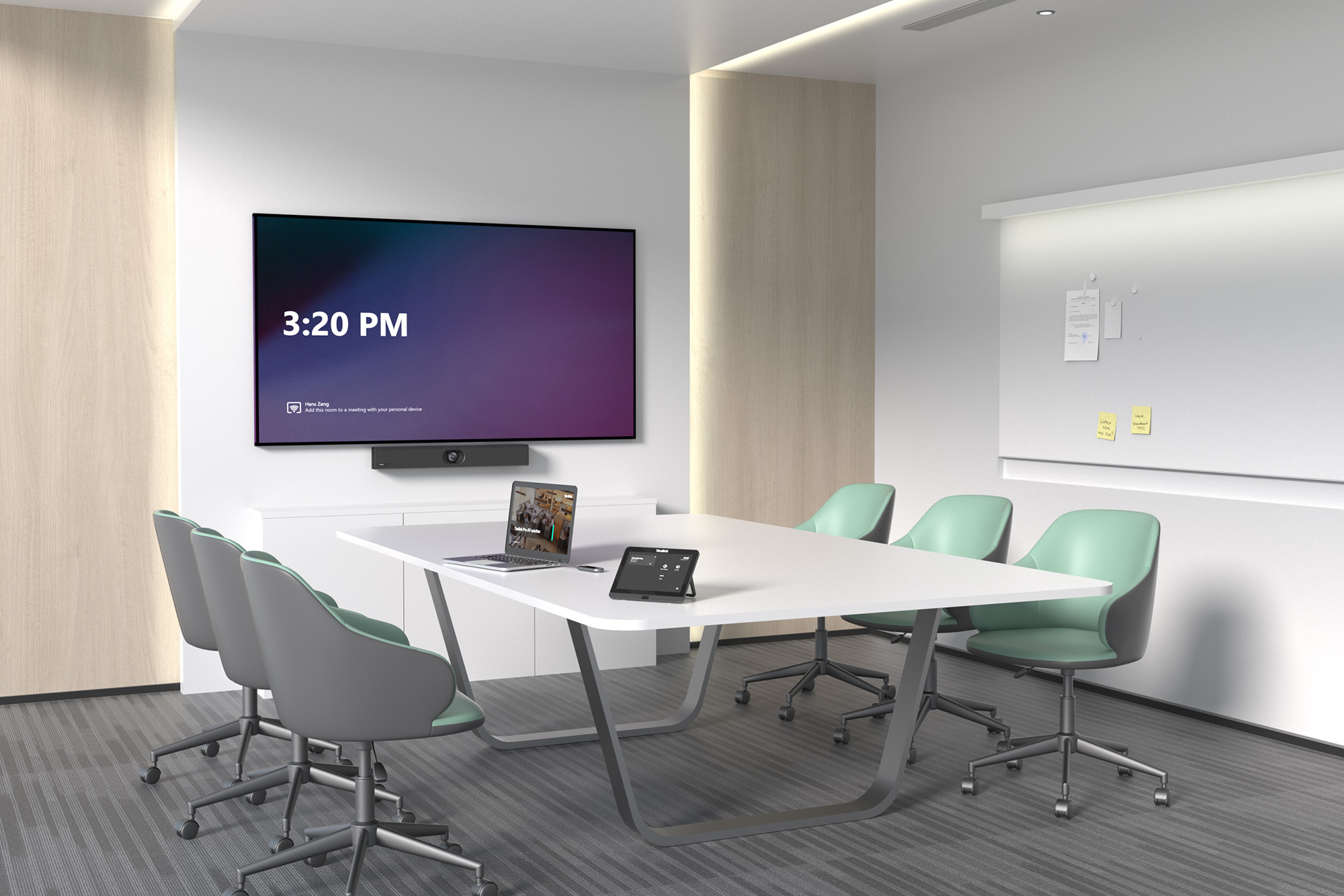
We select the right solution based on your meeting room size, number of participants, and preferred collaboration platform.
Why do businesses choose all-in-one video bars?
➡ One device instead of multiple components – camera, microphones, and speakers integrated into a single unit
➡ Solutions for every meeting room size – from small huddle spaces to larger conference rooms
➡ Lower deployment and maintenance costs compared with more complex modular AV systems
➡ Proven quality and reliability from leading manufacturers such as Logitech, Yealink, Poly, NEAT, Cisco, and Crestron
➡ Quick and easy video conferencing without requiring IT support for every meeting
Expert consulting and deployment with Nomacom AV
We don’t simply sell off-the-shelf products. We help you choose the right video bar for your specific business requirements, then take care of installation, configuration, and testing. This ensures your video conferencing system is reliable, intuitive, and ready to use from the very first meeting.
👉 Contact us to find the all-in-one video conferencing solution that best fits your meeting room and the way your team works.